User’s Manual 1PH HYD3000-HYD6000-ZSS
Rev. 1.1 16/03/2021
Identification: MD-AL-GI-00
Rev. 1.1 of 16/03/2021 - Application: GID
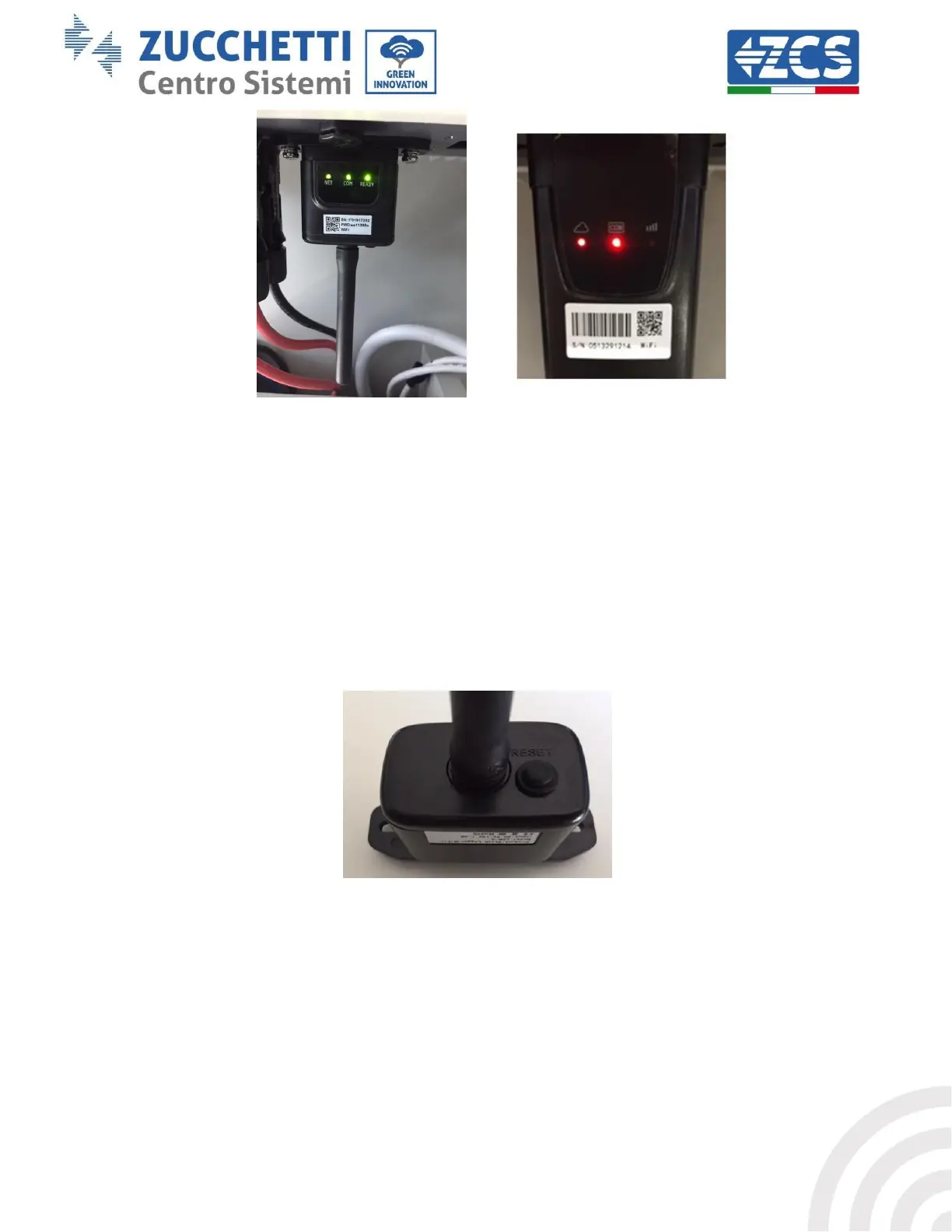
Figure 58 - Final status of LEDs
If the NET LED does not light up or if the Remote Server A option in the Status page still shows “Not
Connected”, the configuration was not successful, i.e. the wrong router password was entered or the
device was disconnected during connection.
It is necessary to reset the adapter:
- Press the Reset button for 10 seconds and release
- After a few seconds, the LEDs will turn off and READY will start to flash quickly
- The adapter has now returned to its initial state. At this point, the configuration procedure
can be repeated again.
The adapter can only be reset when the inverter is switched on.
Figure 59 – Reset button on the Wi-Fi adapter









 To Next Page