User’s Manual 1PH HYD3000-HYD6000-ZSS
Rev. 1.1 16/03/2021
Identification: MD-AL-GI-00
Rev. 1.1 of 16/03/2021 - Application: GID
- Restart the adapter:
• Press the reset button for 5 seconds and release
• After a few seconds, the LEDs will turn off and will start to flash quickly
• The adapter will now be reset without having lost the configuration with the router
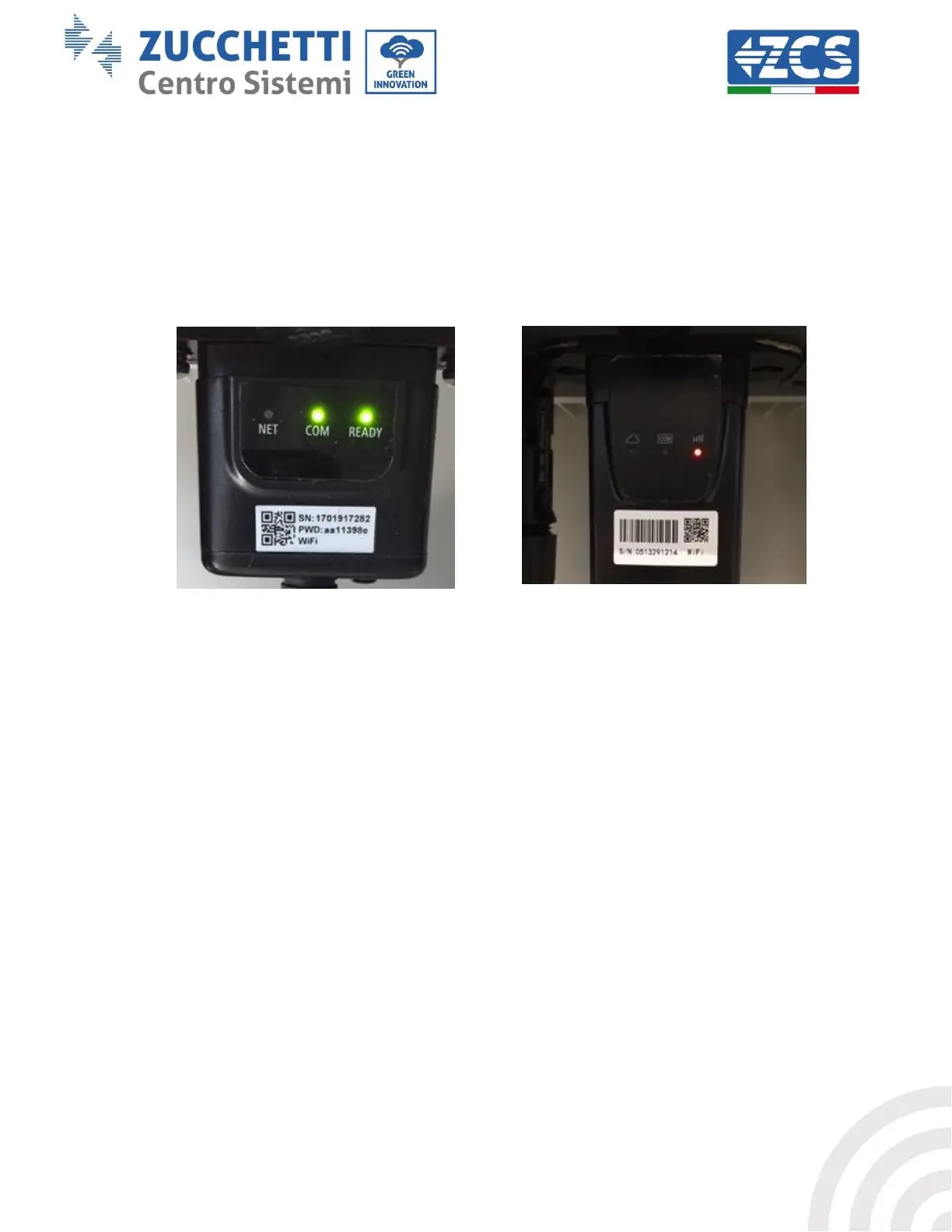
2) Irregular communication with remote server
- NET (left LED ): off
- COM (central LED): on
- READY (right LED): flashing on
Figure 62 - Irregular communication status between Wi-Fi and remote server
- Check that the configuration procedure has been carried out correctly and that the correct
network password has been entered.
- When searching for the Wi-Fi network using a smartphone or PC, make sure that the Wi-Fi
signal is strong enough (a minimum RSSI signal strength of 30% is required during
configuration). If necessary, increase it by using a network extender or a router dedicated to
inverter monitoring.
- Check that the router has access to the network and that the connection is stable; check that a
PC or smartphone can access the Internet
- Check that port 80 of the router is open and enabled to send data
- Reset the adapter as described in the previous section
If, at the end of the previous checks and subsequent configuration, Remote server A is still “Not
Connected” or the NET LED is off, there may be a transmission problem at the home network level
and, more specifically, that data between the router and server is not being transmitted correctly. In
this case, it is advisable to carry out checks at the router level in order to ensure that there are no
obstructions on the output of data packets to our server.
To make sure that the problem lies in the home router and to exclude problems with the Wi-Fi
adapter, configure the adapter using the Wi-Fi hotspot function on your smartphone as a reference
wireless network.









 To Next Page