User’s Manual 1PH HYD3000-HYD6000-ZSS
Rev. 1.1 16/03/2021
Identification: MD-AL-GI-00
Rev. 1.1 of 16/03/2021 - Application: GID
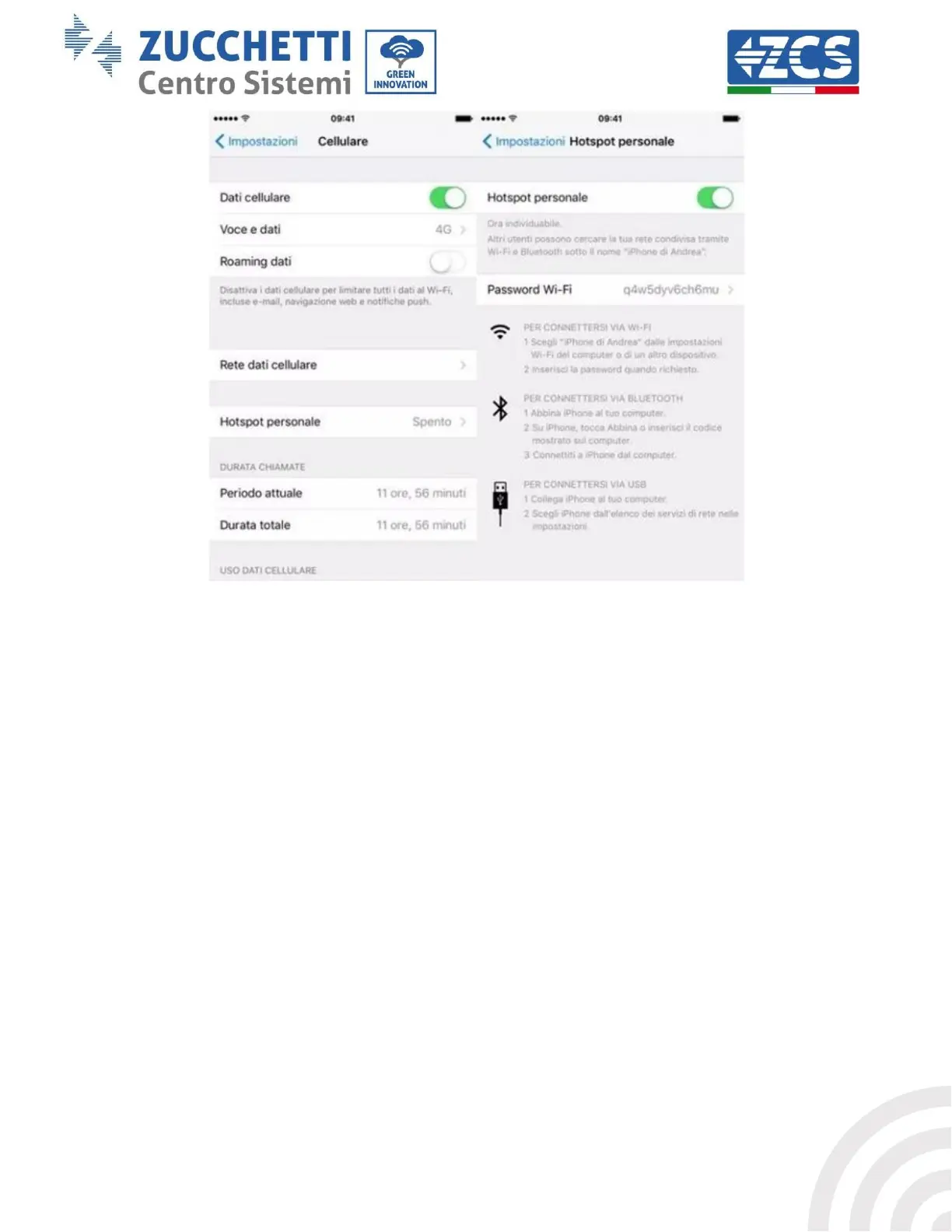
Figure 64 - Configuration of an iOS smartphone as a hotspot router
At this point, it is necessary to re-configure the Wi-Fi adapter using a PC or smartphone other than
the one used as a modem.
During this procedure, when asked to select the Wi-Fi network, choose the one activated by the
smartphone and then enter the password associated with it (which can be changed from the personal
hotspot settings). If at the end of configuration, “Connected” appears next to “Remote Server A”, then
the problem is with the home router.
It is therefore advisable to check the brand and model of the home router you are trying to connect to
the Wi-Fi adapter; some router brands may have closed communication ports. In this case, contact
the customer service of the router’s manufacturer and ask them to open port 80 (direct from the
network to external users).









 To Next Page