EXTERNALEQUIPMENT SETUP
AUDIO OUT CONNECTION
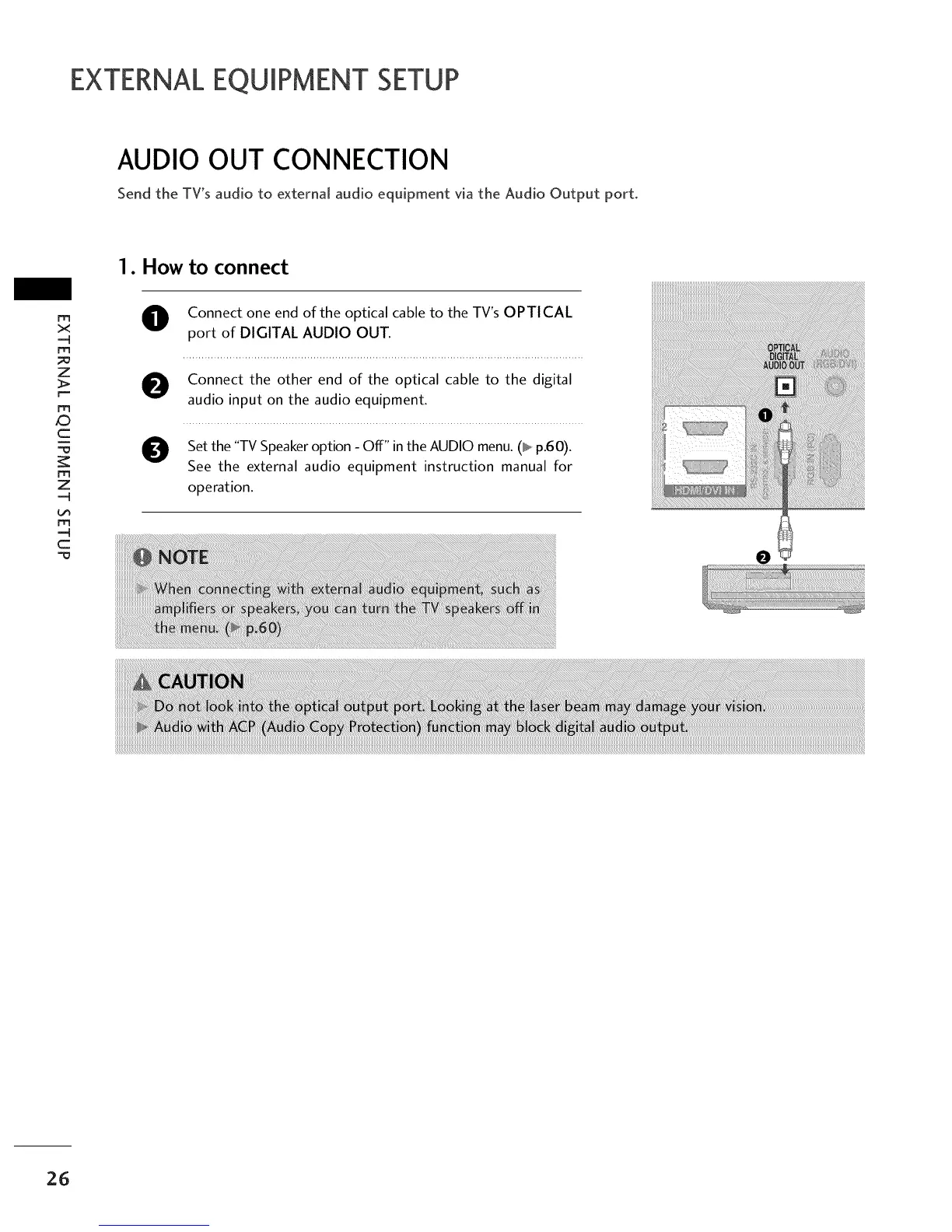
Send the TV's audio to external audio equipment via the Audio Output port.
1. How to connect
rrt
x
m
_o
z
>.
r--
m
c
"=0
m
z
m
c
O Connect one end of the optical cable to the TV's OPTICAL
port of DIGITAL AUDIO OUT.
O onnect the other end of the optical cable to the digital
audio input on the audio equipment.
O Set the "TV Speaker option - Off" in the AUDIO menu. (_ p.60).
See the external audio equipment instruction manual for
operation.
26



 To Next Page