PARENTALCONTROL / RATINGS
Parental Control can be used to block specific channels, ratings and other viewing sources.
The Parental Control Function (V-Chip) is used to block program viewing based on the ratings sent by the broad-
casting station. The default setting is to allow all programs to be viewed. Viewing can be blocked by choosing the
type of the program and the categories. It is also possible to block all program viewing for a time period. To use
this function, the following must be done :
1. Set ratings and categories to be blocked.
2. Specify a password
3. Enable the lock
V-Chip rating and categories
Rating guidelines are provided by broadcasting stations. Most television programs and television movies can be
blocked by TV Rating and/or Individual Categories. Movies that have been shown at the theaters or direct-to-
video movies use the Movie Rating System (MPAA) only.
Ratings for Television programs including made-for-TV movies-
0,_TV-G (General audience) 0,_TV-MA (Mature audience only)
0_TV-PG (Parental guidance suggested) 0_TV-Y (All children)
0fu_TV-14 (Parents strongly cautioned) 0fu_TV-Y7 (Children 7 years older)
r_l
z
N
O
z
O
z
SETPASSWORD& LOCKSYSTEM
Setting up Your Password
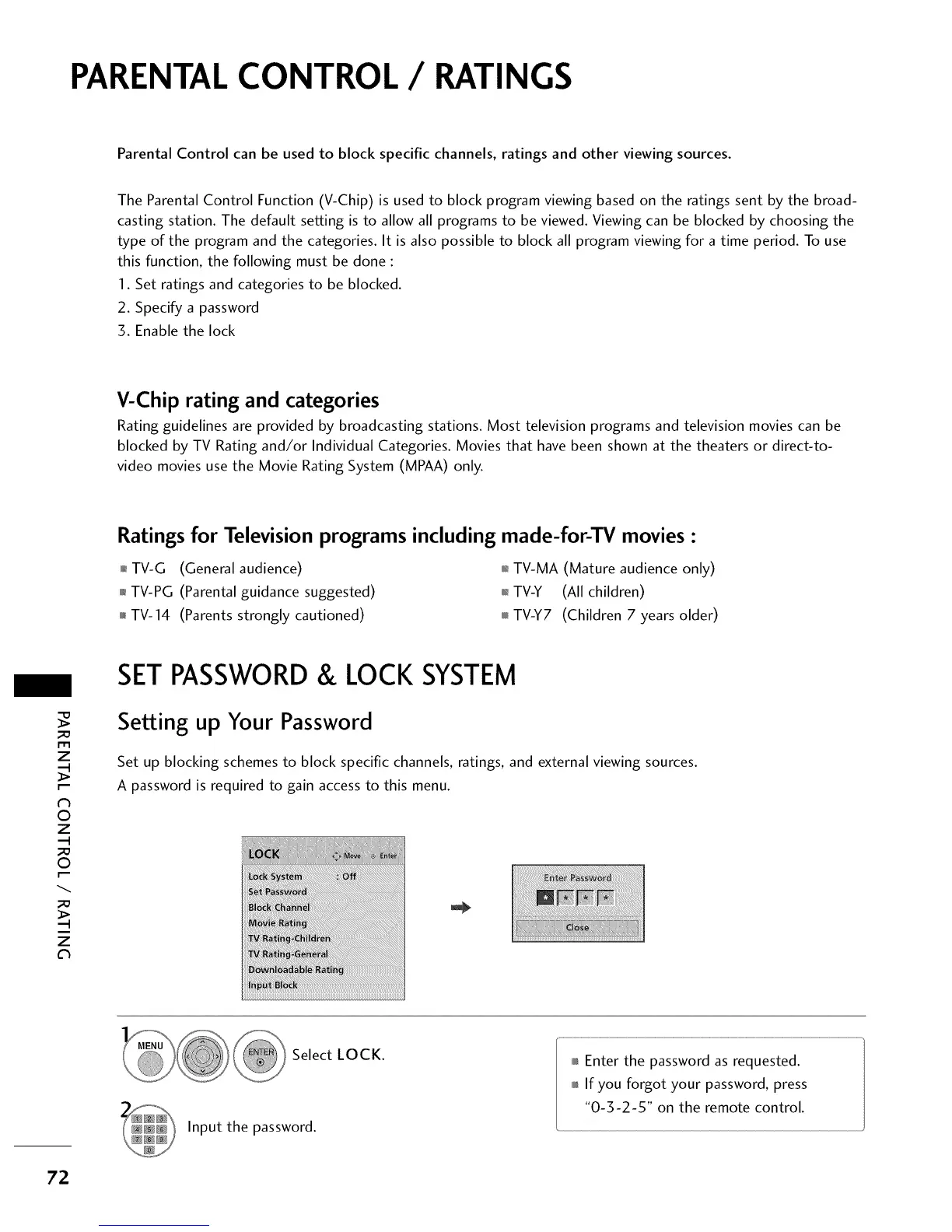
Set up blocking schemes to block specific channels, ratings, and external viewing sources.
A password is required to gain access to this menu.
Select LOCK.
Input the password.
0101_Enter the password as requested.
0101_If you forgot your password, press
"0-3-2-5" on the remote control.
72



 To Next Page