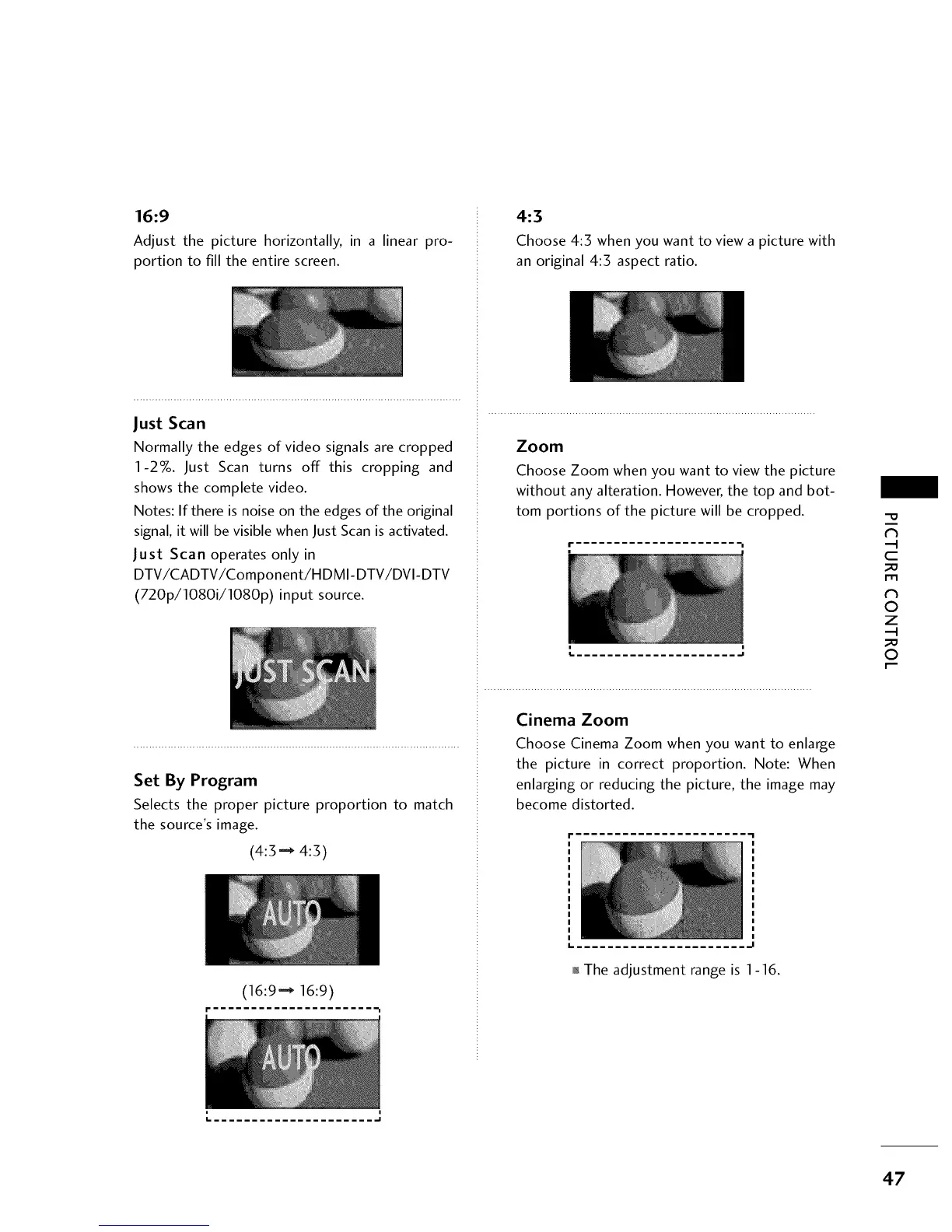
16:9
Adjust the picture horizontally, in a linear pro-
portion to fill the entire screen.
Just Scan
Normally the edges of video signals are cropped
1-27o. Just Scan turns off this cropping and
shows the complete video.
Notes: If there is noise on the edges of the original
signal, it will be visible when Just Scan is activated.
Just Scan operates only in
DTV/CADTV/Component/HDMI-DTV/DVI-DTV
(720p/1080i/1080p) input source.
Set By Program
Selects the proper picture proportion to match
the source's image.
(4:3"-* 4:3)
(16:9"-_ 16:9)
t
4:3
Choose 4:3 when you want to view a picture with
an original 4:3 aspect ratio.
Zoom
Choose Zoom when you want to view the picture
without any alteration. However, the top and bot-
tom portions of the picture will be cropped.
m m
Cinema Zoom
Choose Cinema Zoom when you want to enlarge
the picture in correct proportion. Note: When
enlarging or reducing the picture, the image may
become distorted.
I= ..... .I
oI_The adjustment range is 1-16.
?h
c
_o
m
?h
©
Z
_o
©
m
..... .I
47



 To Next Page