8
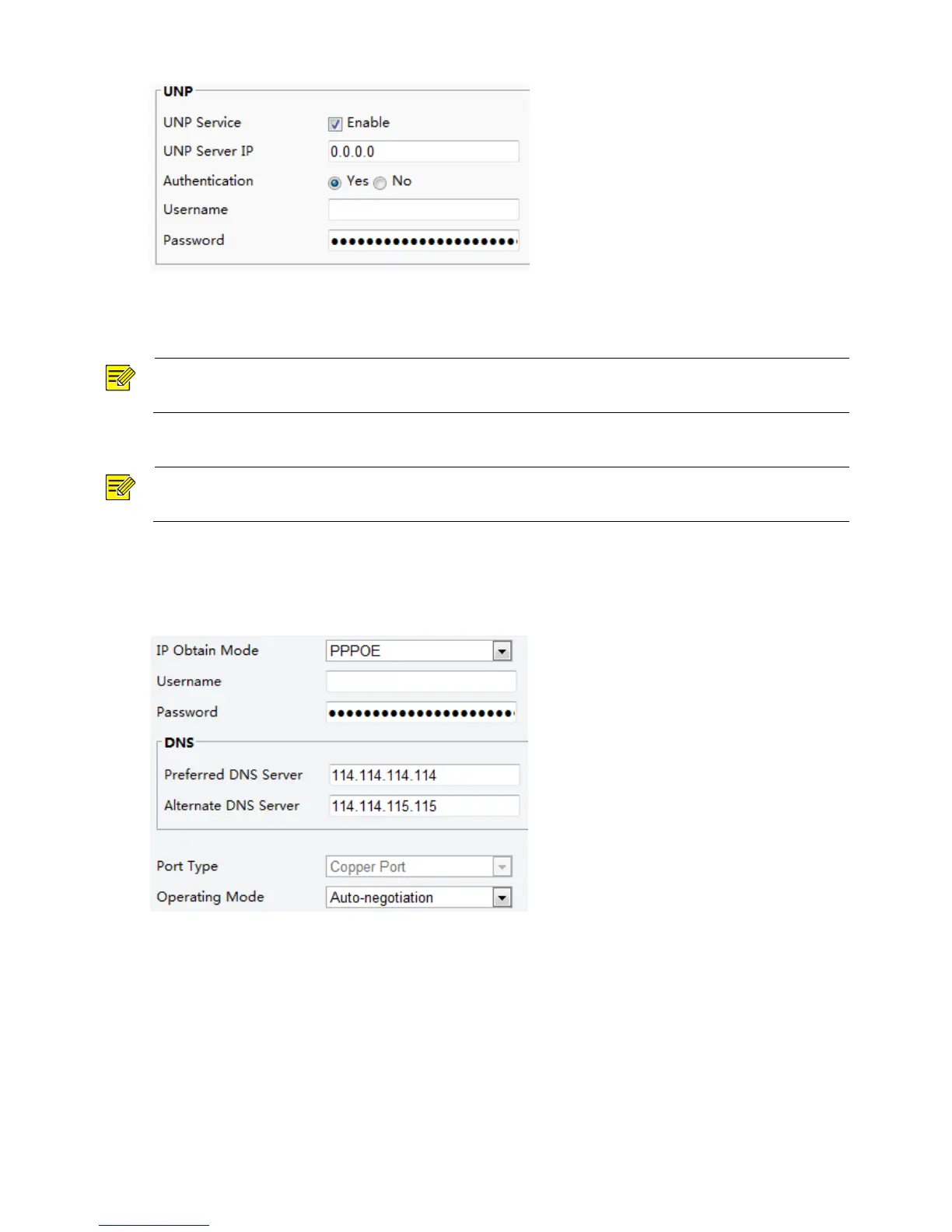
2. In the UNP Server IP text box, enter an IP address for the UNP server. Select Yes to enable
authentication, and then set the username and password for UNP authentication.
3. Click Save.
If the camera is connected to the network through Point to Point Over Ethernet (PPPoE), you need to select
PPPoE as the IP obtainment mode.
1. Click Setup > Network > TCP/IP.
2. Select PPPoE from the IP Obtain Mode drop-down list.
3. Enter the username and password provided by your internet Service Provider (ISP).
4. Click Save.
DHCP
The Dynamic Host Configuration Protocol (DHCP) is enabled by default when the camera is delivered. If a
DHCP server is deployed in the network, the camera can automatically obtain an IP address from the DHCP
server.
To manually configure DHCP, follow the steps below:
1. Click Setup > Network > TCP/IP.



 To Next Page