NOTE!
The image parameters displayed and value ranges allowed may vary with camera model. For the actual
parameters and value ranges of your camera, see the Web interface. You may move the sliders to adjust
settings or enter values in the text boxes directly.
Clicking Default will restore all the default image settings.
Setting the Scene
Set image parameters to achieve the desired image effects based on live video in different scenes.
Click Setup > Image > Image.
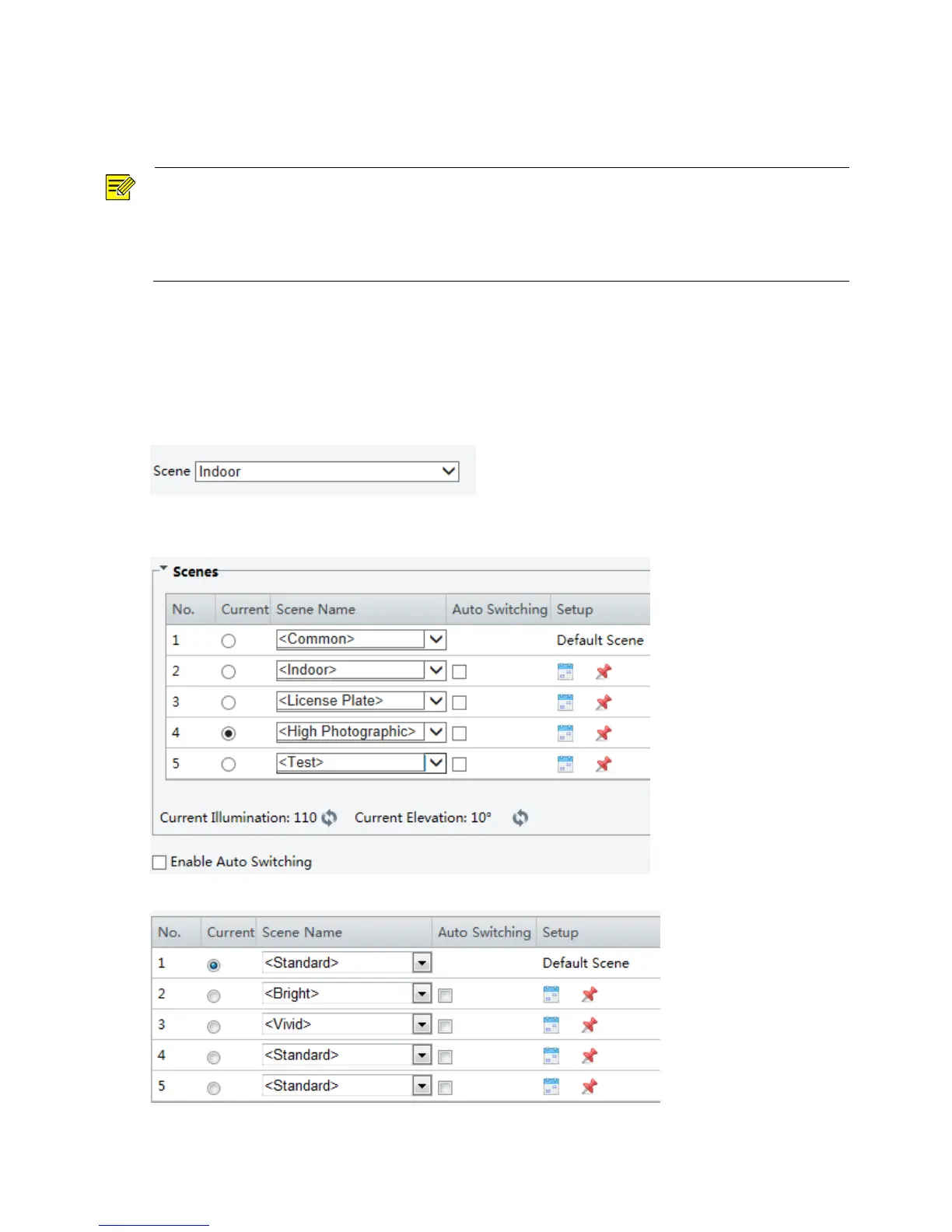
The scene management page for some models is displayed as follows, you can select the desired scene in
the drop-down list.
The scene management page of some models is displayed as follows, you can take the following steps to
configure the scene.
The Web interface of certain models is displayed as follows.
1. Click Scenes.



 To Next Page