28
Audio Configuration
Audio configuration means setting audio encoding parameters for your camera.
NOTE!
This function is not supported by some models, please see the actual model for details.
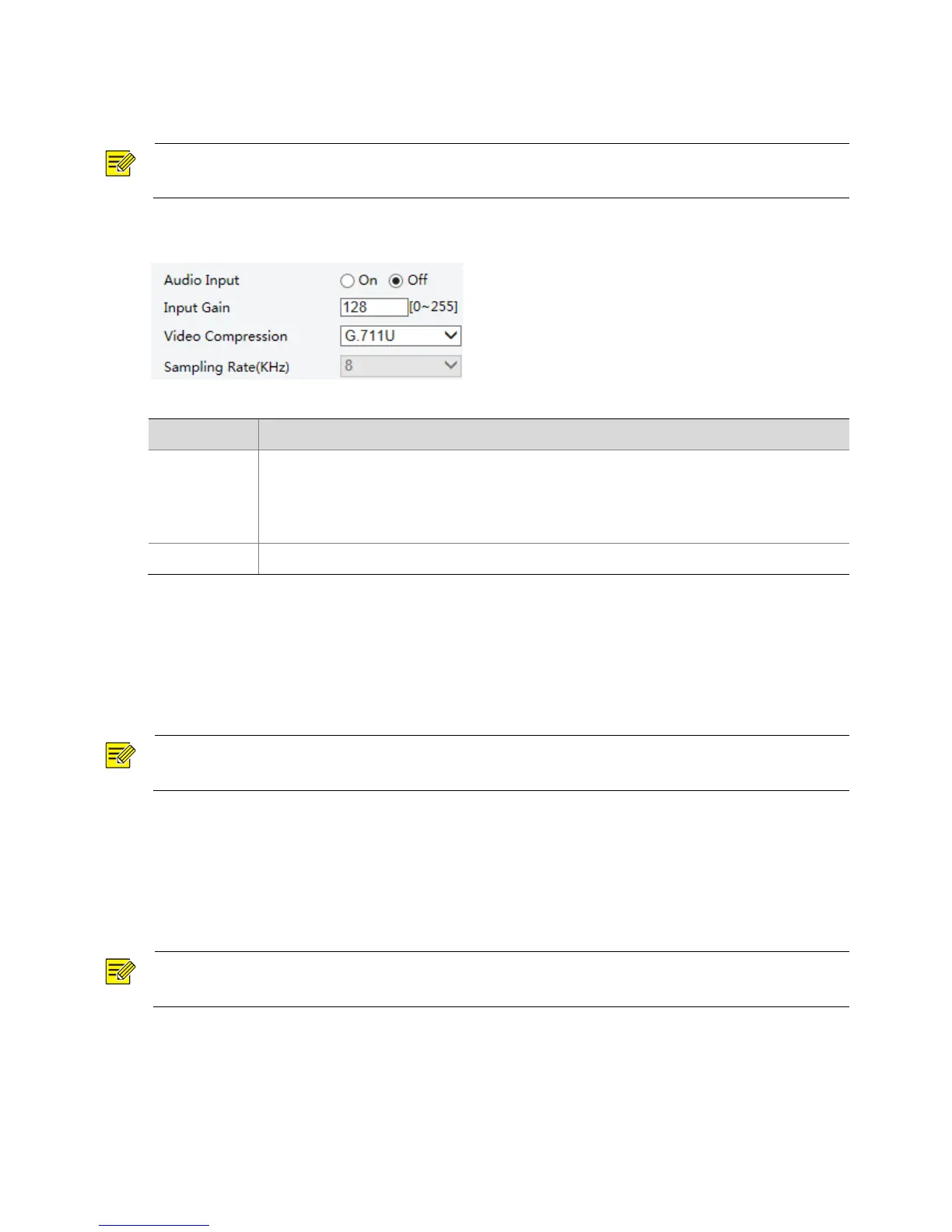
1. Click Setup > Video & Audio > Audio.
2. Modify the settings as required. The following table describes some major parameters.
No audio data will be encoded when Off is selected.
Note:
It is recommended to select Off if you do not need audio. This can improve device
performance to some extent.
Audio signal amplification for sampling. The greater the gain, the greater amplification.
3. Click Save.
ROI
When Region of Interest (ROI) is enabled, the system ensures image quality for ROI first if the bit rate is
insufficient.
NOTE!
This function is not supported by some models, please see the actual model for details.
1. Click Setup > Video & Audio > ROI.
2. To enable ROI, select the check box, and then use the mouse to draw an area that covers the object
you want to mask.
Media Stream Configuration
NOTE!
This function is only supported by certain models, please see the actual model for details.
Media Stream
You can display the established media streams from a camera. You may also set the camera so it transmits
code streams by the UDP or TCP protocol to a specified IP address and port number. The settings can be
saved and take effect after the camera is restarted.



 To Next Page