49
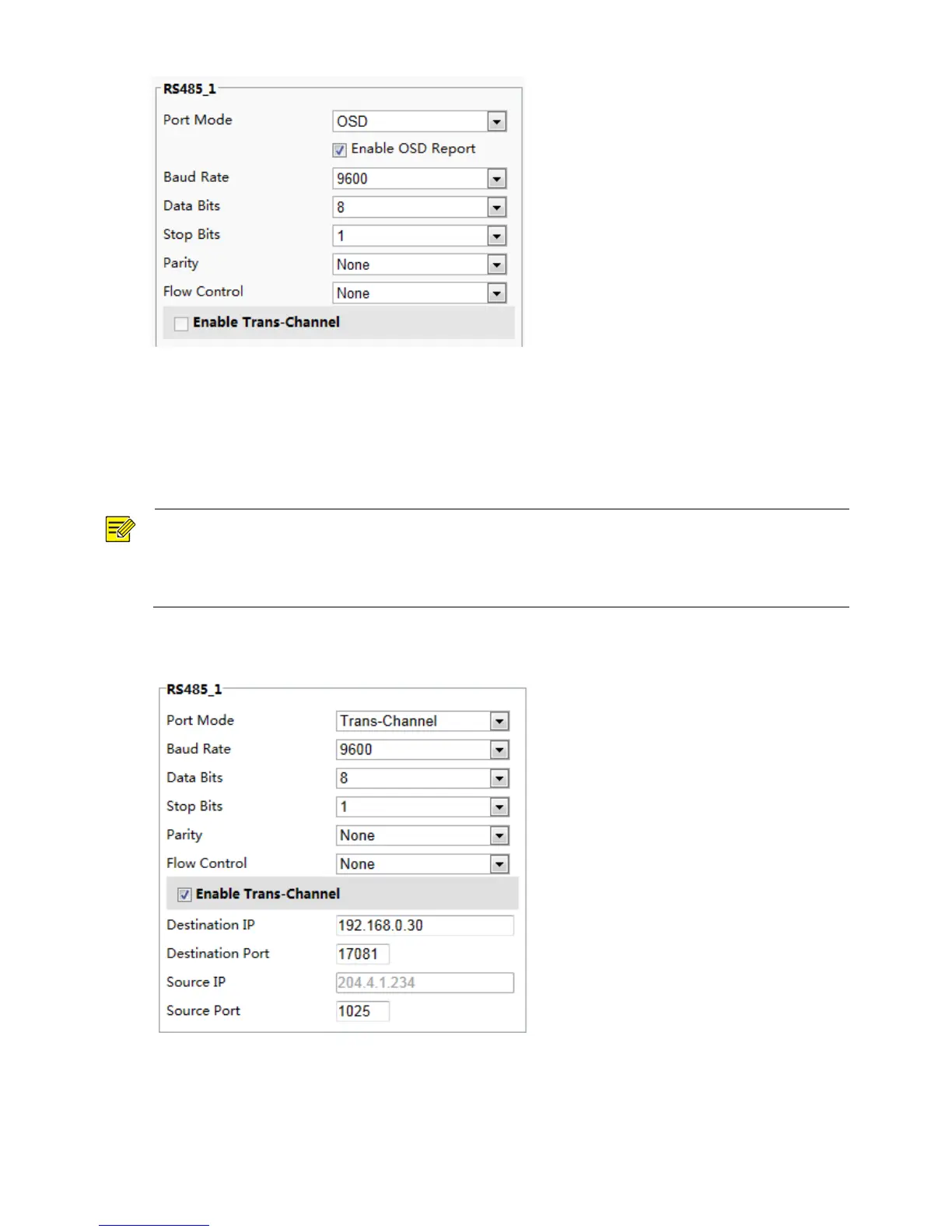
2. Select OSD from the Port Mode drop-down list and select Enable OSD Report. Then OSD data will be
reported to the management platform.
3. Click Save.
Transparent Channel Configuration
Transparent channel is mainly used to achieve transparent data transmission between two devices.
NOTE!
This function is not supported by some models, please see the actual model for details.
Make sure that you have set Port Mode to Trans-Channel for your camera.
The actual displayed Web interface may vary with the device model.
1. Click Setup > System > Ports & Devices, and then click the Trans-Channel tab.
2. Select Enable for Trans-Channel.
3. Enter the destination IP address and port number (IP address and port number that the transparent
channel connects to).
4. Click Save.



 To Next Page