38
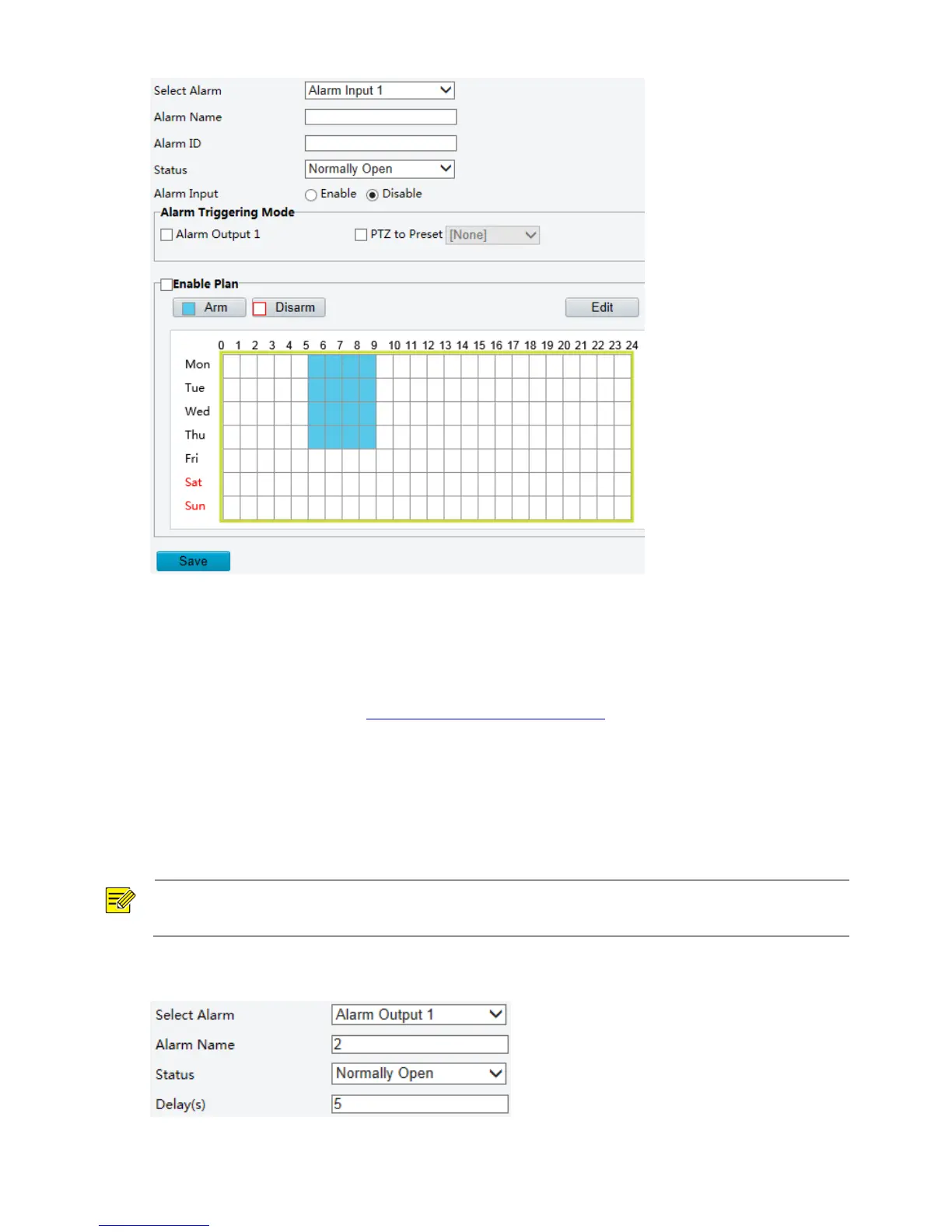
2. Select the Boolean and set the Boolean name.
3. Select Normally Open or Normally Closed according to the type of the third-party alarm input device.
For example, if the third-party alarm input device is normally open, you need to select Normally Open
here, so that the camera can receive alarm information from the third-party alarm input device.
4. Set actions to be triggered by an input alarm and the plan. For the detailed steps, see the descriptions
of alarm-triggered actions in Configuring Motion Detection Alarm.
5. Click Save.
Configuring Alarm Output
After alarm output is triggered by a motion detection alarm, temperature alarm or Boolean alarm, the
camera can output alarm information to the third-party device if alarm output is set correctly to Normally
Open or Normally Closed. The alarm output duration is configurable.



 To Next Page