31
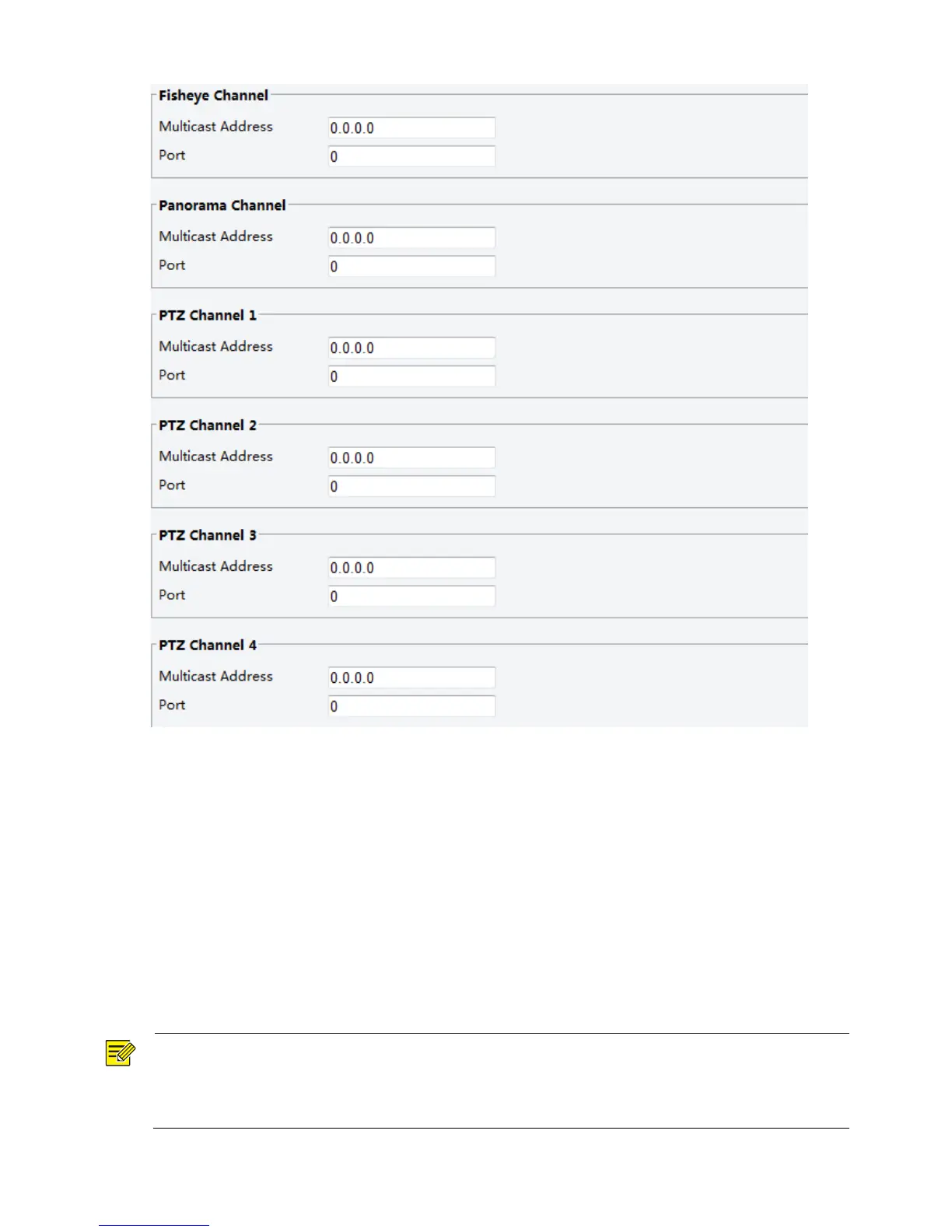
2. Set the multicast address (224.0.0.0 to 239.255.255.255) and port number (0 to 65535).
3. Click Save.
Alarm Configuration
You can schedule alarm reporting and set actions that can be triggered by other devices so that alarms and
the triggered actions can be handled in time.
Alarm reporting can be scheduled for motion detection alarm, alarm input, alarm output, tampering
detection alarm, and audio detection alarm. The supported alarms may vary with device model. For the
alarm types that your camera supports, see the Web interface.
Configuring Motion Detection Alarm
NOTE!
This function is only supported by certain models, please see the actual model for details.
The alarm triggered actions supported by the camera may vary with models, please see the actual
Web interface for details.



 To Next Page