9
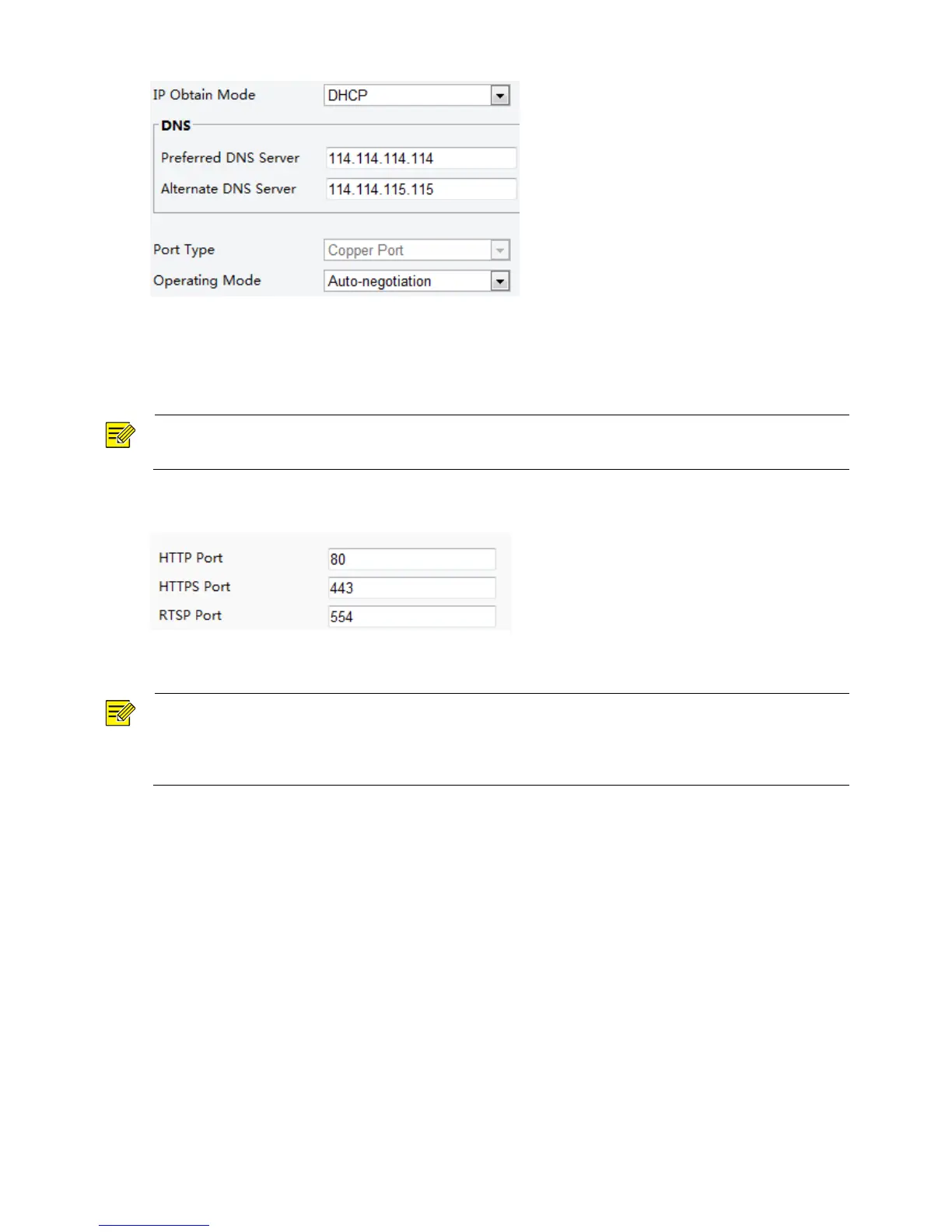
2. Select DHCP from the IP Obtain Mode drop-down list.
3. Click Save.
Port
NOTE!
This function is not supported by some models, please see the actual model for details.
1. Click Setup > Network > Port.
2. Configure relevant port numbers.
3. Click Save.
NOTE!
If the entered HTTP port number has been occupied, a prompt message will be displayed as Port conflicts.
Please try again. 23, 81, 82, 85, 3260 and 49152 are occupied by default. And other occupied ports will be
detected automatically.
FTP
After the configuration of FTP, you will be able to upload snapshots from network cameras to the specified
FTP server.
1. Click Setup > Network > FTP.



 To Next Page