NOTE!
After you have changed the IP address, you need to use the new IP address to log in.
The configurations of DNS (Domain Name System) server are applicable when the device is accessed by
domain name.
Static Address
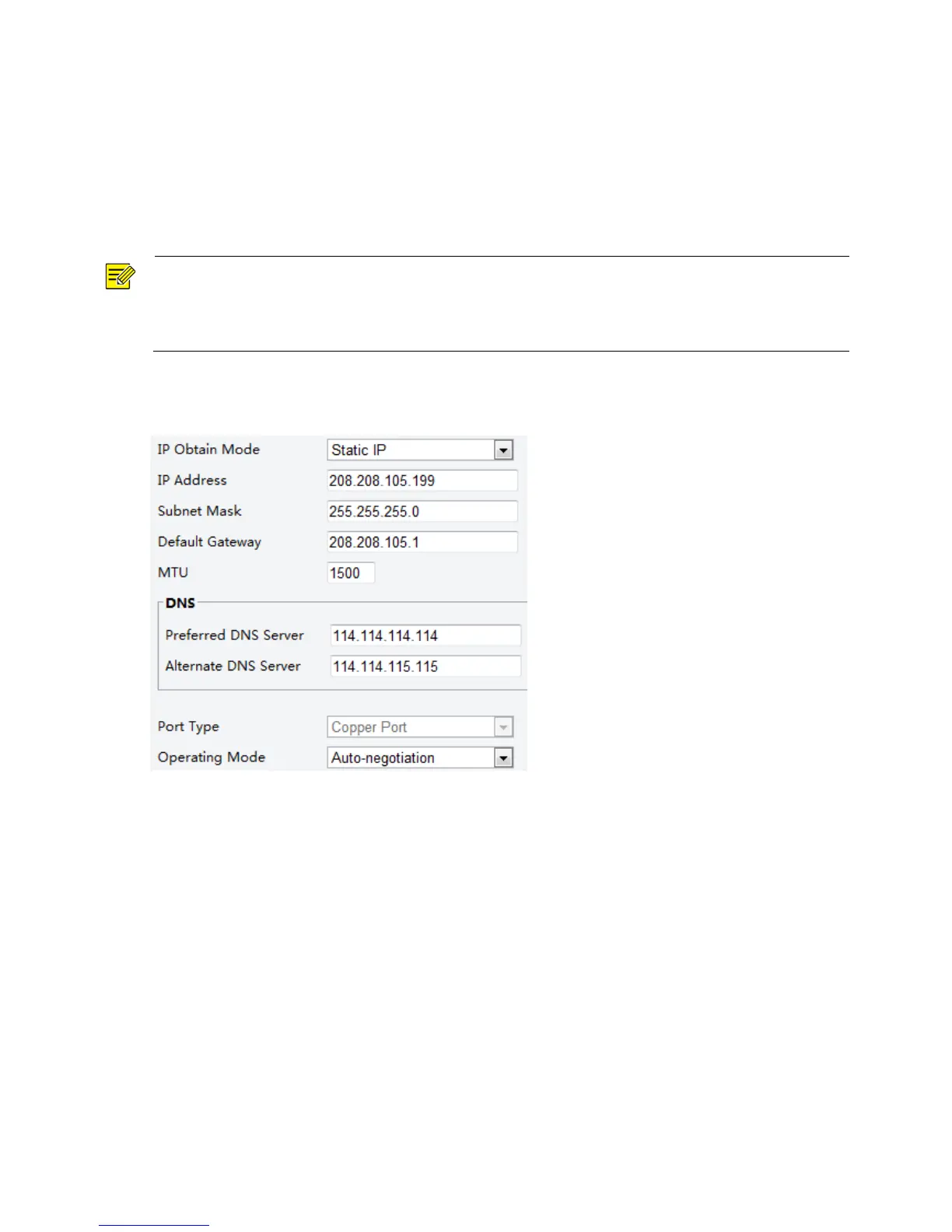
1. Click Setup > Network > TCP/IP.
2. Select Static IP from the IP Obtain Mode drop-down list.
3. Enter the IP address, subnet mask, and default gateway address. Make sure that the IP address of the
camera is unique in the network.
4. Click Save.
If a gatekeeper or firewall is used in the network, Universal Network Passport (UNP) can be used to
interconnect the network, and the UNP server will assign an IP address to the connected cameras.
1. Select Enable for UNP Service.



 To Next Page