NOTE!
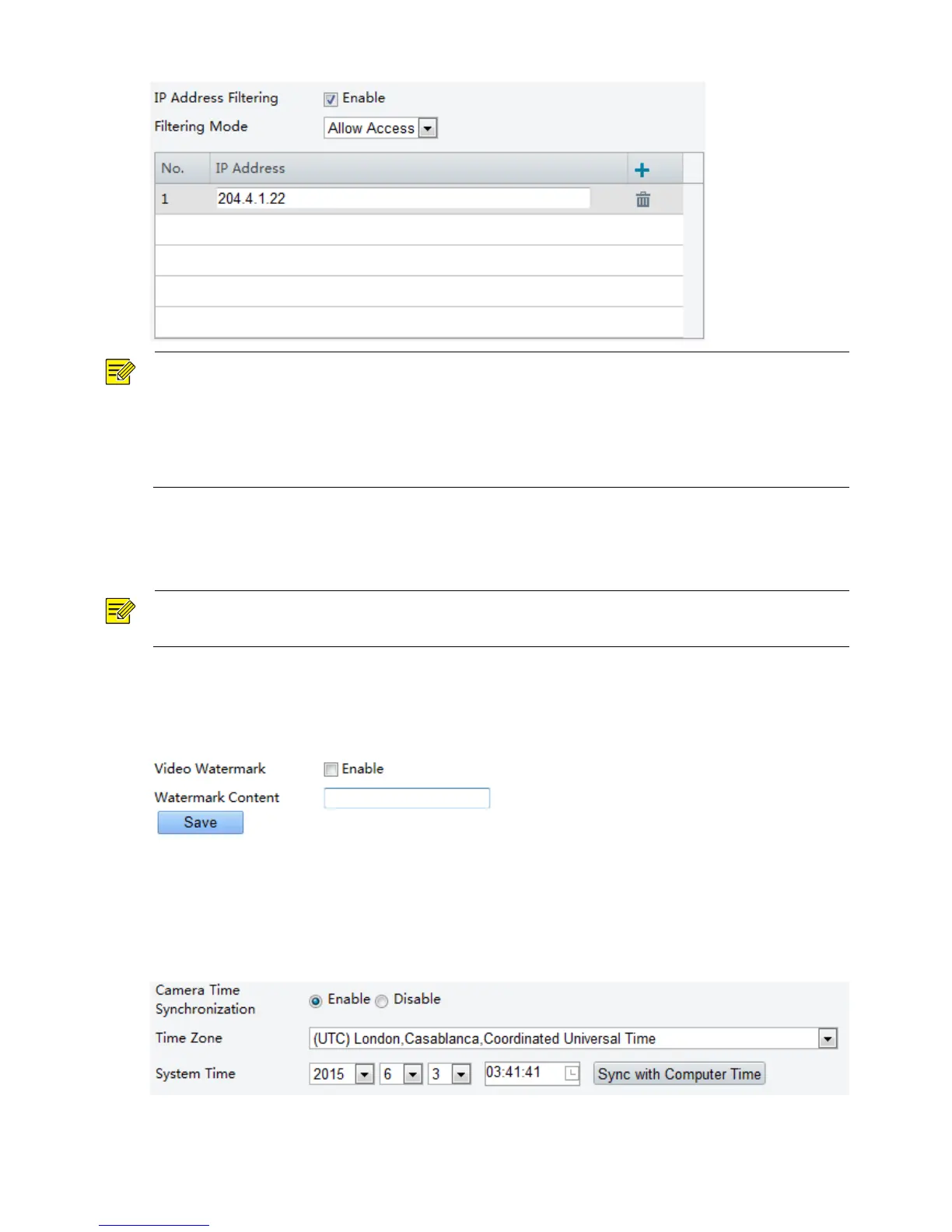
If the filtering mode is set to Allow Access, only the specified IP addresses are allowed to access the
camera. If the filtering mode is set to Deny Access, the specified IP addresses are denied for the access.
Up to 32 IP addresses are allowed. And the added IP addresses cannot duplicate.
The first byte of the IP address can only be a number ranging from 1 to 223 and the fourth byte cannot be
0. For example, 0.0.0.0, 127.0.0.1, 255.255.255.255 and 224.0.0.1 all are invalid IP addresses.
Video Watermark
You can set the video watermark for the camera to encrypt the video and protect it from being deleted or
modified.
NOTE!
This function is only supported by certain models, please see the actual model for details.
1. Click Setup > System > Security > Video Watermark.
2. Select Enable and set the watermark content.
3. Click Save.
Setting the System Time
You can use the following methods to adjust the system time of your device.
Manually Setting or Synchronizing the System Time
1. Click Setup > Common > Time, and then click the Time tab.
2. Select Enable for Client Time Synchronization.



 To Next Page