25
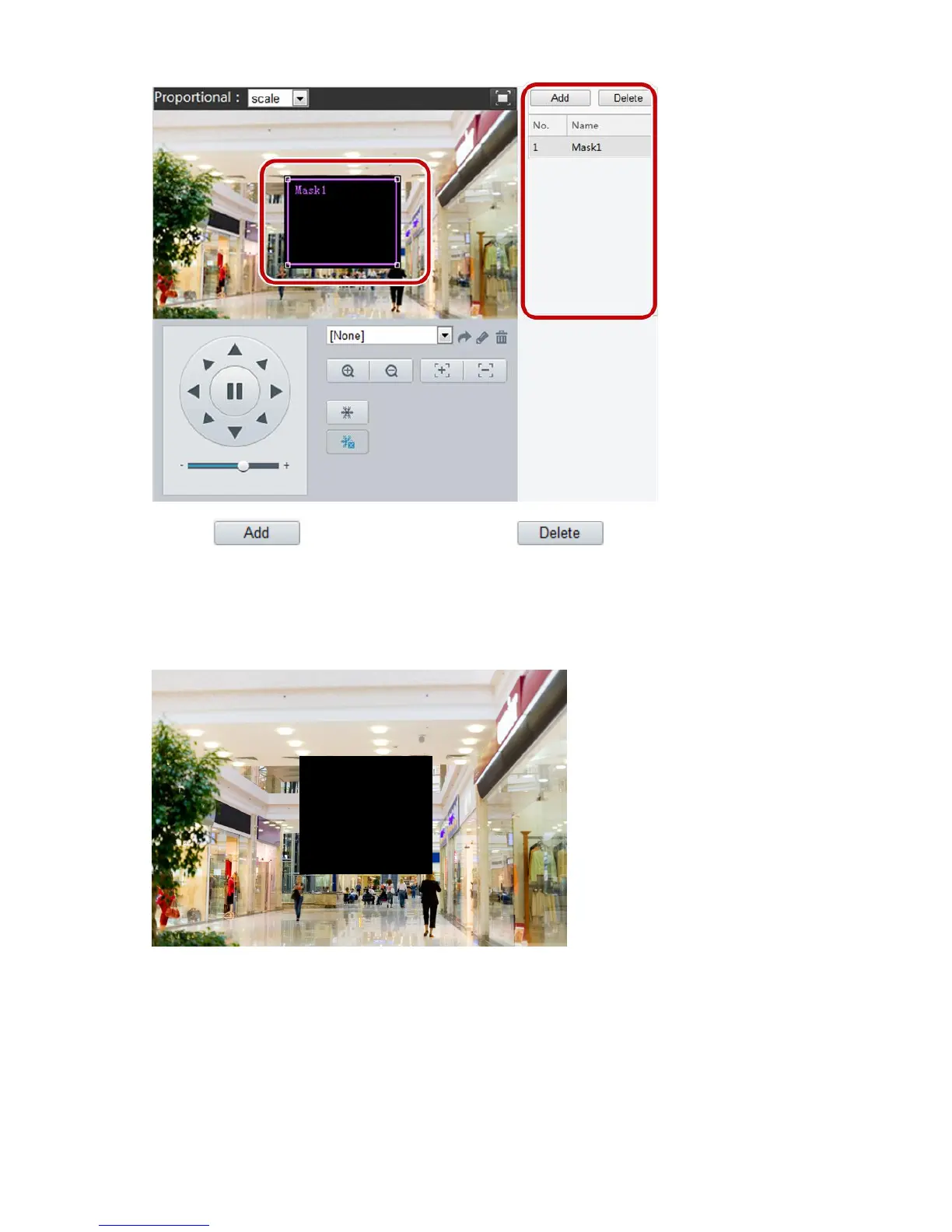
2. Click to add a privacy mask, and click to delete a mask.
To mask a position: Click the box (with Mask displayed on it) to activate the mask. After the cursor
shape has changed, drag the box to the intended position.
To mask an area: Use the mouse to draw a box on the area you want to mask.
When privacy mask is configured, the intended area is blocked. The following shows an example.
Audio and Video Configuration
Video Configuration
You can set video parameters that your camera supports and view the current status of BNC output. If
available, you may also enable sub-stream and third stream as required.



 To Next Page