EasyManua.ls Logo

Zhejiang IPC2322EBRP - Live View of Fisheye Cameras

Default Icon
74 pages
Print Icon
To Next Page IconTo Next Page
To Previous Page IconTo Previous Page
Loading...
56
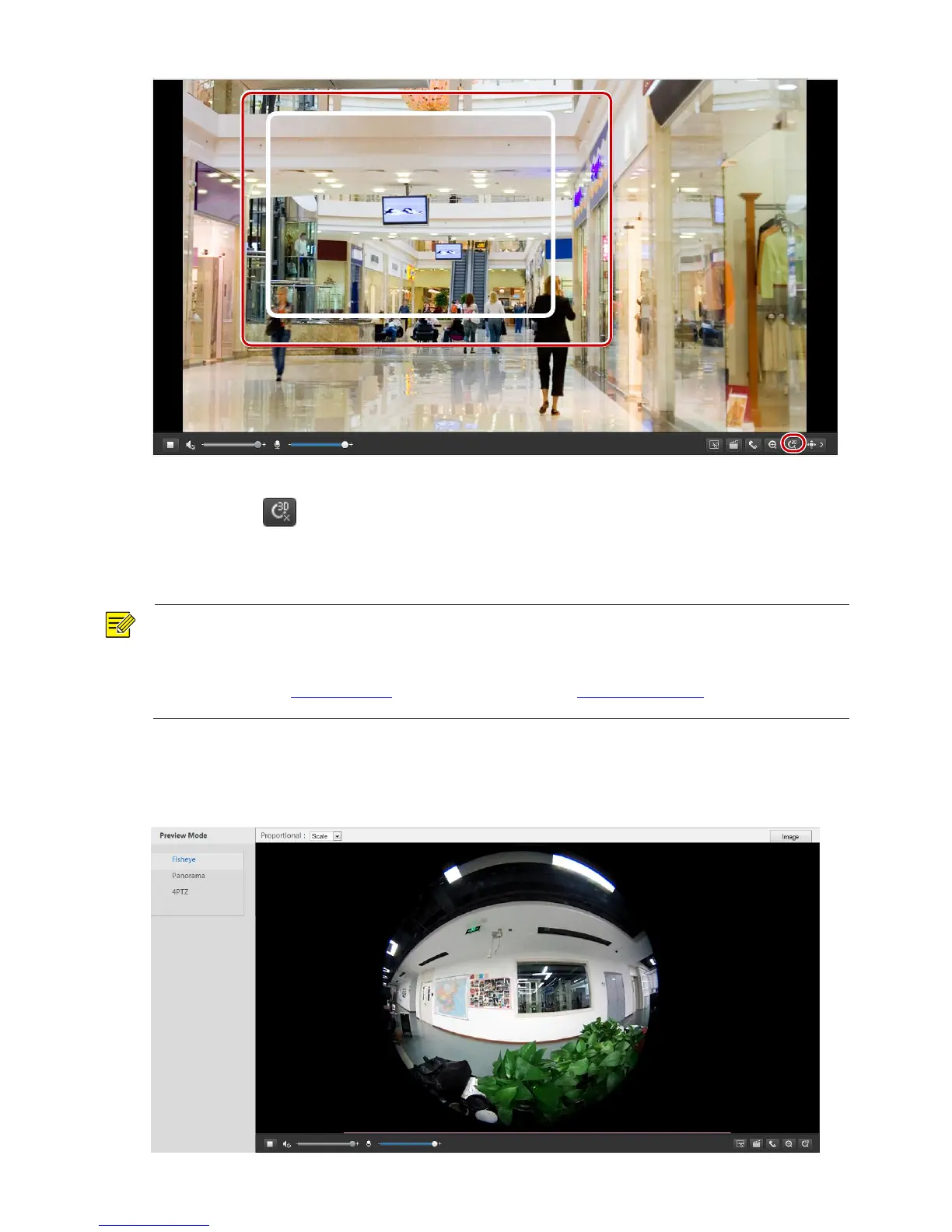
2. Click and hold the mouse button, and then drag from top down to specify an area.
3. To exit, click .
Live View of Fisheye Cameras
NOTE!
This function is only supported by the network fisheye cameras. Please see actual models for details.
The preview image on the Web may vary with the fisheye settings for the camera. Please set the fisheye
parameters (see Setting Fisheye ) and the fisheye mode (see Video Configuration) of the camera before
you start live view.
You can select the fisheye, panorama and 4PTZ as the fisheye mode. The preview image may vary with the
installation method of the camera. The following takes wall mount as an example. When Fisheye is selected
in the fisheye mode list, a 360° fisheye image is displayed as follows.

Table of Contents

Related product manuals