NOTE!
To manually load the ActiveX, type http://IP address/ActiveX/Setup.exe in the address bar and press
Enter.
The default password is used for your first login. To ensure account security, please change the password
after your first login. You are recommended to set a strong password (no less than eight characters).
The camera protects itself from illegal access by limiting the number of failed login attempts. If login fails
six times consecutively, the camera locks automatically for ten minutes.
3. Enter the username and password, and then click Login. For the first login, use the default username
admin and password 123456.
If you log in with Live View selected, live video will be displayed when you are logged in. Otherwise,
you need to start live video manually in the live view window.
If you log in with Save Password selected, you do not need to enter the password each time when you
log in. To ensure security, you are not advised to select Save Password.
To clear the Username and Password text boxes and the Save Password check box, click Reset.
Introduction to the Web Interface
By default the live view window is displayed when you are logged in to the Web interface. The following
shows an example.
Initial Configuration
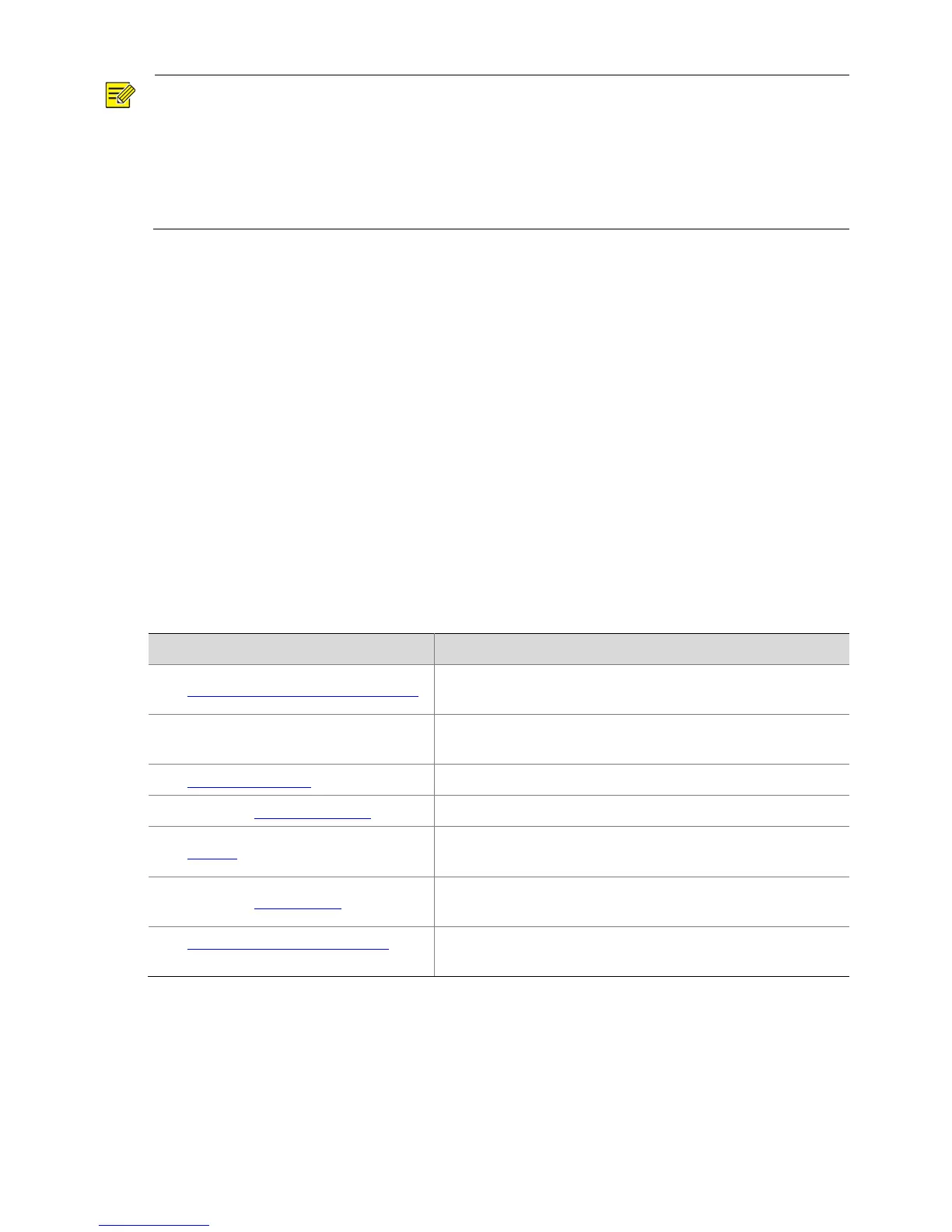
After you log in to the device, please perform the following initial configuration.
1.
Set the TCP/IP address for the device.
Reconfigure the device IP and network parameters based on
the actual networking.
2.
Log out and log in again to the Web
using the new IP address.
Set the system time based on the actual situation.
4.
(Optional) Setting the servers.
Set the management server based on the actual networking.
Set the information displayed on the screen as needed, for
example, time.
6.
(Optional) Manage users.
Change the default password and add common users as
needed.
7.
Set fisheye camera parameters (only
for fisheye cameras).
Set the installation method for the fisheye cameras as needed.
You can watch the live video after finishing the initial configuration. Please configure other parameters as
needed.



 To Next Page