67
Remote Control PTZ
When the third-party platform is used and the PTZ protocol does not match that, you can set the remote
control function to control the PTZ.
NOTE!
This function is only supported by PTZ cameras.
1. Click Setup > PTZ > Remote Control.
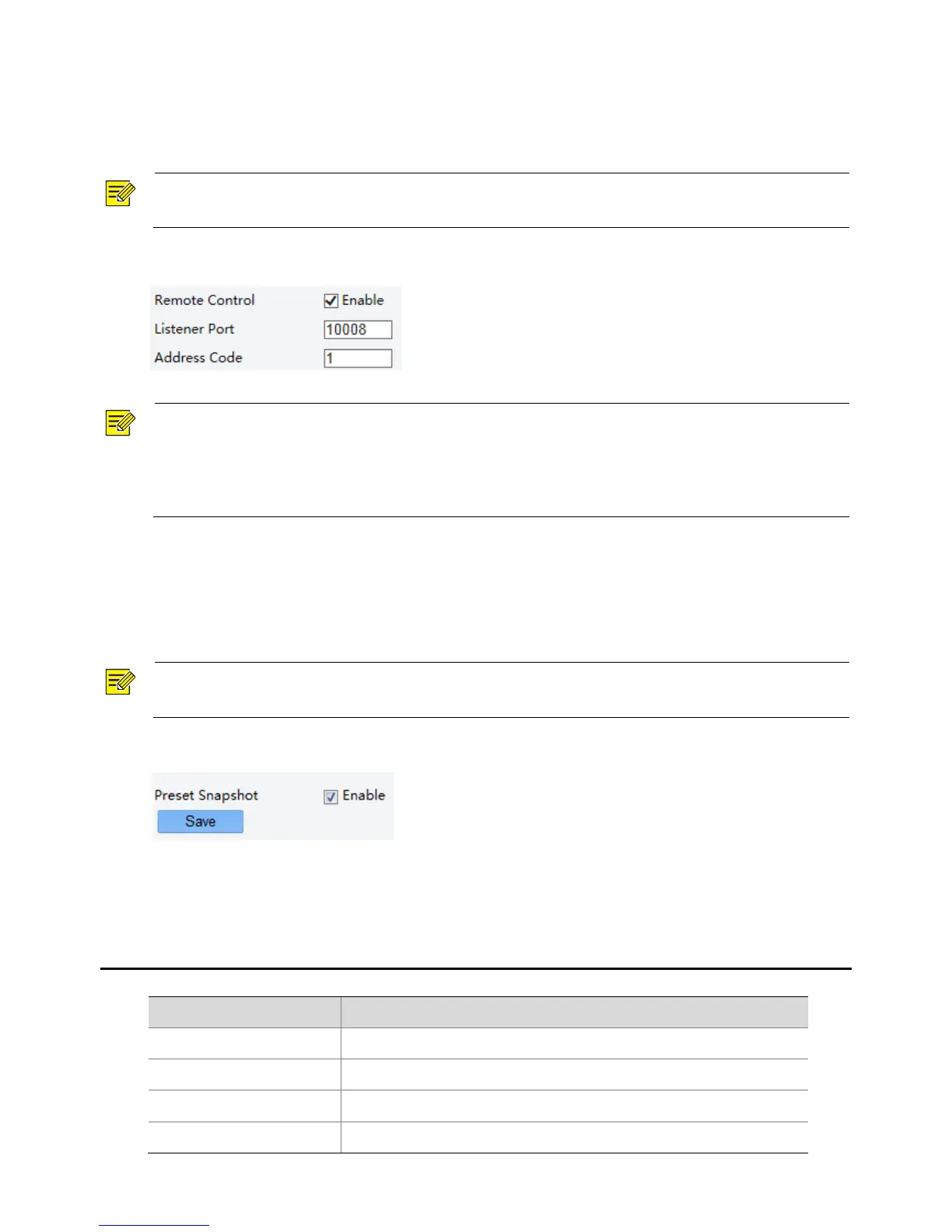
2. Under Remote Control, select Enable and set the listener port and address code.
NOTE!
The listener port is the local port number of the camera and cannot be set as an occupied port. Please
keep the default port number for general conditions.
The camera can read the address code in the instruction. If it is the same as the address code on the Web,
the camera can parse the instruction.
3. Click Save.
Preset Snapshot
When an alarm is triggered to the preset, the camera can snapshot and upload images to the FTP server.
NOTE!
Please complete FTP settings and snapshot alarm settings before you enable this function.
1. Click Setup > PTZ > Patrol.
2. Select Enable.
3. Click Save.
Appendix A Glossary
Address Resolution Protocol
Dynamic Domain Name Service



 To Next Page