52
Collecting Diagnostic Information
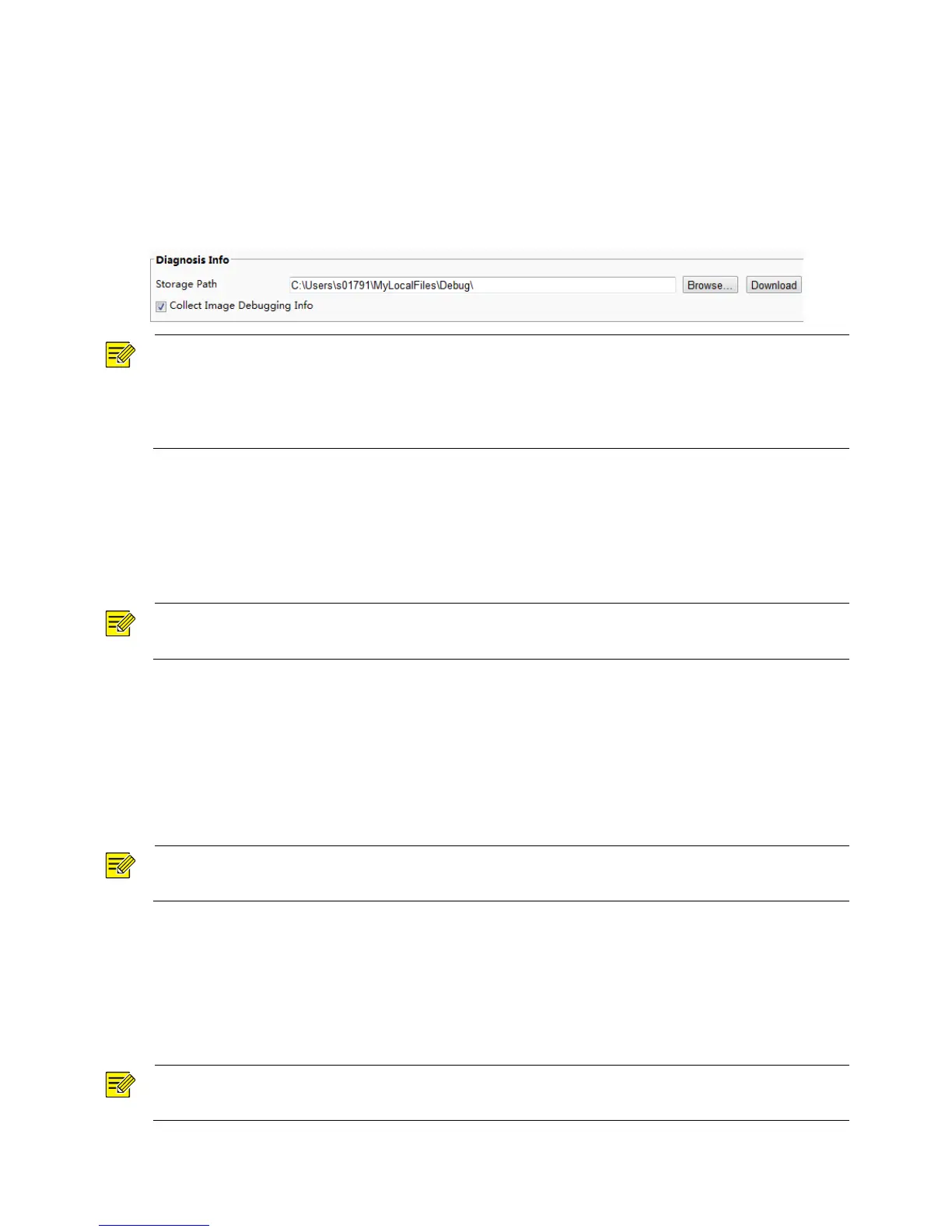
Diagnostic information includes logs and system configurations. You can export diagnostic information to
your PC.
1. Click Setup > System > Maintenance.
2. Under Diagnosis Info, click Browse to select the destination folder, and then click Download to save
the diagnostic information to the specified folder.
NOTE!
Diagnostic information is exported to the local folder in form of a compressed file. You need to
decompress the file using a tool such as WinRAR and then open the file using a text editor.
Select Collect Image Debugging Info. Then the recording and the debugging information can be displayed
synchronously for convenient troubleshooting.
Focus Configuration
The device can adjust the speed of auto-focus according to the minimum focus distance. In order to shoot
clear objects, it is recommended that the minimum focus distance is set shorter than the distance between
the objects and lens, for example, if the minimum focus distance is 3m, then the objects within 3m from
lens will be out of focus.
NOTE!
This function is only supported by the devices with auto-focus, please see the actual model for details.
1. Click Setup > System > Maintenance.
2. Configure Minimum Focus Distance under Focus.
3. Click OK.
Device Mounting Height
Enter the actual height from the installed infrared dome to the ground, so that the dome will be able to
automatically adjust its infrared lamp.
NOTE!
This function is only supported by some infrared cameras, please see the actual model for details.
1. Click Setup > System > Maintenance.
2. Enter the actual height from the installed Infrared Dome to the ground.
3. Click OK.
Setting Fisheye Parameters
Set parameters properly for your fisheye camera to get a normal live view.
NOTE!
This function is only supported by the fisheye cameras, please see the actual model for details.



 To Next Page