53
1. Click Setup > System > Fisheye Settings.
2. Select the mounting method and then enter the desired angle of view for the camera.
3. Click Save.
4 Live View
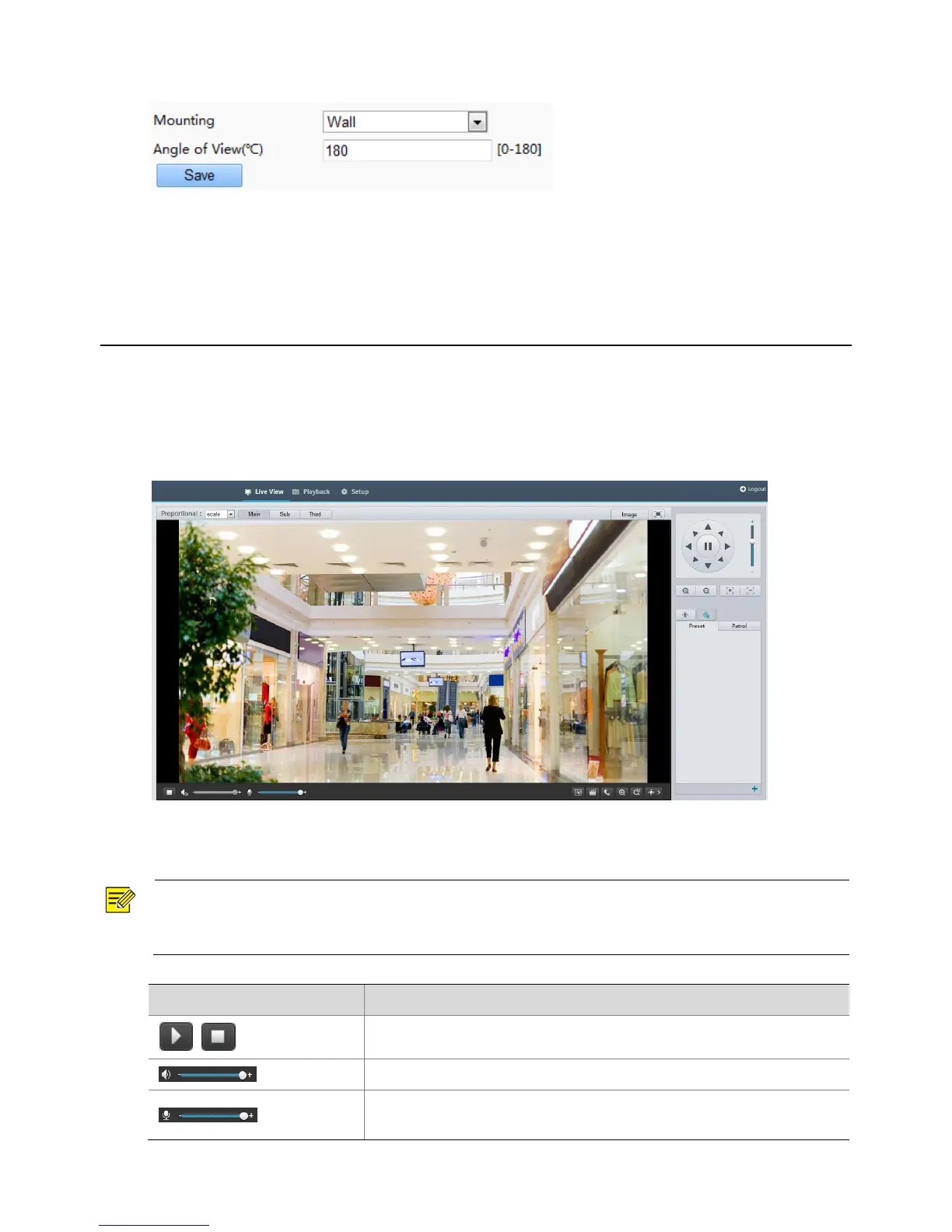
Live view means playing live video (real-time audio and video) received from a camera in a window through
the Web interface.
If you log in with the Live View check box selected, live video appears by default when you are logged in.
You may double-click the window to enter or exit full screen mode.
Live View Toolbar
NOTE!
The supported live view operations may vary with camera model. For the operations that your camera
supports, see the Web interface.



 To Next Page