63
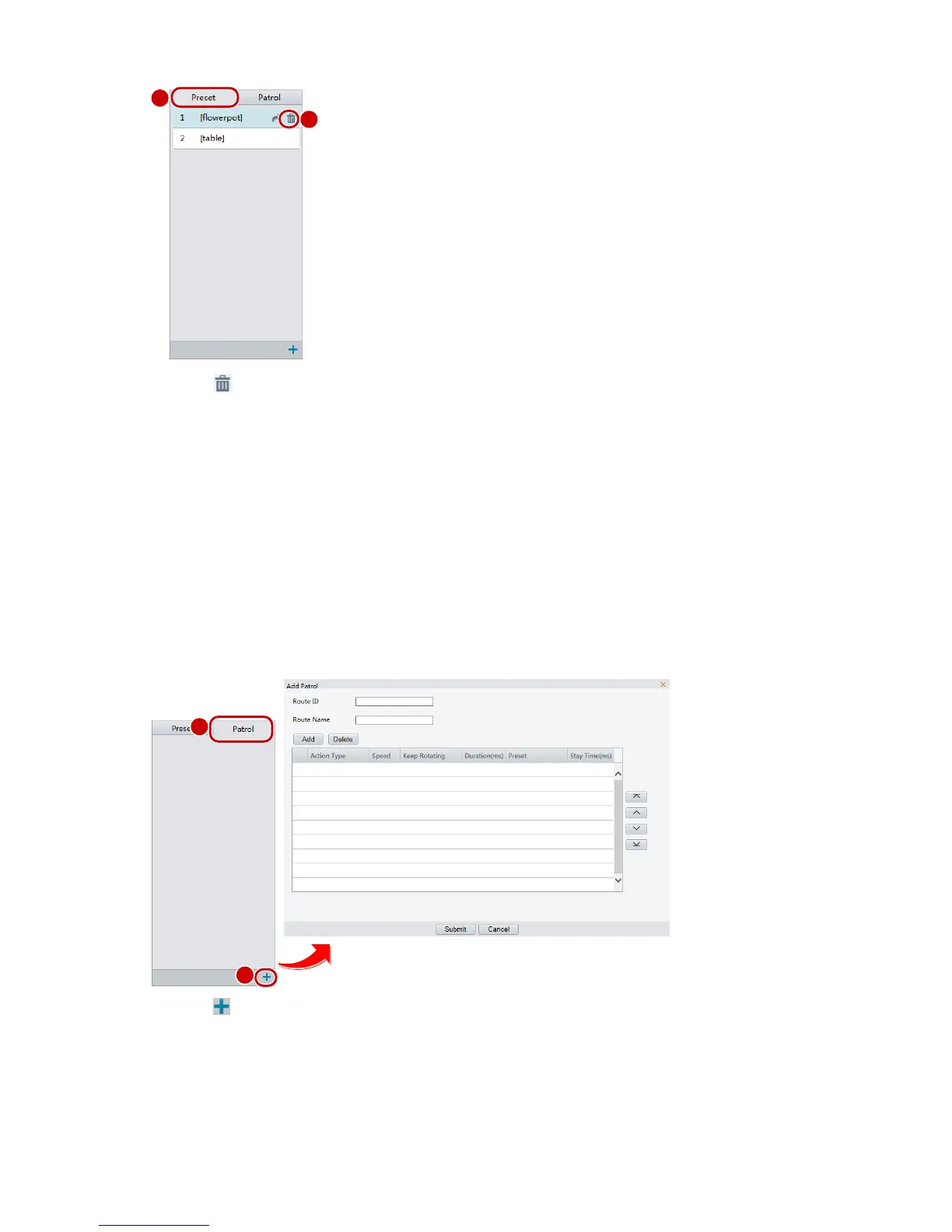
2. Click for a preset and then confirm the delete.
Setting Patrol
A patrol route is the track by which a PTZ camera follows when moving from a preset to the next. The
length of time that a PTZ camera stays at each preset is configurable. Multiple patrol routes are allowed for
a PTZ camera.
Patrol actions include going to a preset and staying at the preset for a certain amount of time before going
to the next. You can set the rotation direction, zoom, rotation speed, patrol time, and stay time. The system
records the route and adds it to the action list. You may select Keep Rotating so the PTZ camera follows the
same route and patrols repeatedly.
Add a patrol route
1. On the Live View page, click Patrol on the control panel.
2. Click .
3. On the Add Patrol page, enter the route ID and name, and then click Add to add a patrol action. Use
the buttons to adjust the sequence of the actions.
Patrol actions include:
Go to a preset and stay for a certain amount of time before going to the next preset.



 To Next Page