17
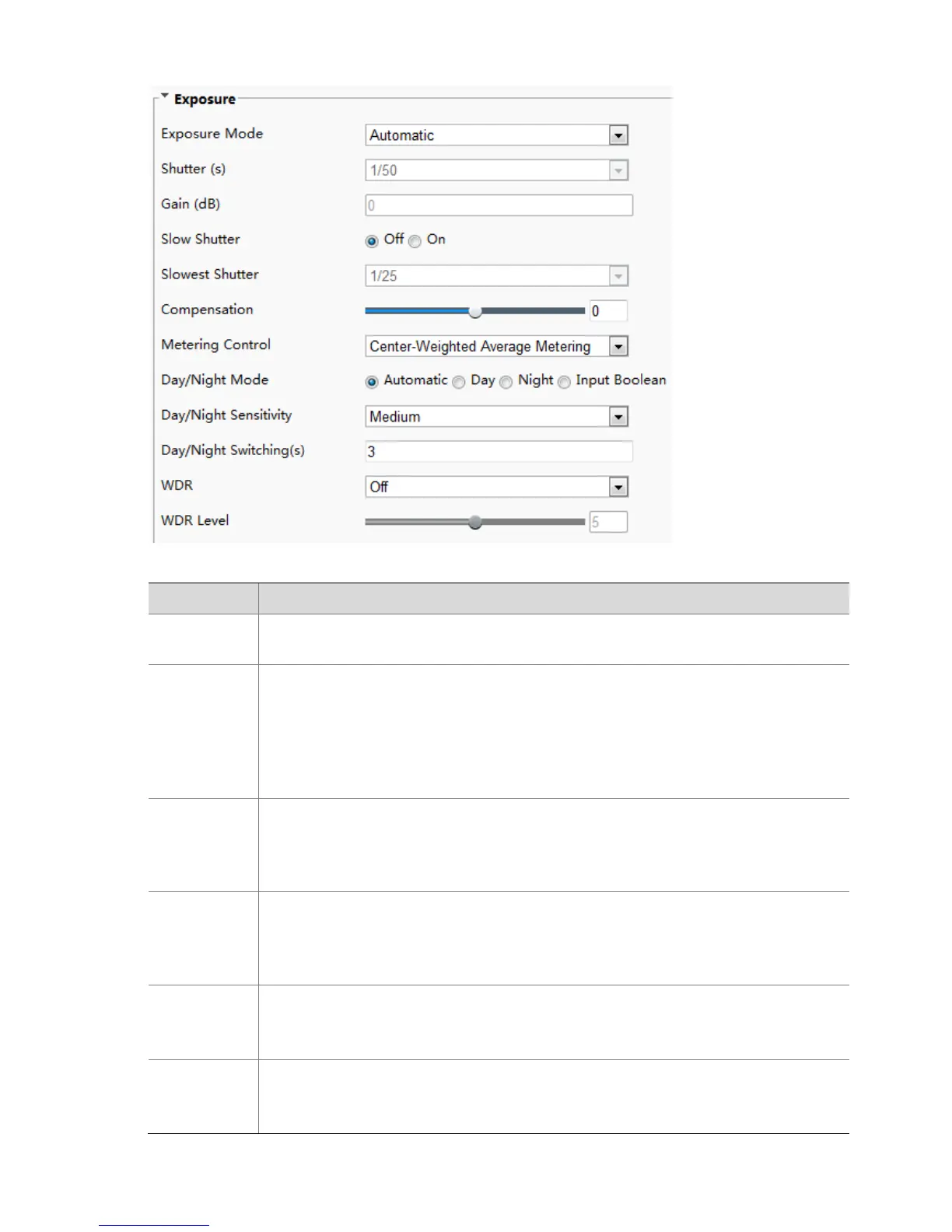
2. Set the parameters as required. The following table describes some major parameters.
Select the correct exposure mode to achieve the desired exposure effect.
Shutter is used to control the light that comes into the lens. A fast shutter speed is ideal for
scenes in quick motion. A slow shutter speed is ideal for scenes that change slowly.
Note:
You can set a shutter speed when Exposure Mode is set to Manual or Shutter Priority.
If Slow Shutter is set to Off, the reciprocal of the shutter speed must be greater than the
frame rate.
Control image signals so that the camera outputs standard video signals according to the
light condition.
Note:
You can set this parameter only when Exposure Mode is set to Manual or Gain Priority.
Improves image brightness in low light conditions.
Note:
You can set this parameter only when Exposure Mode is not set to Shutter Priority and
when Image Stabilizer is disabled.
Set the slowest shutter speed that the camera can use during exposure.
Note:
You can set this parameter only when Slow Shutter is set to On.
Adjust the compensation value as required to achieve the desired effects.
Note:
You can set this parameter only when Exposure Mode is not set to Manual.



 To Next Page