Note:
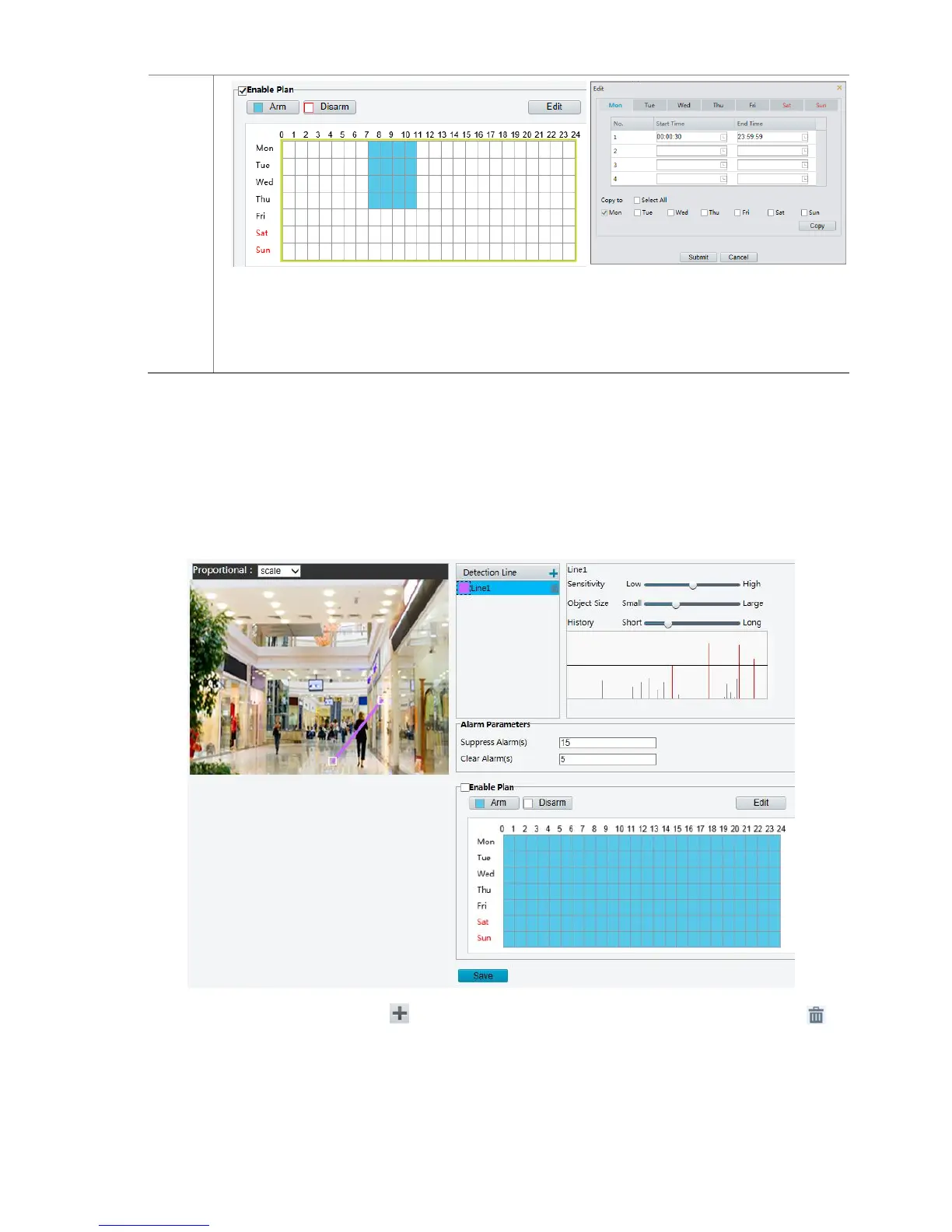
Plan drawing using a mouse is only supported by IE versions later than 8.0. After setting the plan
for one day, you can apply the same settings to other days by clicking Copy and Paste.
6. Click Save.
Line Detection
Line detection detects whether an object crosses a line during a period. You need to set a detection line in
the detection region, sensitivity of detection, object size, and history for the camera to decide whether to
report a motion detection alarm when it detects a line crossing.
1. Click Setup > Events > Common Alarm > Line Detection.
2. In the Detection Line area, click to add a new detection line. To delete a detection line, click .
3. Click the detection line and then drag the mouse to move the line to the desired position.
4. Set the detection sensitivity, object size, and history for the camera to decide whether to report a line
detection alarm.
5. Set the alarm parameters.



 To Next Page