65
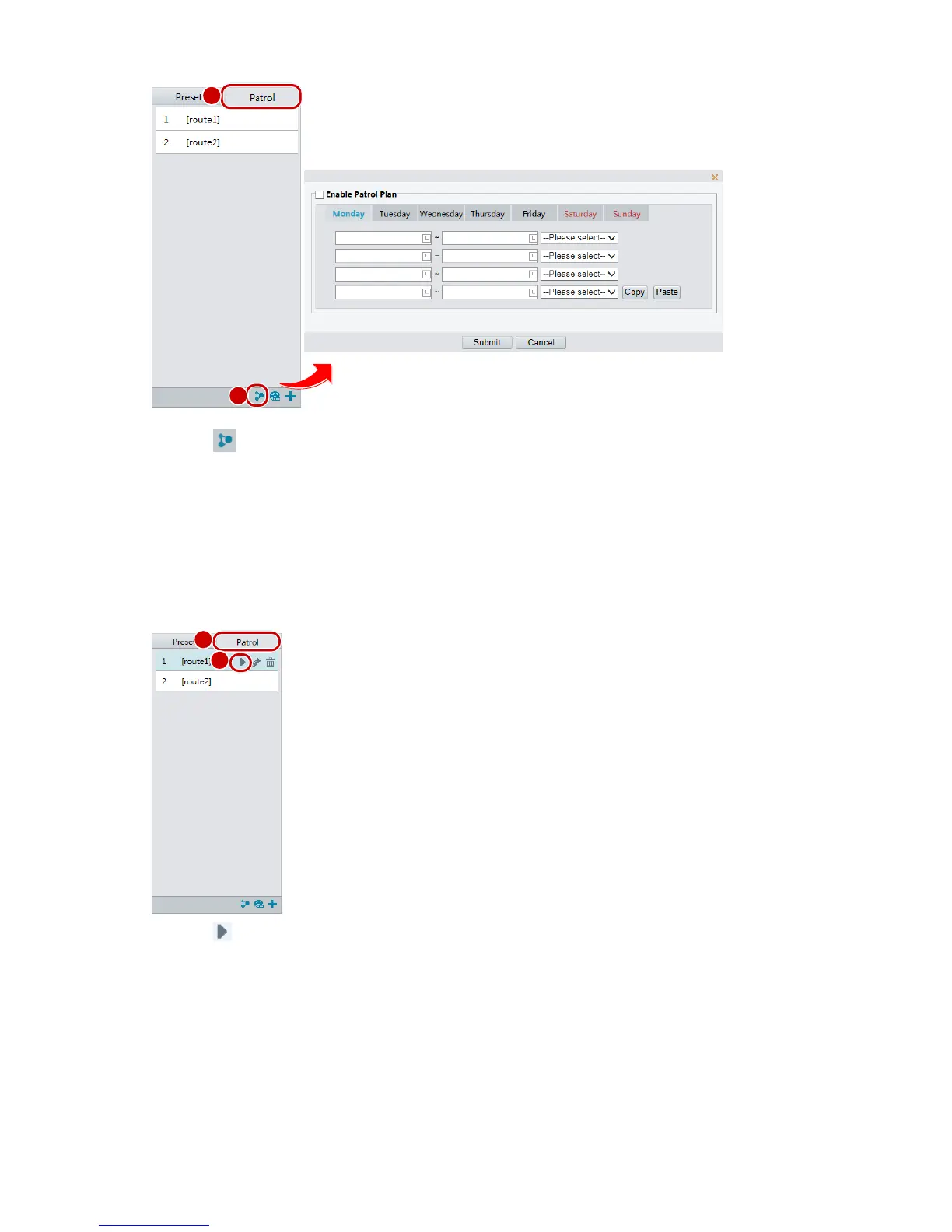
2. Click . The page for setting patrol plans is displayed.
3. Set the correct patrol time and route.
4. Select Enable Patrol Plan.
5. Click Submit.
Start a patrol route
After you have added a patrol route, select the patrol route to start patrol.
1. On the Live View page, click Patrol on the control panel.
2. Click for the patrol route you want to start.
Edit a patrol route
1. On the Live View page, click Patrol on the control panel.



 To Next Page