Service Kit Installation Procedures
906-0731-04-01 Rev. C ZOLL Ventilator Service Manual 4–97
How to Identify a Button Board
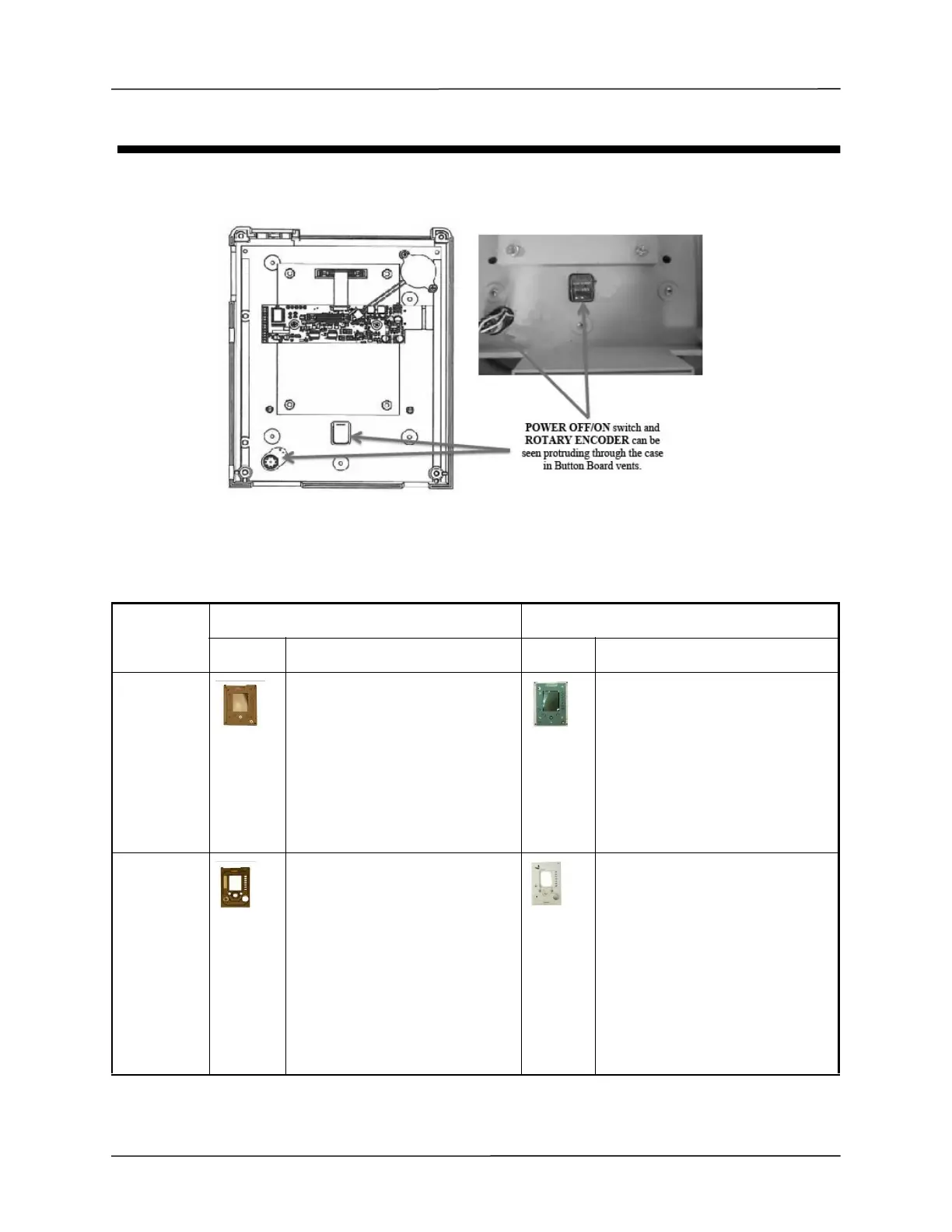
Figure A-1 shows how to identify a button board.
Figure 4-1 Identifying a Button Board
Below is a list of Membrane Panel kits affected and their replacement numbers for commercial ventilators. If the
ventilator has been identified as a Membrane Panel ventilator then use the replacement kit number(s) listed.
Description EMV(P)/AEV Eagle II
Picture Kit # Picture Kit#
Membrane
Panel Kit
712-0731-01
Convert ventilator to Button Board
with kits:
EMV+: 712-0731-23 and 712-0731-
28
AEV: 712-0731-23 and 712-AEV1-
06
712-EGL2-01 OBSOLETE and NOT
available.
Convert ventilator to Button Board
with kits: 712-EGL2-15 and
712-EGL2-18.
Bezel
Assembly Kit
712-0731-05 (EMV+)
712-AEV1-01 (AEV)
Convert ventilator to Button Board
with kits:
EMV+: 712-0731-23 and 712-0731-
28
AEV: 712-0731-23 and 712-AEV1-
06
AEV-IDF: 712-AEV1-07
712-EGL2-05 Near end of life.
Available until Zoll inventory is
depleted.
After that convert ventilator to
Button Board with kits: 712-EGL2-15
and 712-EGL2-18.



 To Next Page