Maintenance Schedule & Procedures
906-0731-04-01 Rev. C ZOLL Ventilator Service Manual 3–5
Process Overview
The table below provides a technical overview of the 13 step calibration & testing process. If a device is being
removed from long term storage or a stockpile, you must first complete the “Stockpile Warm-Up Procedure” found
following this table.
NOTE:
The below outline provides a general overview of the calibration and testing procedure. The order of the steps
may change, depending on individual circumstances.
Step Description & Notes
1
“Occlusion Test” – Compressor
bypass protection
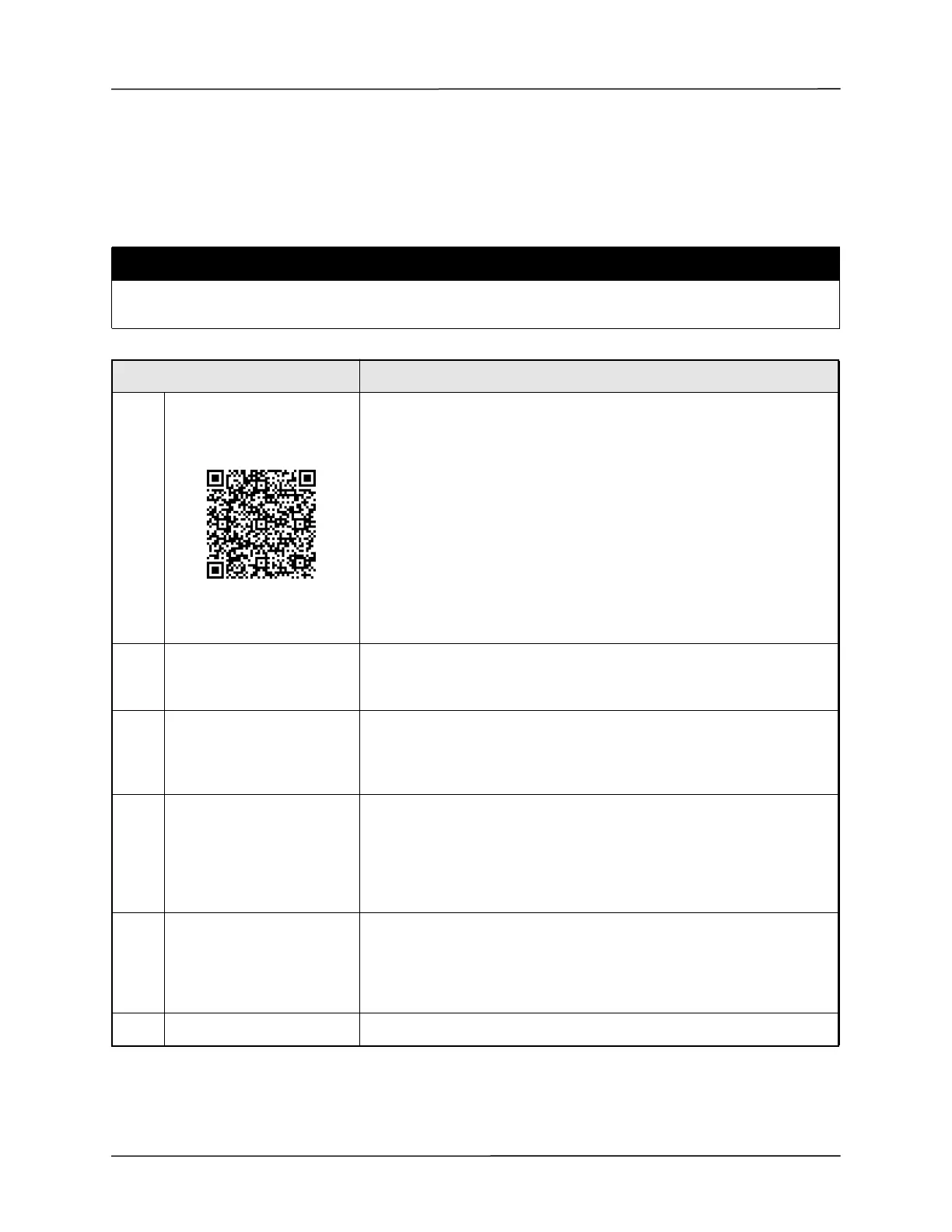
Scan or click to watch a video
of this procedure.
1. Remove external power from the device and power off
2. Occlude the Gas Output Port of the Device
3. Power on the device, continue to occlude until the device displays a high
priority alarm (SC 1001 or 1030).
4. Power off the device, install the Calibration Resistor to the Fresh Gas Intake Port
of the device.
5. Occlude the Resistor and power on the device.
6. Once the High priority alarm SC 1030 occurs, the device may be powered off.
7. Remove Calibration Resistor from the Fresh Gas Intake Port
8. Switch on the ventilator and ensure that the compressor cycles.
2
Workstation
(RCS Operators Manual:
Chapter 3)
9. Follow ESD Precautions at each workstation.
10. Ensquipmenure all et is calibrated.
3
Physical Inspection
(RCS Operators Manual:
Chapter 4)
Perform Device Inspection as outlined in RCS User Manual
Note: The device is expected to be at the same temperature as the lab
environment.
4 Connect Device
11. Launch RCS Software
12. Connect the TSI High Flow Module to PC
13. Select Get TSI
14. Once TSI check is complete, select 731 Series Ventilator and Proceed
15. Select the Service Sequence, then proceed.
16. Connect to device via USB service Port (See RCS User Manual)
5
Read (TCE 7.X)
Read Vent (RCS 8.X)
TCE 7.X - Select the “Read” button. If TCE displays popups asking if you would like
to program the various components, Select “Yes” for all.
RCS 8.X - Select the “Read Vent” button. Program a version 5 configuration if
required.
6 Read Forensic Memory From the Sequence list, Select & Run “Read Forensic Memory”



 To Next Page