Service Kit Installation Procedures
906-0731-04-01 Rev. C ZOLL Ventilator Service Manual 4–33
Battery Compartment Service Kit Installation Instructions
Required Tools
• Torque driver with #1 and #2 Phillips bits
Kit Contents
Instructions
Quantity Description Depiction
1 Battery Compartment Case with Gaskets
4 Screw, Phillips, Pan Head, SS, 6-32 x 5/16
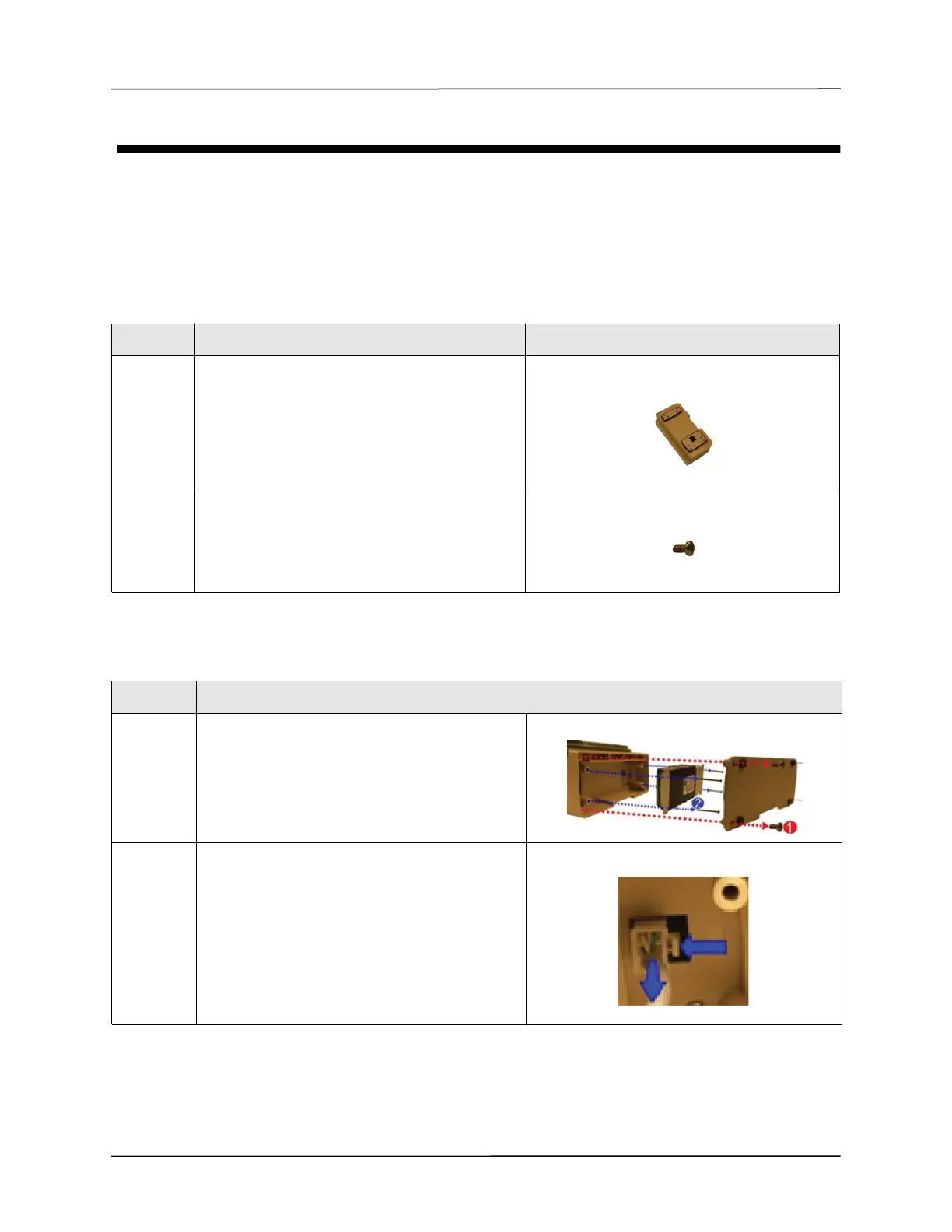
Step Action
1 Remove the battery compartment cover by
unscrewing the four 6-32 x 5/16 screws.
Save these screws.
2 Remove the battery by unscrewing the four 6-32 x
2 1/4 screws and detaching the plug from its
locking latch.
Save these screws.



 To Next Page