Service Kit Installation Procedures
906-0731-04-01 Rev. C ZOLL Ventilator Service Manual 4–35
USB Connector Plate Service Kit Installation Instructions
Required Tools
• Torque driver with #1 and #2 Phillips bits
• Nut driver set
• Small utility knife
• RTV sealant
Kit Contents
Instructions
Quantity Description Depiction
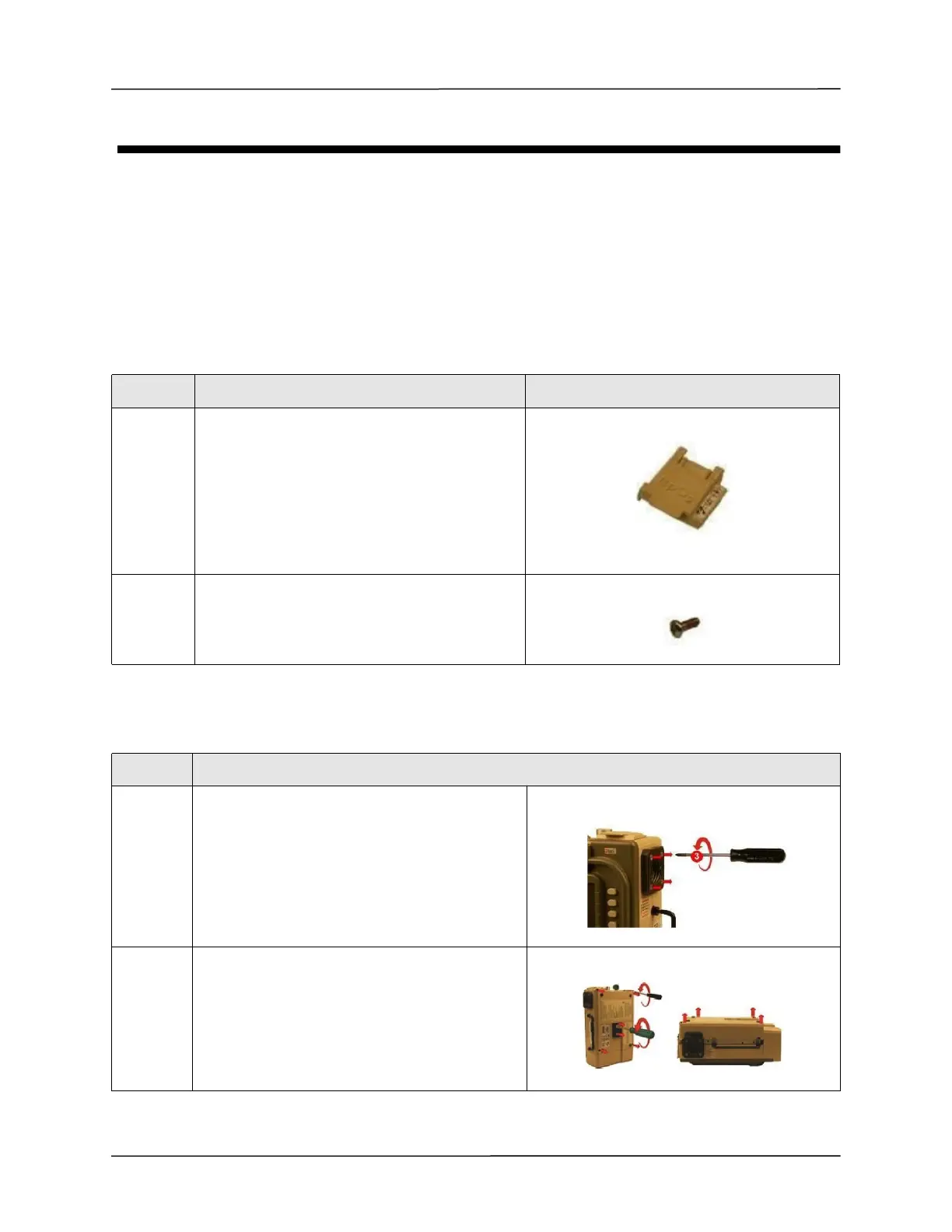
1 USB Connector Plate Assembly
2 Screw, Phillips, Pan Head, Zinc Plated
4-40 x 5/16
Step Action
1 Loosen by 1 full turn and do not remove the four 8-
32 x 3 screws on the outer air intake. (Additional
loosening may cause the filter disk to slip out of
place)
2 Loosen and remove the two 10-32 Keps nuts and
the four 6-32 x 2 screws.
Remove the back case by lifting from the ventilator.



 To Next Page