Timecode
Setting timecode functions
132
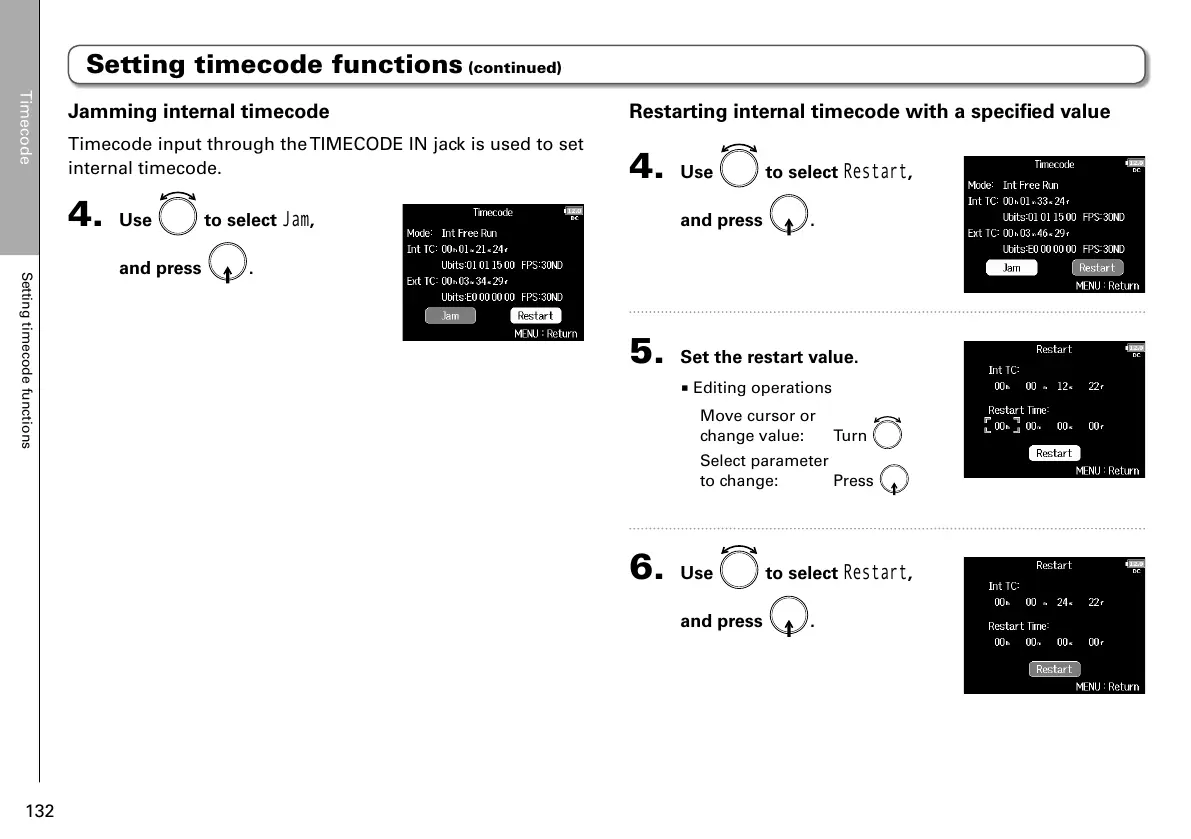
Restarting internal timecode with a specified value
4. Use to select
Restart
,
and press
.
5. Set the restart value.
■ Editing operations
Move cursor or
change value: Turn
Select parameter
to change: Press
6. Use to select
Restart
,
and press
.
Jamming internal timecode
Timecode input through the TIMECODE IN jack is used to set
internal timecode.
4. Use to select
Jam
,
and press
.
Setting timecode functions (continued)



 To Next Page