Recording take settings
Changing the number of the next take recorded
50
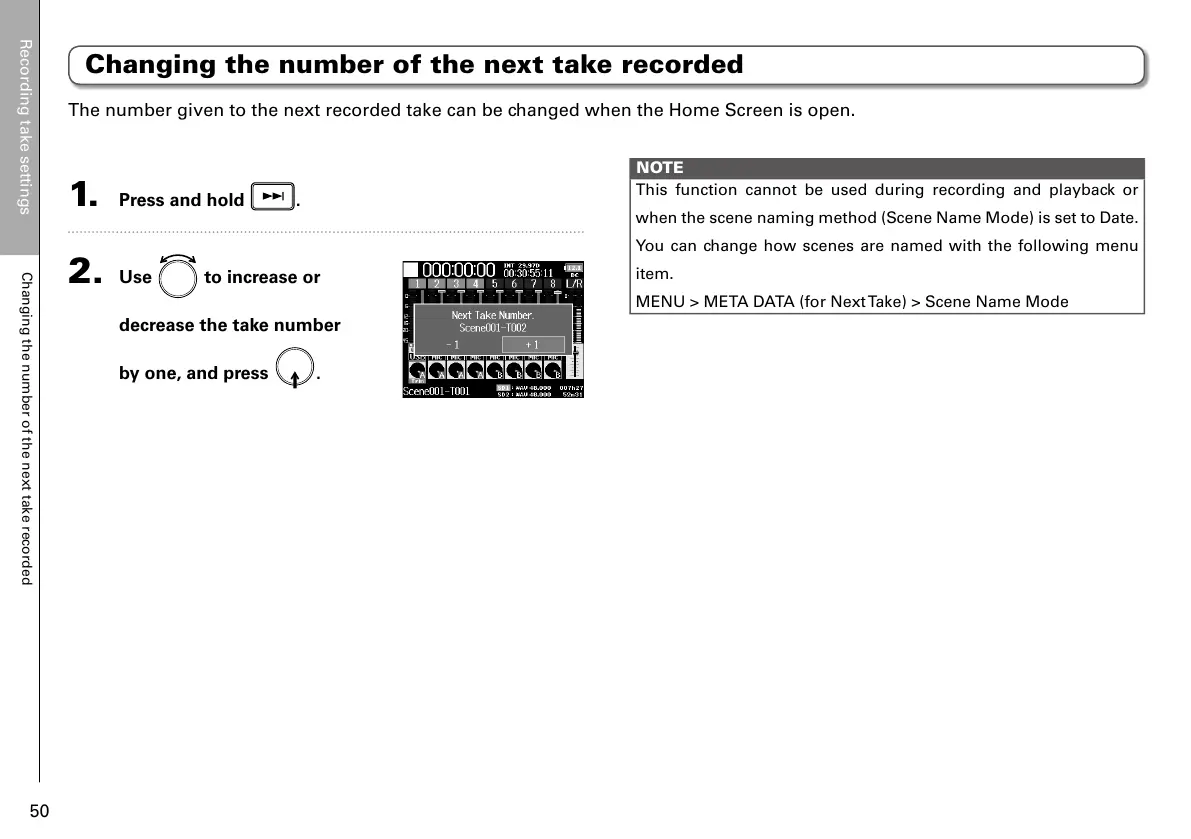
The number given to the next recorded take can be changed when the Home Screen is open.
NOTE
This function cannot be used during recording and playback or
when the scene naming method (Scene Name Mode) is set to Date.
You can change how scenes are named with the following menu
item.
MENU > META DATA (for Next Take) > Scene Name Mode
Changing the number of the next take recorded
1. Press and hold .
2. Use to increase or
decrease the take number
by one, and press
.



 To Next Page