Various settings
Setting level meter appearance (Level Meter)
165
F8n Multi Track Field Recorder
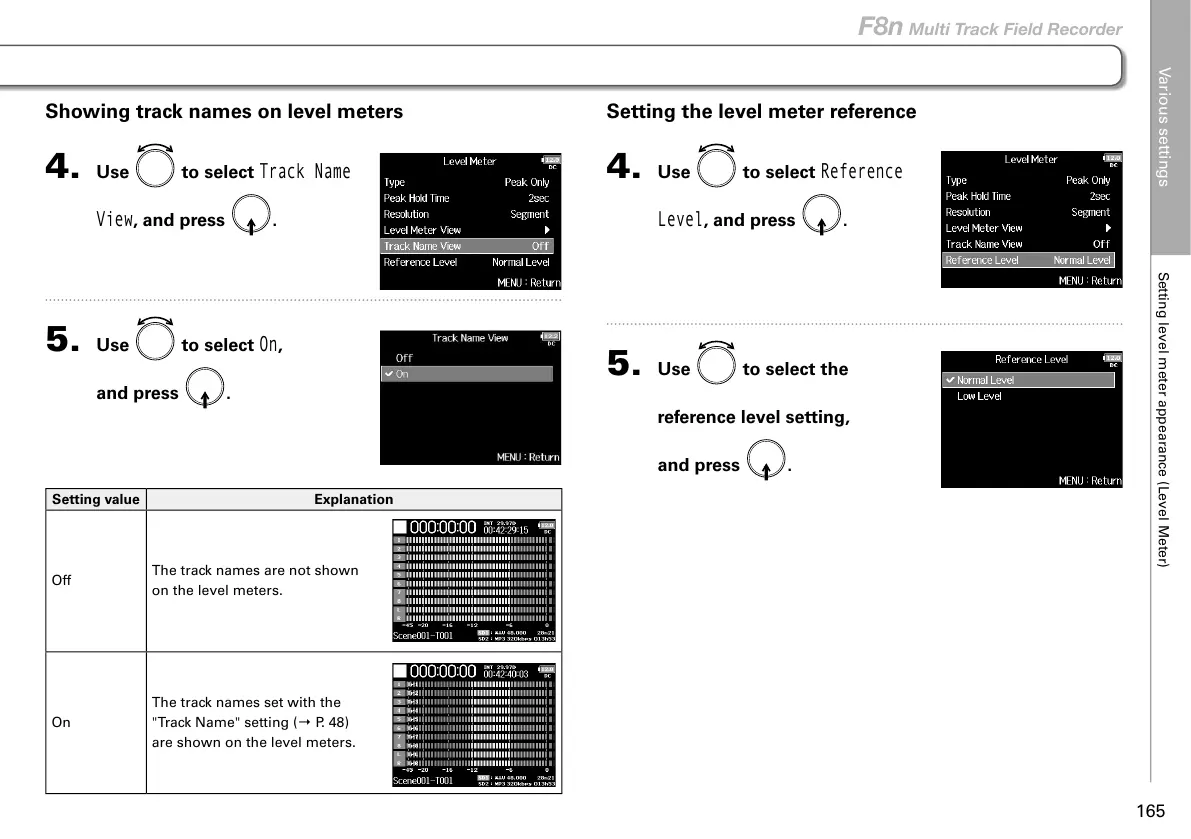
Setting the level meter reference
4. Use to select
Reference
Level
, and press .
5. Use to select the
reference level setting,
and press
.
Showing track names on level meters
4. Use to select
Track Name
View
, and press .
5. Use to select
On
,
and press
.
Setting value Explanation
Off
The track names are not shown
on the level meters.
On
The track names set with the
"Track Name" setting (→ P. 48)
are shown on the level meters.



 To Next Page