64
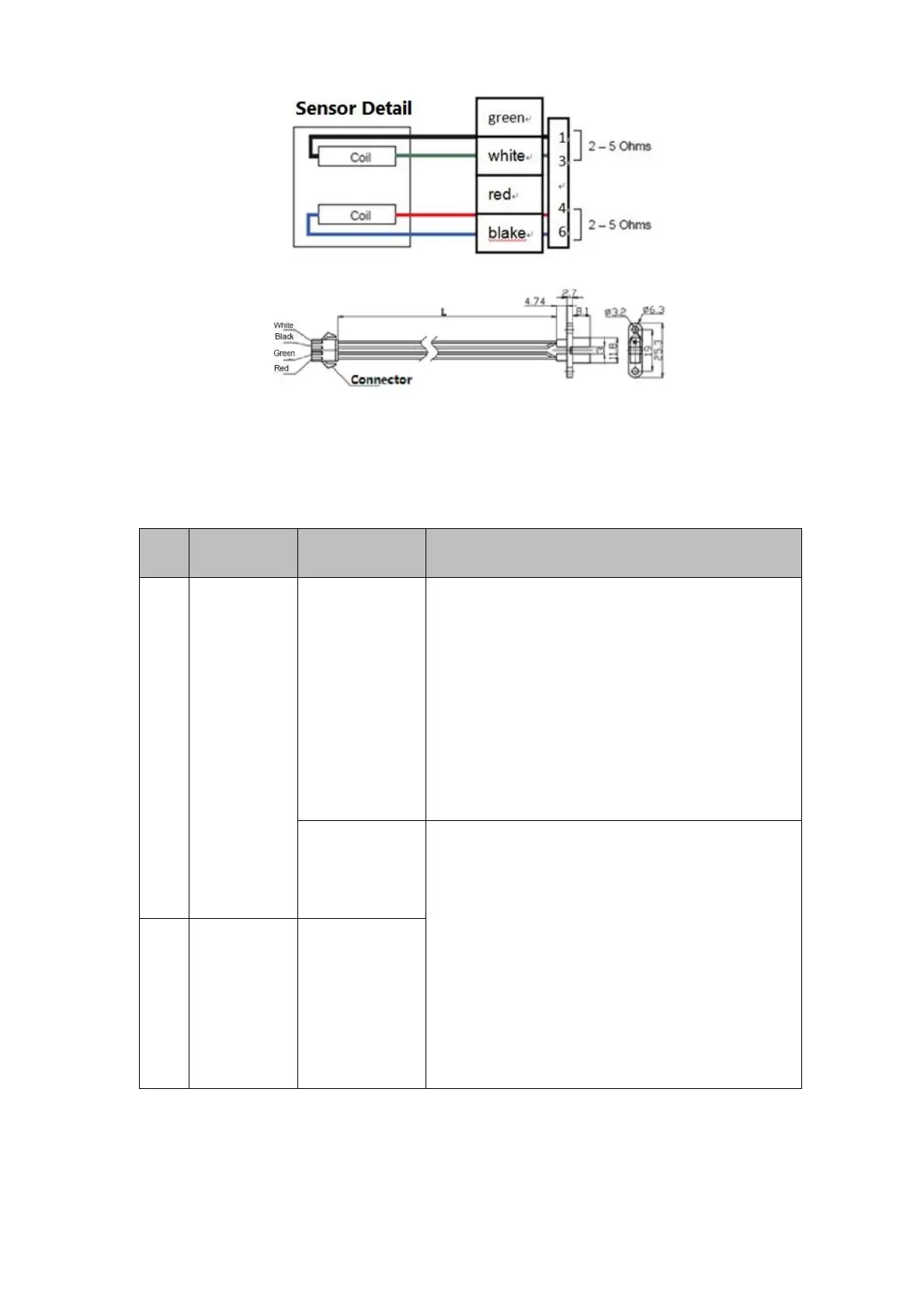
Figure 6-15 Photocouplers illustrations
6.9.2 Motor and Photocoupler problem
Table 6-13 Troubleshooting for motors, photocouplers and micro-switches
The motor does
not rotate.
1.
1. Check whether the problem is caused by main control
board problem (whether LCD may display properly, if
there is any power-related alarms); when the main
control board is with error, remove the main control
board error first;
2.
2. Check whether the cable connecting a motor and the
main control board get loose or broken; reconnect and
replace the cable if necessary;
3.
3. If cable errors can be excluded, replace the motor.
Motor won't stop
at
designated
position
1.
1. Check whether the problem is caused by main control
board problem (whether LCD may display properly, if
there is any power-related alarms); when the main
control board is with error, remove the main control
board error first;
2.
2. Check whether the cable connecting a photocoupler
and the main control board get loose or broken;
reconnect and replace the cable if necessary;
3.
3. If cable errors can be excluded, replace the
photocoupler.
Motor rotates,
but won't arrive
at the
designated
position.



 To Next Page