247Security Inc. | 4400 North Point Parkway, Suite # 158, Alpharetta, GA 30022, USA | 1-866-693-7492 | www.247securityinc.com
USER MANUAL, ZEUS Pt
18
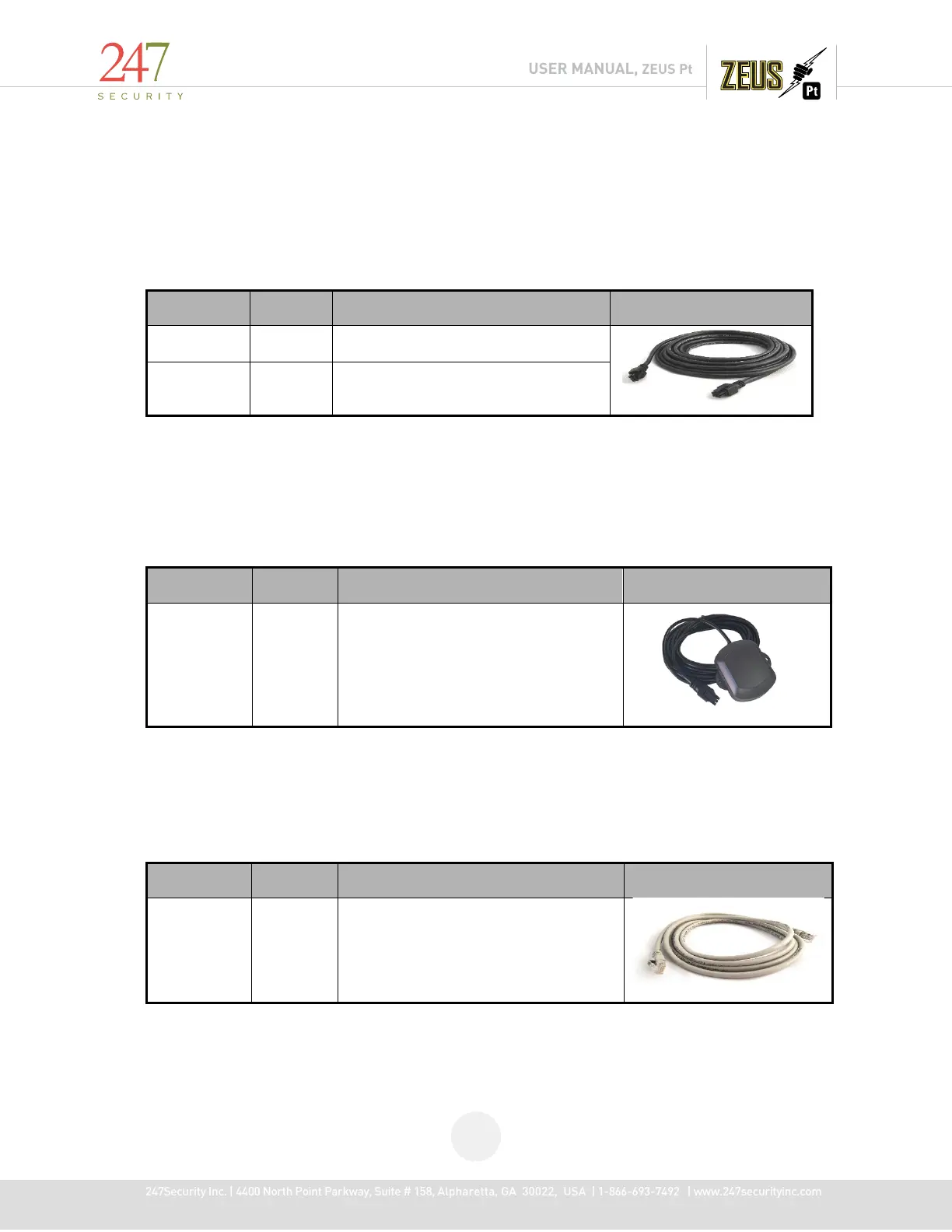
1.6.4 CAMERA CABLE
STP (shielded twisted pair) cable is the standard and uses 2x3 Molex plugs for connections
making the installation simple and straight forward. The cable connectors are keyed so they cannot be
connected incorrectly. Connect one end of the cable to one of the available camera inputs on the DVR
and the other end into the camera.
6-Pin Molex Connects to camera
1.6.5 GPS MODULE & CABLE
An internally mounted GPS module attaches to a 15ft cable to the back of the DVR using a 2x3
Molex connection.
6-Pin Molex RS232 Connect to DVR
1.6.6 NETWORK CROSS-OVER CABLE
This cable connects a computer / laptop to the 10/100BASE-T LAN connector using the network
standard RJ45 connector so the user can setup the DVR parameters as well as preview the video and
audio from the video channels.
RJ45 Ethernet
Connects to 10/100BASE-T LAN
connector



 To Next Page