247Security Inc. | 4400 North Point Parkway, Suite # 158, Alpharetta, GA 30022, USA | 1-866-693-7492 | www.247securityinc.com
USER MANUAL, ZEUS Pt
19
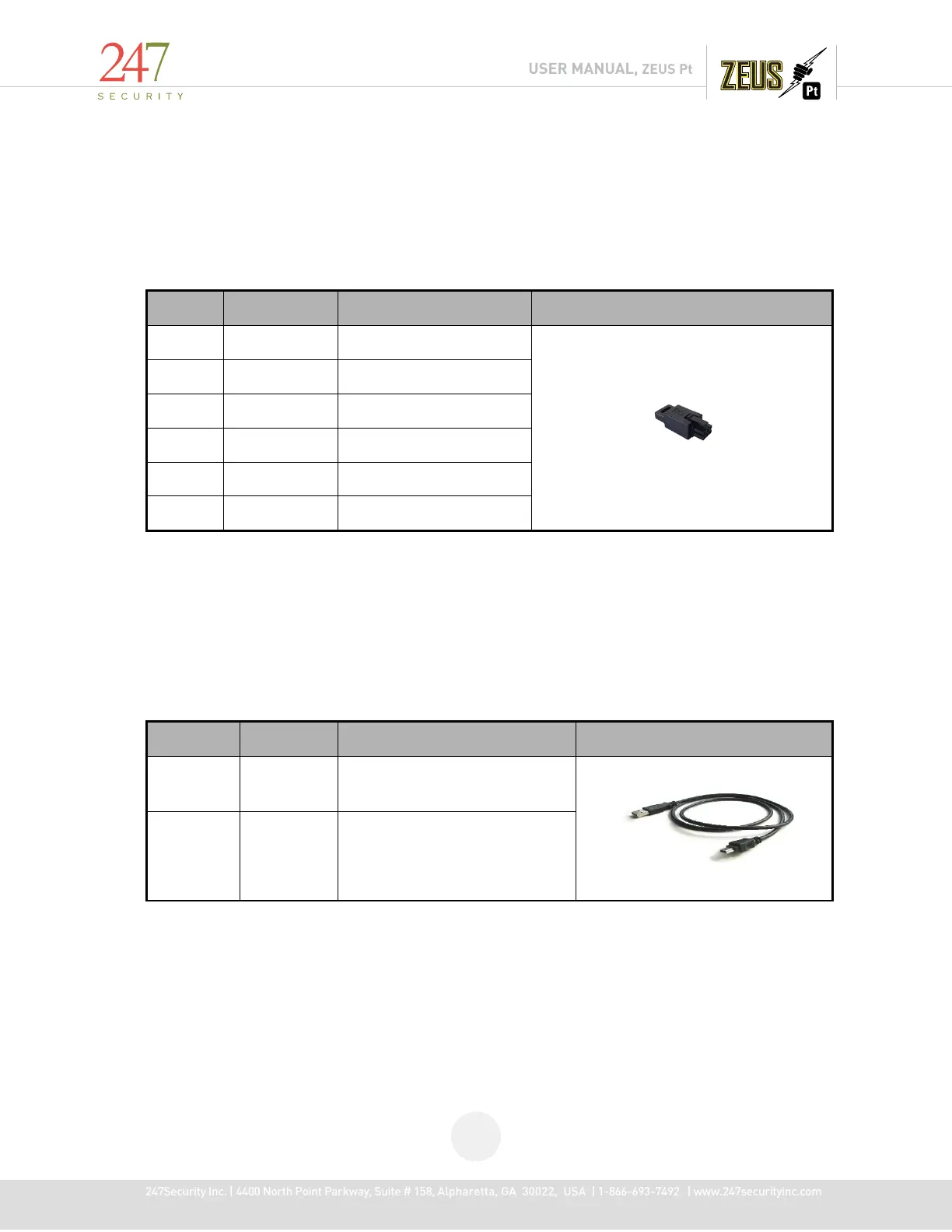
1.6.7 BATTERY LOOPBACK PLUG
The Battery Loopback requires the Battery LoopbackPlug to enable the UPS battery feature.
One is included with each DVR. NOTE: Do not connect the Loopback plug until the DVR has been fully
installed and connected to the vehicle power source. Failure to do so can cause the on-board battery to
be drained and its capacity reduced or completely damaged.
1.6.8 MINI USB CABLE
This cable connects the mDVR removable storage media to your computer or laptop for video /
audio playback. This is a standard USB 2.0 Type A to 5 Pin mini-B Cable which should be no longer than
12 to 16 inches. See section 6 for instructions on how to use the DVRViewer application to connect to
the storage media and play back your recorded video and audio.
Type A
Connects to your computer
5 Pin mini-
B
Connects to the mDVR storage
media
1.7 CAMERA LENSES, WHAT VIEW, WHAT LENS
The OV360S 1.7mm camera is the standard for all applications. 0* and 15* camera lens covers
are available for exact / special positioning of cameras.



 To Next Page