247Security Inc. | 4400 North Point Parkway, Suite # 158, Alpharetta, GA 30022, USA | 1-866-693-7492 | www.247securityinc.com
USER MANUAL, ZEUS Pt
66
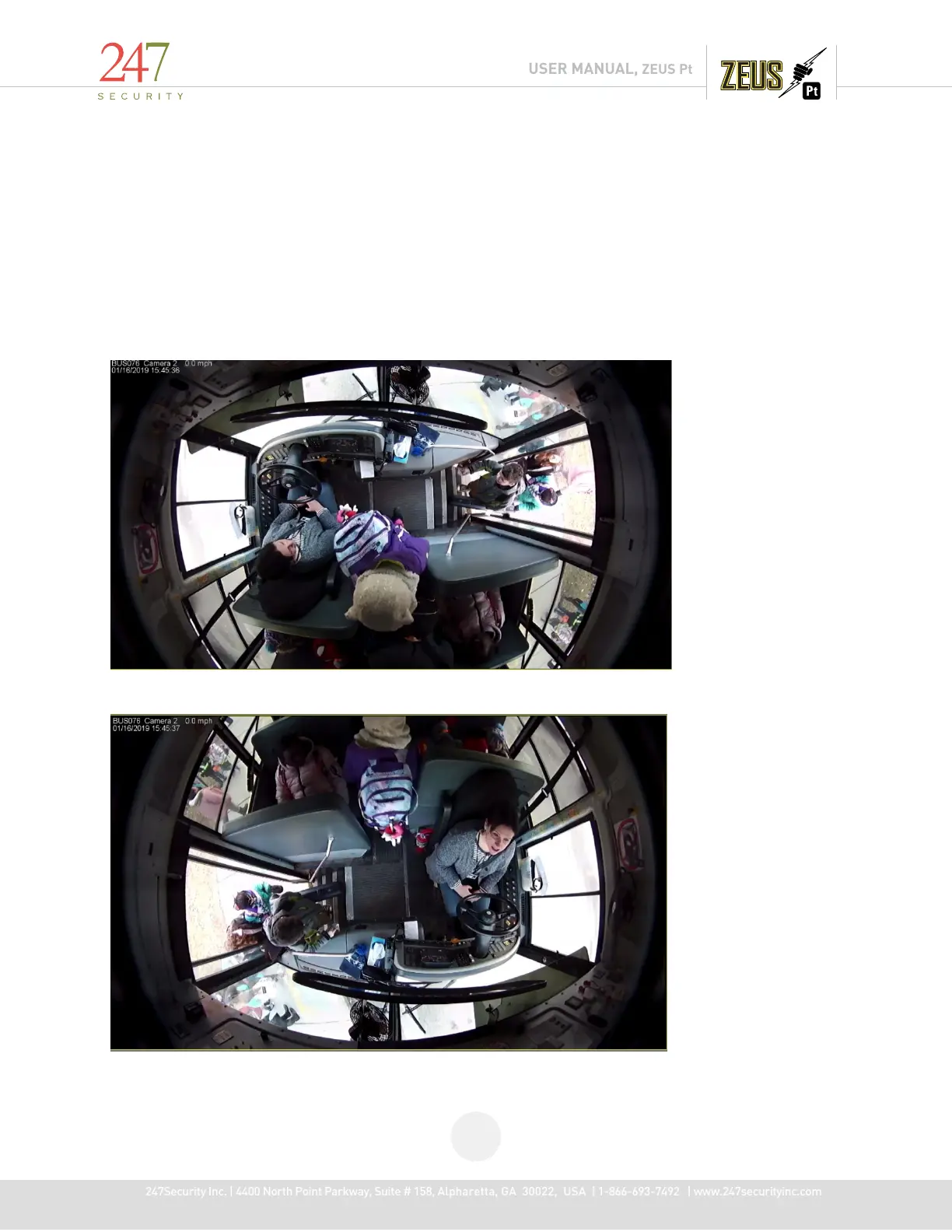
5.13.5 Rotation Feature
The Rotation Feature can be used to gain a different perspective of an image and can be used in
conjunction with the zoom feature and with fish eye zoomon the original image
Use the "Play Archive" on the connected DVR HDD, choose the desired date and select a camera display, right-click on
video area, the pop-up menu will show an item "Rotation" with a drop down menu containing 0°, 90°, 180° and 270°
0° rotation
180° Rotation



 To Next Page