247Security Inc. | 4400 North Point Parkway, Suite # 158, Alpharetta, GA 30022, USA | 1-866-693-7492 | www.247securityinc.com
USER MANUAL, ZEUS Pt
60
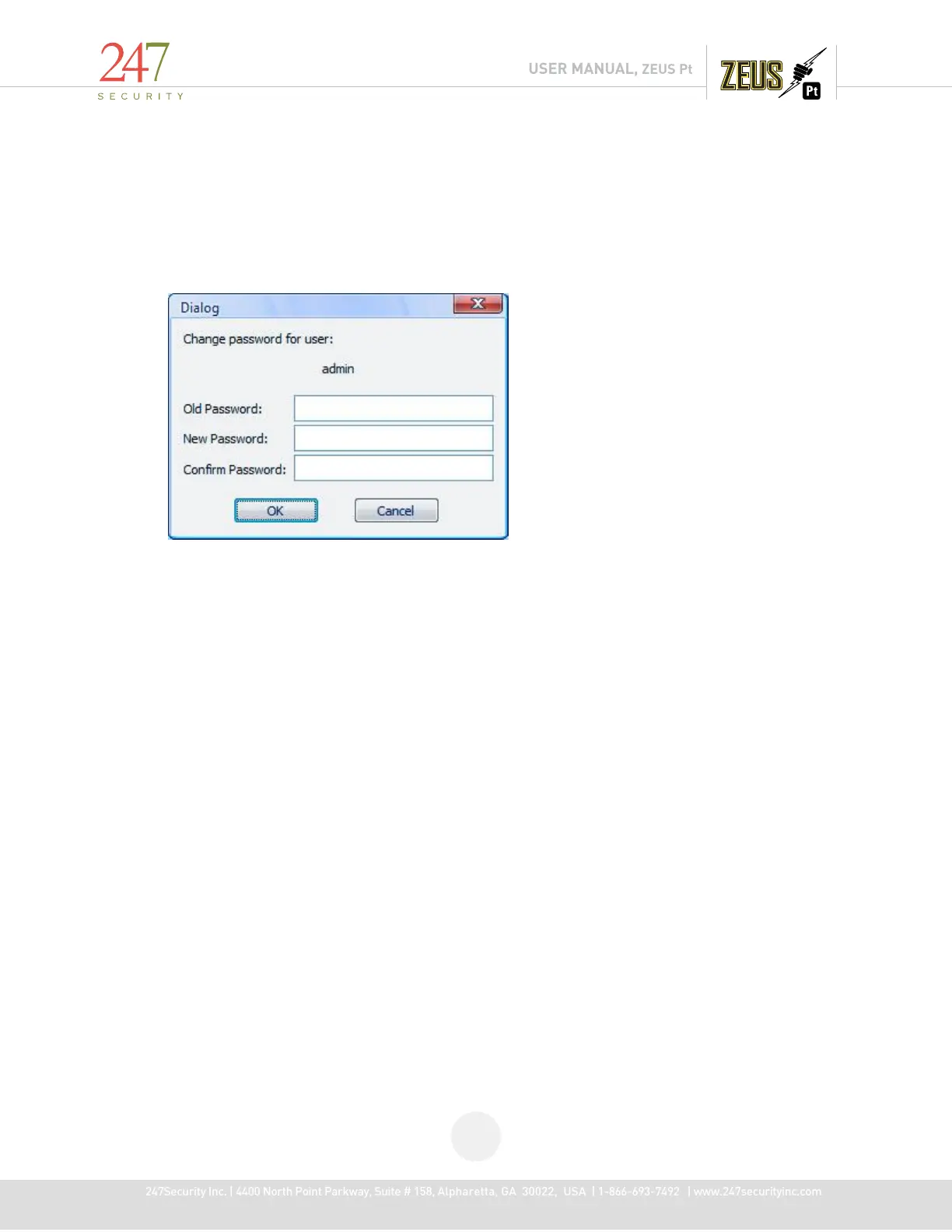
5.12.3 CHANGE USER PASSWORD
Click on “Change Password” to change user's passwords. You are required to enter the correct
old password in order to assign a new password.
Note: If you have forgotten the “admin” password than you will need to re-install your
DVRViewer application to reset the password back to the default setting.



 To Next Page