247Security Inc. | 4400 North Point Parkway, Suite # 158, Alpharetta, GA 30022, USA | 1-866-693-7492 | www.247securityinc.com
USER MANUAL, ZEUS Pt
35
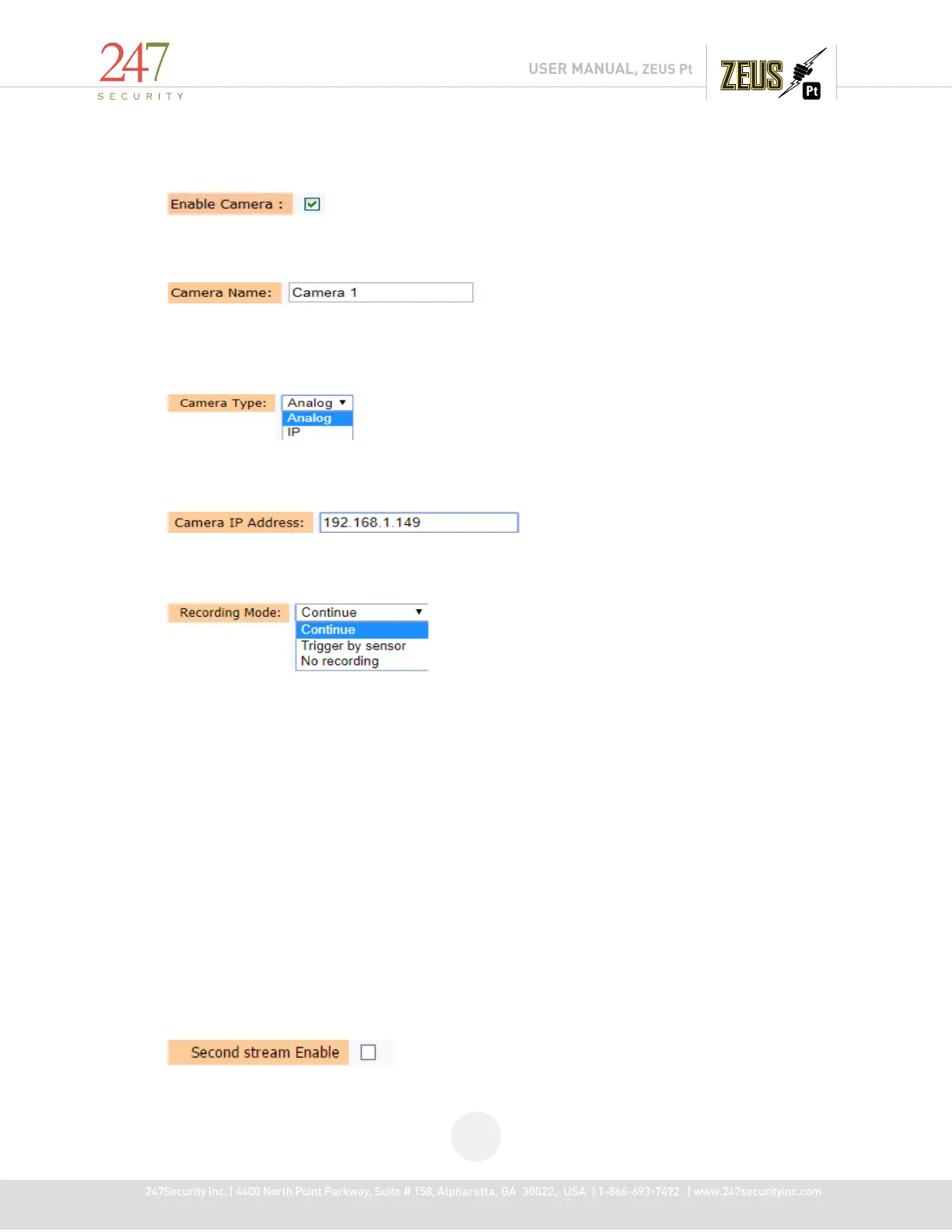
4.6.1 ENABLE CAMERA
Click the check box to enable or disable the camera input.
4.6.2 CAMERA NAME
Each camera can have a different name based on where it is located in the vehicle. The value
can be up to 16 characters long.
4.6.3 CAMERA TYPE:
Select correct using camera type: analog or IP
4.6.4 CAMERA IP ADDRESS:
Provide IP address of connected IP camera when select camera type is “IP”
4.6.5 RECORDING MODE
For recording, there are six modes that you can select from. Each camera input can record in
“Continue”, “Trigger by sensor” and “No recording”.
4.6.5.1 CONTINUE
The DVR is continuously recording. It never stops unless the DVR is powered down or
the storage media is removed from DVR. Therefore, video files are constantly generatedfilling up
the storage device. It is recommended this mode to be the default mode for video recording.
4.6.5.2 TRIGGER BY SENSOR
In this mode, the DVR only records if it detects an event trigger on one of the
programmable sensors. If this is the mode is selected, don’t forget to enable the required
sensors.
4.6.5.3 NO RECORDING
This mode disables the camera input.
4.6.6 SECOND STREAM ENABLE:



 To Next Page