247Security Inc. | 4400 North Point Parkway, Suite # 158, Alpharetta, GA 30022, USA | 1-866-693-7492 | www.247securityinc.com
USER MANUAL, ZEUS Pt
40
4.6.21 RECORDING NOTIFICATION
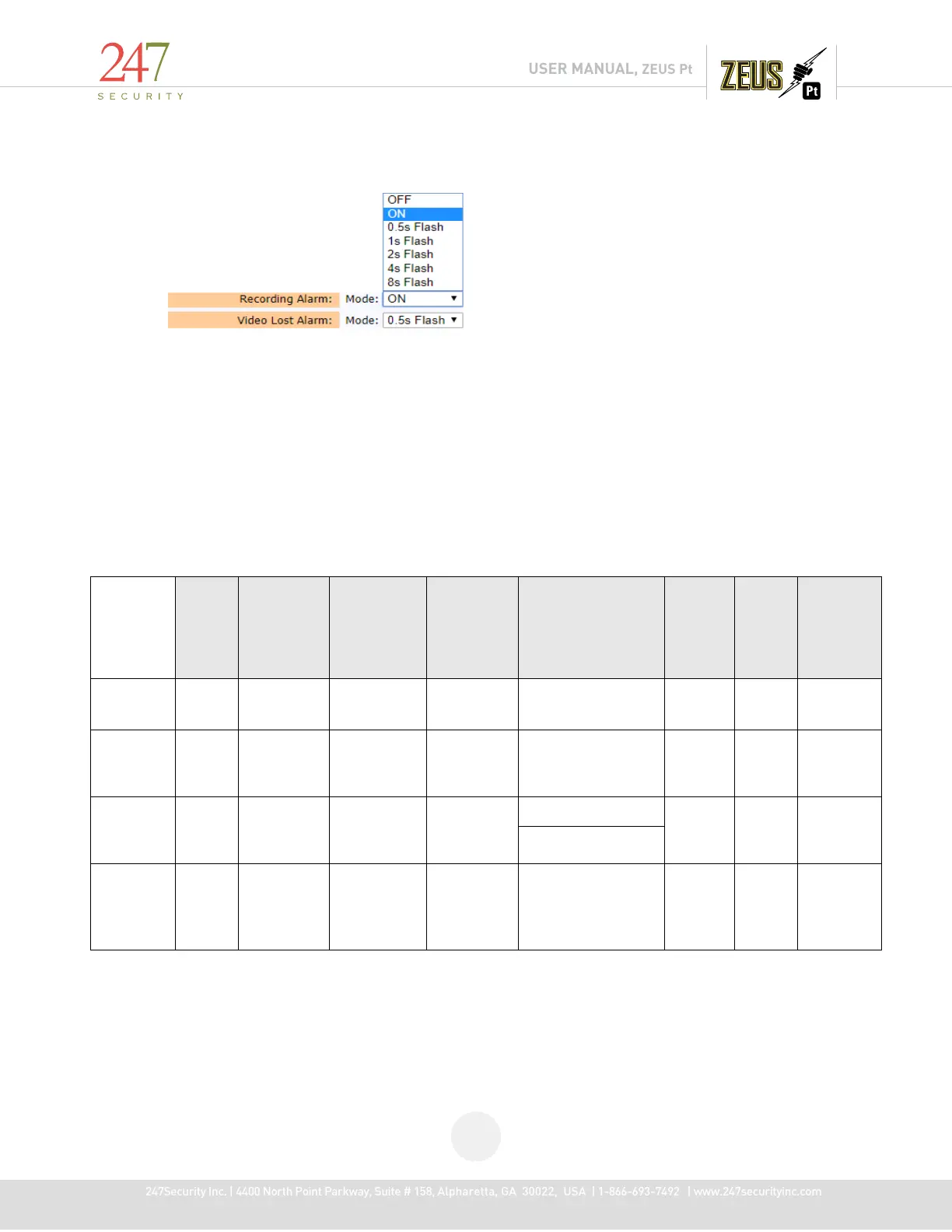
The ZEUS has four digital outputs that can be used to configure alarms. You can assign any of
these events (Recording, Video Lost) to a specific output by changing the output number. For example,
recording status is sent to Digital Output 1, Video Lost status is sent to Digital Output 2. The Digital
Output 1 and 2 are connected to the event marker labeled “Recording” and “Video Lost”. Digital Output
3 and 4 can be connected to external LEDs inside the vehicle using the ZEUS sensor/alarm cable harness.
You can also control the LED mode by clicking on the “Mode” drop menu and selecting either flashing by
interval, on or off when the event occurs.
4.6.22 SUGGESTED CONFIGURATIONS:
Below are the suggested camera settings for optimal performance, the ZEUS PT supports up 10
camera channels simultaneously and can support any combination of the below.
AHD
(2100i
1080P)
Frame
Rate
Stream
Recording
Resolution
Resolution
Bit Rate
Rate
Mode
8 cameras
AHD
30 fps
Recording
1090x1080
4 Mbps Default VBR 250GB
SSD
8 cameras
AHD
25 fps
1090x1080
3 Mbps Default VBR DHD
Box:M2
128GB/2T
8 cameras
AHD
30 fps
Recording
1090x1080
3 Mbps on 5 CAMs Default VBR 64Gb SSD
or Dual
SDs 64Gb
2 Mbps on 3 CAMs
10
cameras
AHD / OV
360S
30 fps
1090x1080
4 Mbps on 6 CAMs
6 Mbps on 4 CAMS
Default CBR DHD
Box:M2
128GB/2T



 To Next Page