247Security Inc. | 4400 North Point Parkway, Suite # 158, Alpharetta, GA 30022, USA | 1-866-693-7492 | www.247securityinc.com
USER MANUAL, ZEUS Pt
64
5.13.3 ZOOM FEATURE
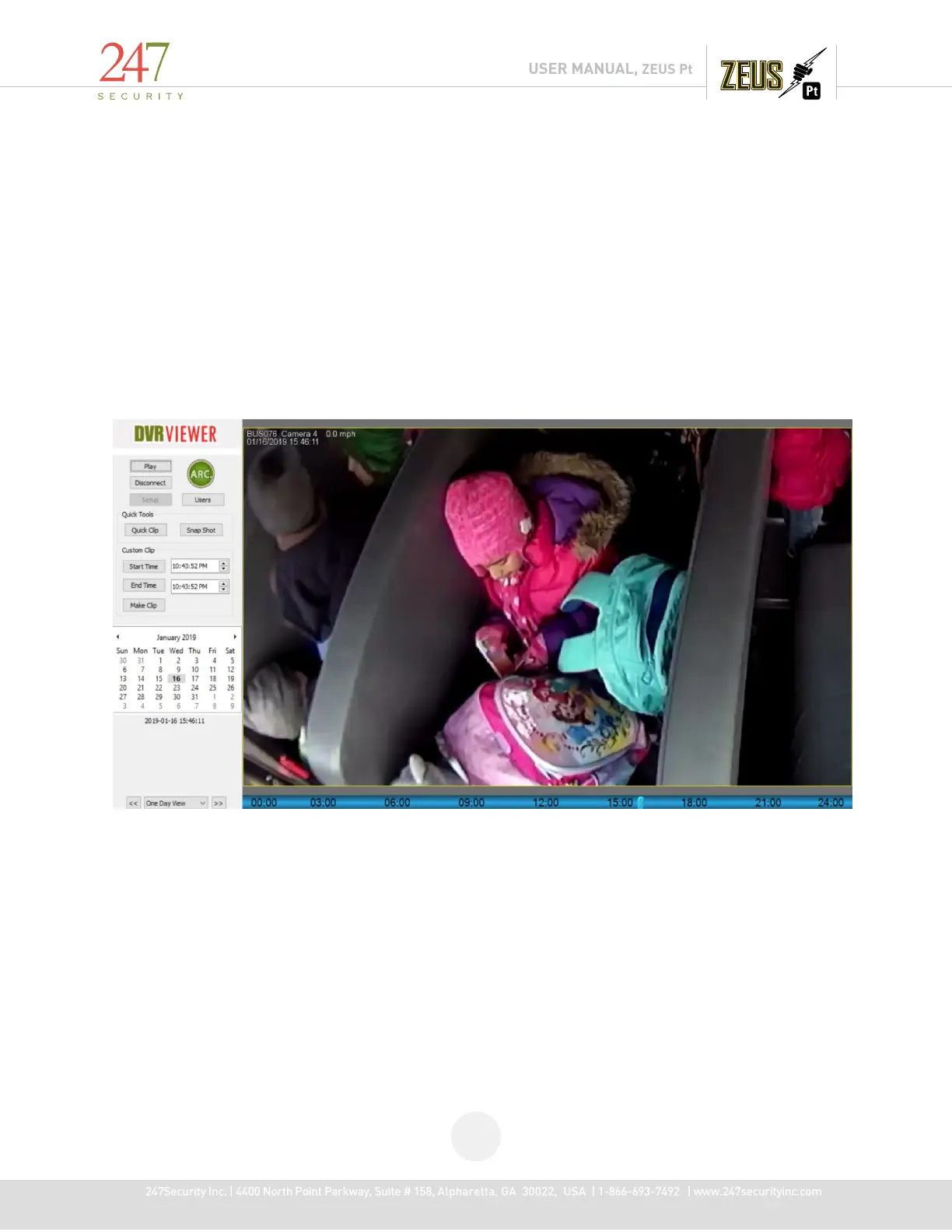
The Zoom feature allows zoomed viewing of recorded video but is not savable in the zoomed condition.
Use the Play Archive the DVR HDD, select a camera display, right-click on video area, the pop-up menu will show “Zoom
In".
To Zoom In, select Zoom In then left-click on the video on the location you want to start the zoom, hold the left-click
and drag the mouse across the screen until the area you want to zoom is selected. Release the left button
After blur area is defined, "Snap Shot" and save to a JPEG file.
Right click and deselect Zoom to return image to normal



 To Next Page