247Security Inc. | 4400 North Point Parkway, Suite # 158, Alpharetta, GA 30022, USA | 1-866-693-7492 | www.247securityinc.com
USER MANUAL, ZEUS Pt
28
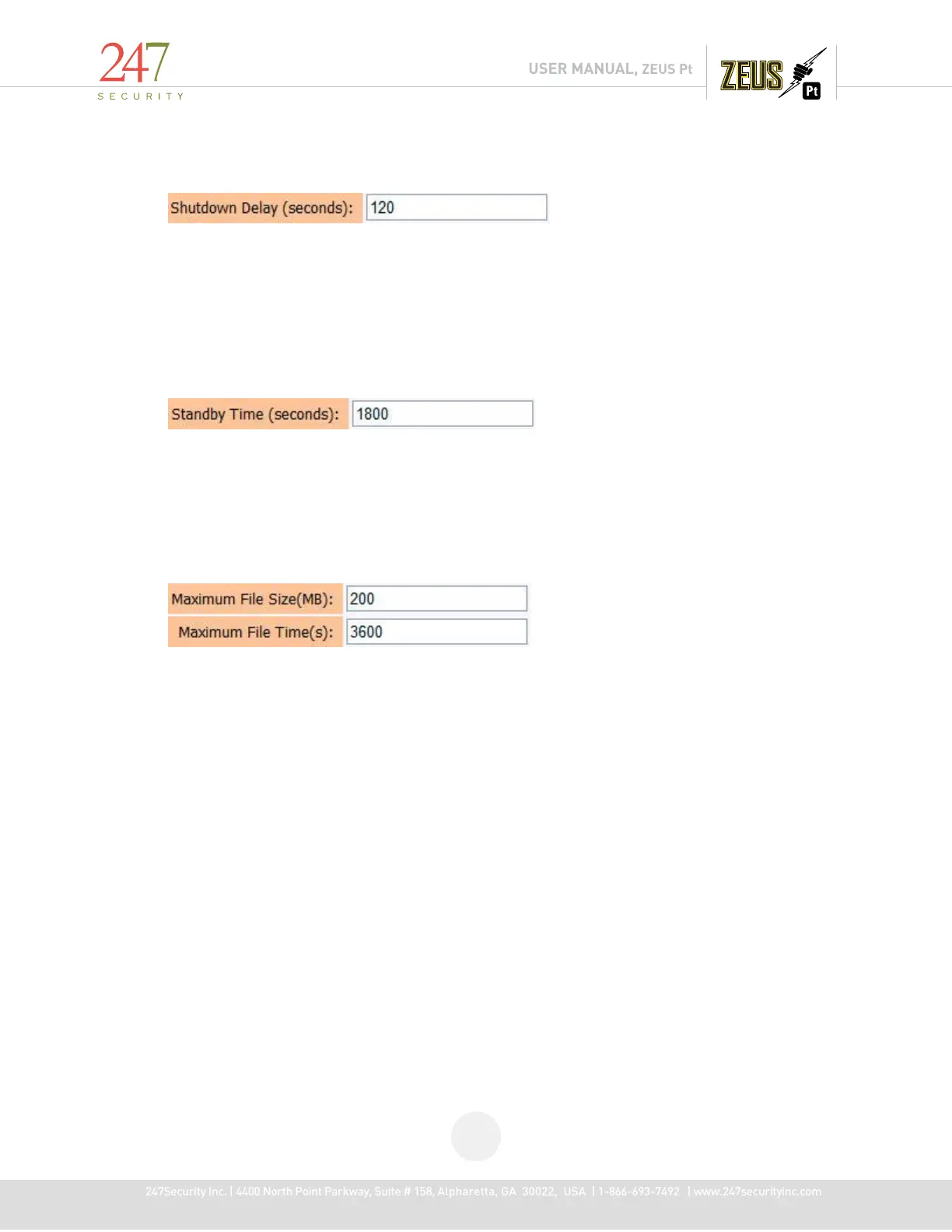
4.5.5 SHUTDOWN DELAY (S)
The Shutdown Delay parameter is used to control how long you want to keep the ZEUS
recording after the ignition key is switched to the OFF position in the vehicle. For instance, once the
ignition key is switched OFF, the system will delay another x seconds (x seconds is the number that you
have entered in the box from 10 seconds to 14400 seconds (4 hours)) before shutting off ZEUS system’s
power completely. This technique prevents potential file corruption or system crash the next time it
boots up. The default value of 300 seconds is pre-set in the DVR.
4.5.6 STANDBY TIME (S)
The Standby mode will enable the DVR to enter into a low power consumption state so that
after the vehicle’s ignition has been turned off, DVR can still be accessed via the Wi-Fi connection for
DVR configuration, live view and play back of video. When DVR enters standby mode, many hardware
components are shut down to conserve power, recording of video is disabled and SmartServer upload
occurs.
4.5.7 MAXIMUM FILE SIZE (MB) & MAXIMUM FILE TIME (S)
The menu basically defines how video files are recorded on the removable hard drive(s). There
are two modes that video files can be recorded. (1) Video files can be recorded by file size “Maximum
File (MB)” or (2) by file length “Maximum File Time (s)”. In the field “Maximum File Size (MB)”, you can
enter values ranging from 10 MB to 300 MB. In the field “Maximum File Time (s)”, you can enter values
ranging from 60 seconds to 7200 seconds (2 hours).
There are pros and cons associated to each value you enter into this box. It can either slow
down or speed up specific features of the DVR, for example, searching files in Play Back Mode, uploading
video in the SmartServer upload process.
It is recommended the “Maximum File (MB)” values be from 100MB to 300MB for optimal
performance. Each individual video file is broken into or stops recording when it has exceeded these
programmable values and a new video file is automatically generated to continue the recording process.



 To Next Page