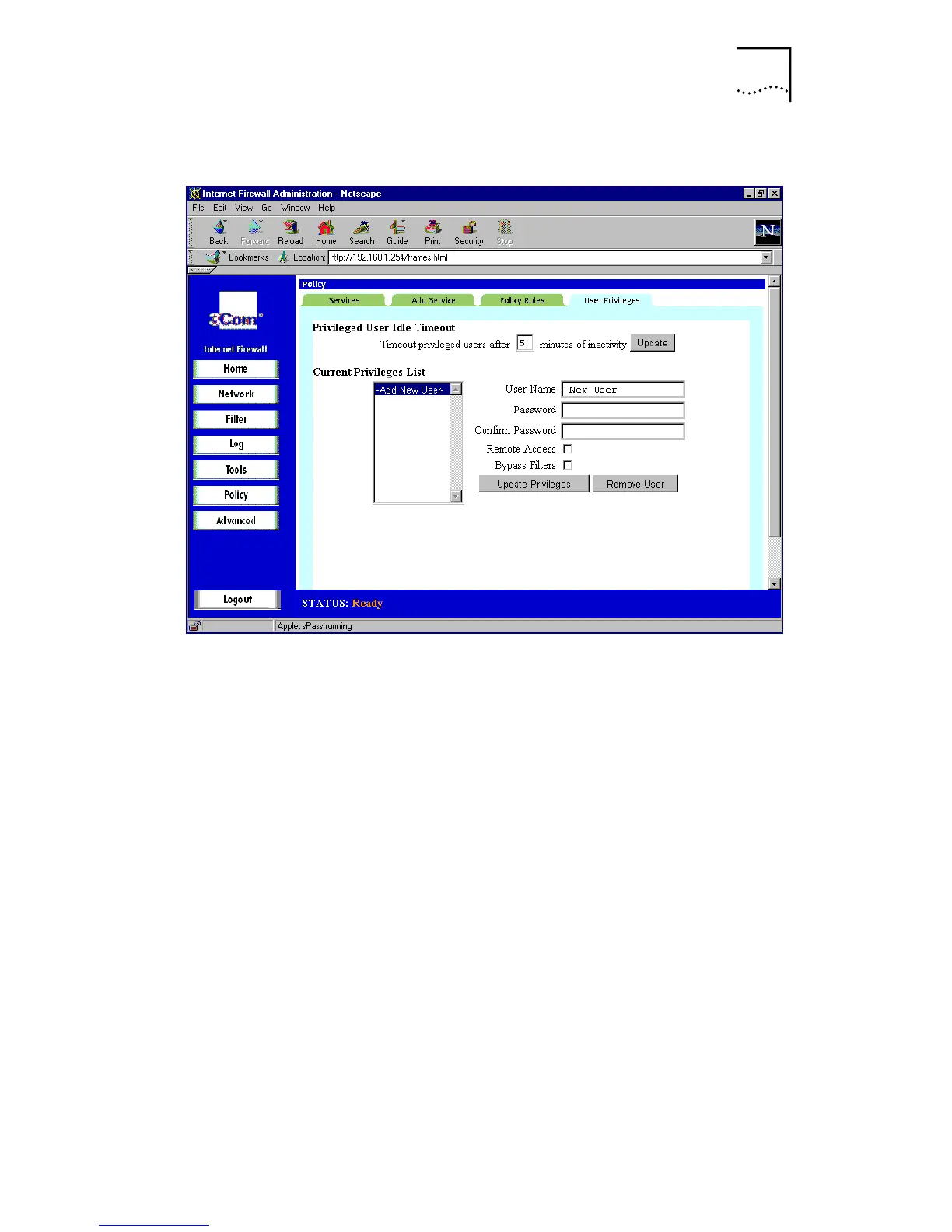
User Privileges
109
Figure 46
User Privileges Window
■
User Inactivity Timer
This sets the maximum period of inactivity, in minutes,
before a user is required to re-establish an
Authenticated Session. This applies to
Remote Access
and
Bypass Filters
.
■
User List
The user list is a scrollable box which contains a list of all
currently defined users. In addition, there is an entry at
the top of the list labeled
-New User-
.
To add a new user:
1
Highlight the
-Add New User-
entry.
2
In the
User Name
box, type the user’s login name.
3
In the
Password
and
Confirm Password
boxes, enter the
user’s password.
It is important to use a password that could not be guessed
by someone else. Avoid using names of friends, family,
pets, places, and so on. Good passwords can be created by:
■
Making up nonsense words, such as
dwizdell



 To Next Page