94
C
HAPTER
4: C
OMMAND
R
EFERENCE
Specifying the Export File
You can save the Internet Firewall configuration settings to
a file on a local system and then reload those settings.
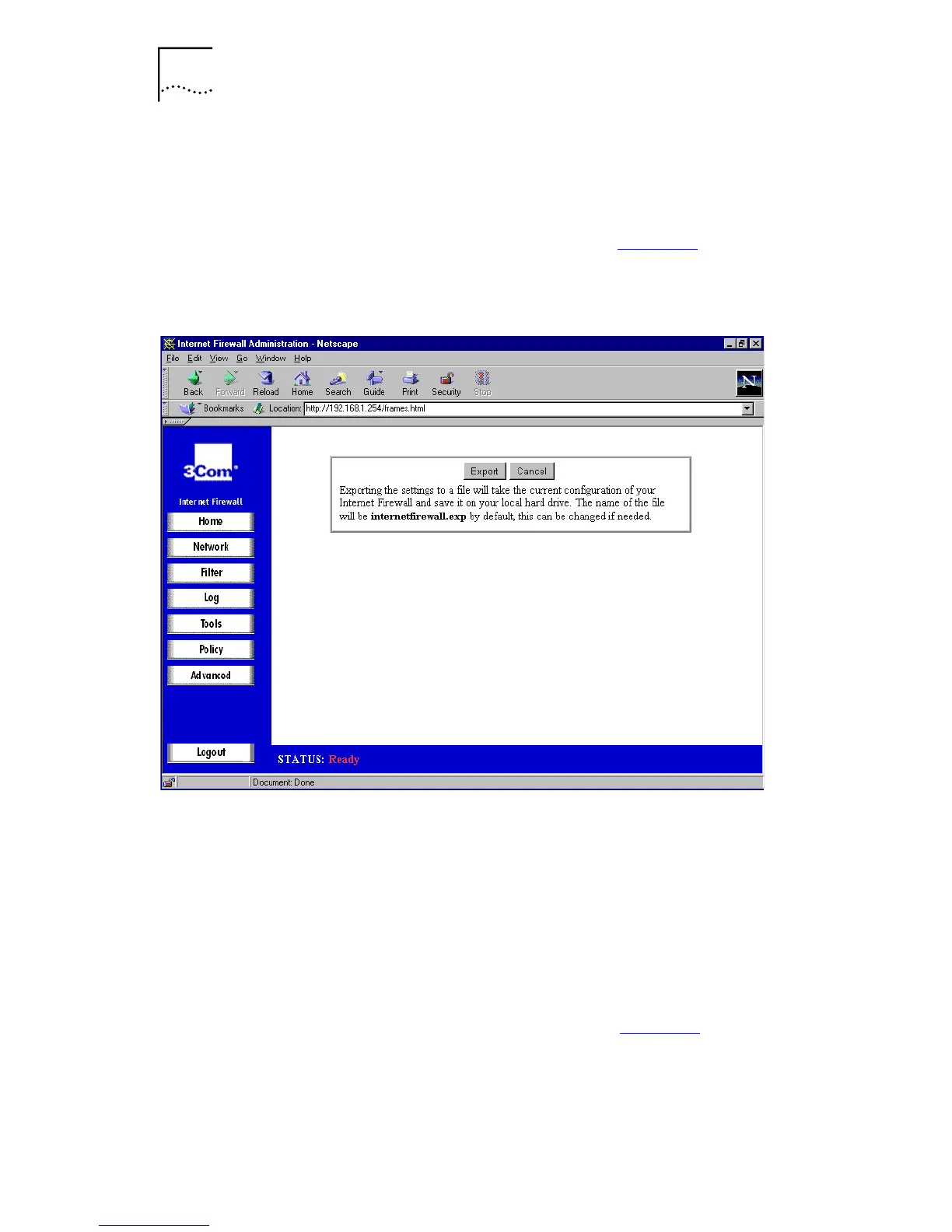
Click
Export
. A window similar to that in Figure 38
is
displayed.
Figure 38
Export Window
Choose the location to save the settings file. This should be
saved as
<Filename>.exp
. This defaults to
internetfirewall.exp
. The process may take up to a
minute.
Reloading the Settings
After exporting a settings file, you can import it back to the
Internet Firewall.
Click
Import
. A window similar to that in Figure 39
is
displayed.



 To Next Page