66
C
HAPTER
4: C
OMMAND
R
EFERENCE
If the network path is incorrect, check the intranet, static
route, and DMZ settings.
Find Network Path requires an IP address. Use the Internet
Firewall’s DNS Name Lookup tool to find the IP address of a
host.
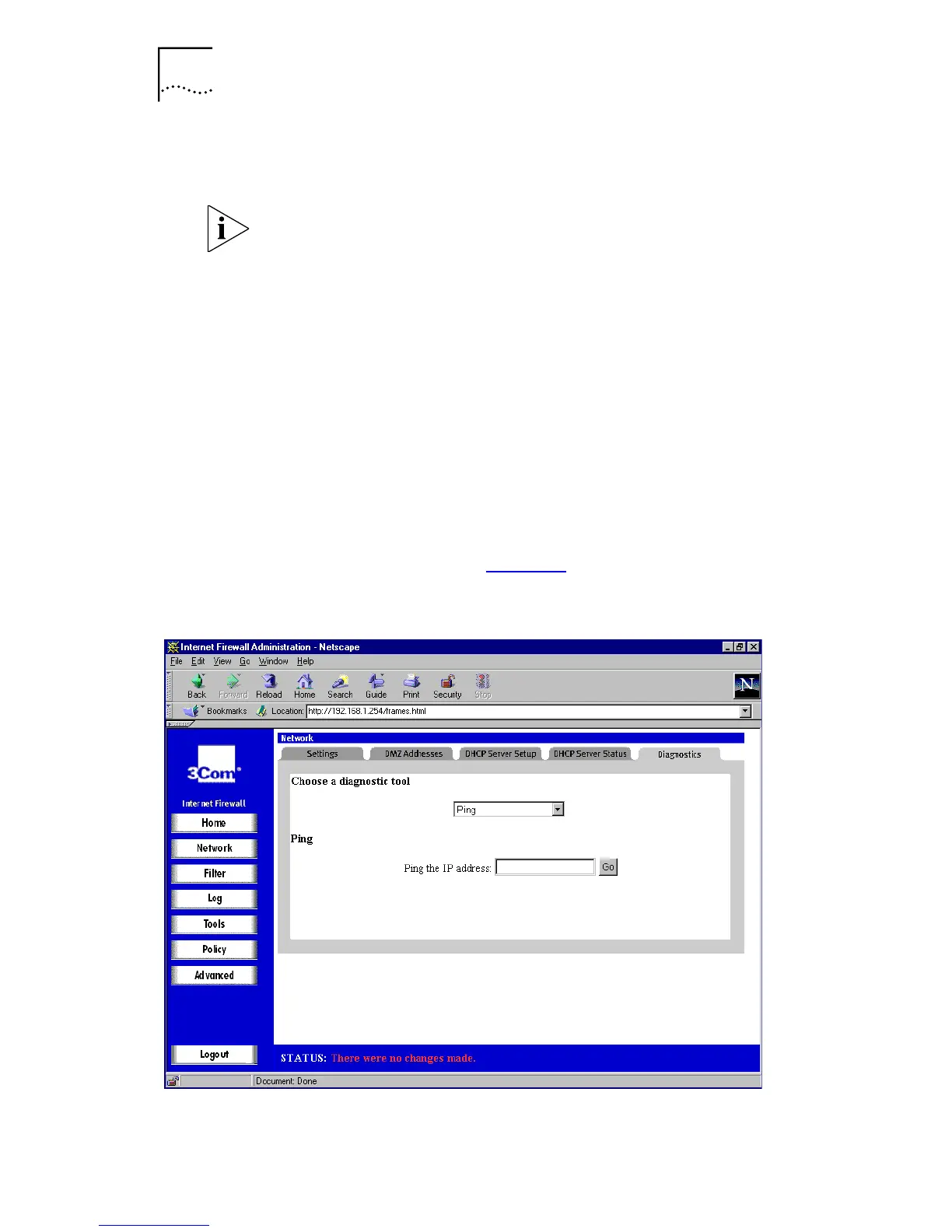
Ping
The
Ping
tool bounces a packet off a machine on the
Internet back to the sender. This test shows if the Internet
Firewall is able to contact the remote host. If users on the
LAN are having problems accessing services on the Internet,
try pinging the DNS server, or other machine at the ISP’s
location. If this test is successful, try pinging devices outside
the ISP. This shows if the problem lies with the ISP’s
connection.
Select
Ping
from the
Choose a diagnostic tool
menu. A
window similar to that in Figure 25
is displayed.
Figure 25
Ping Window



 To Next Page