96
C
HAPTER
4: C
OMMAND
R
EFERENCE
Upgrading the Software
The Internet Firewall has flash memory and can be easily
upgraded with new software.
When upgrading the software, all settings may be reset to
factory default. 3Com recommends that you export the
Internet Firewall’s settings before uploading new software
and then import them again after the upgrade has been
completed.
The Internet Firewall checks to see if new software is
available for download on a weekly basis. If there is a new
software release, an e-mail notification is sent to the
address in the
Send log to
box.
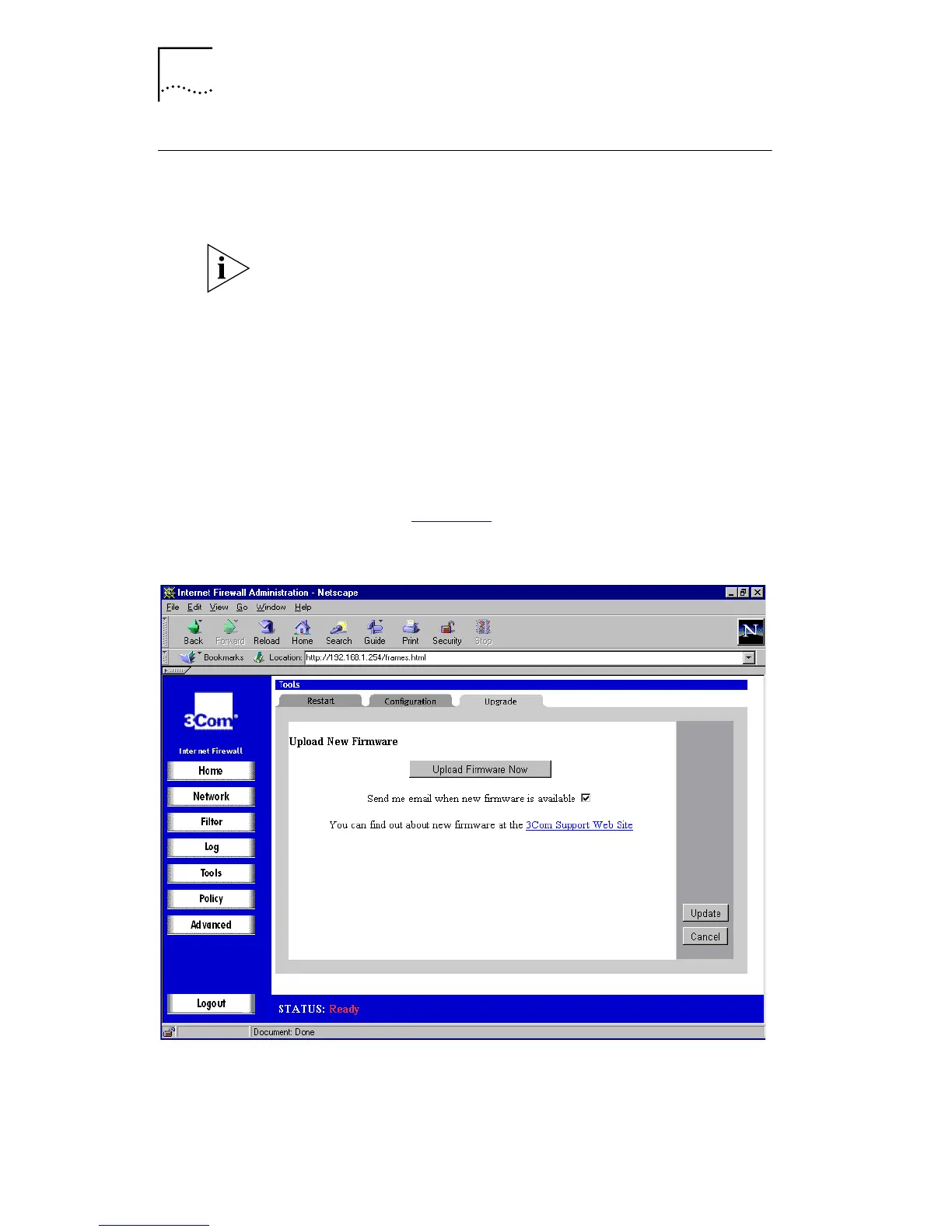
Click
Tools
and then select the
Upgrade
tab. A window
similar to that in Figure 40
is displayed.
Figure 40
Upgrade Window



 To Next Page