Saving and Restoring Configuration Settings
95
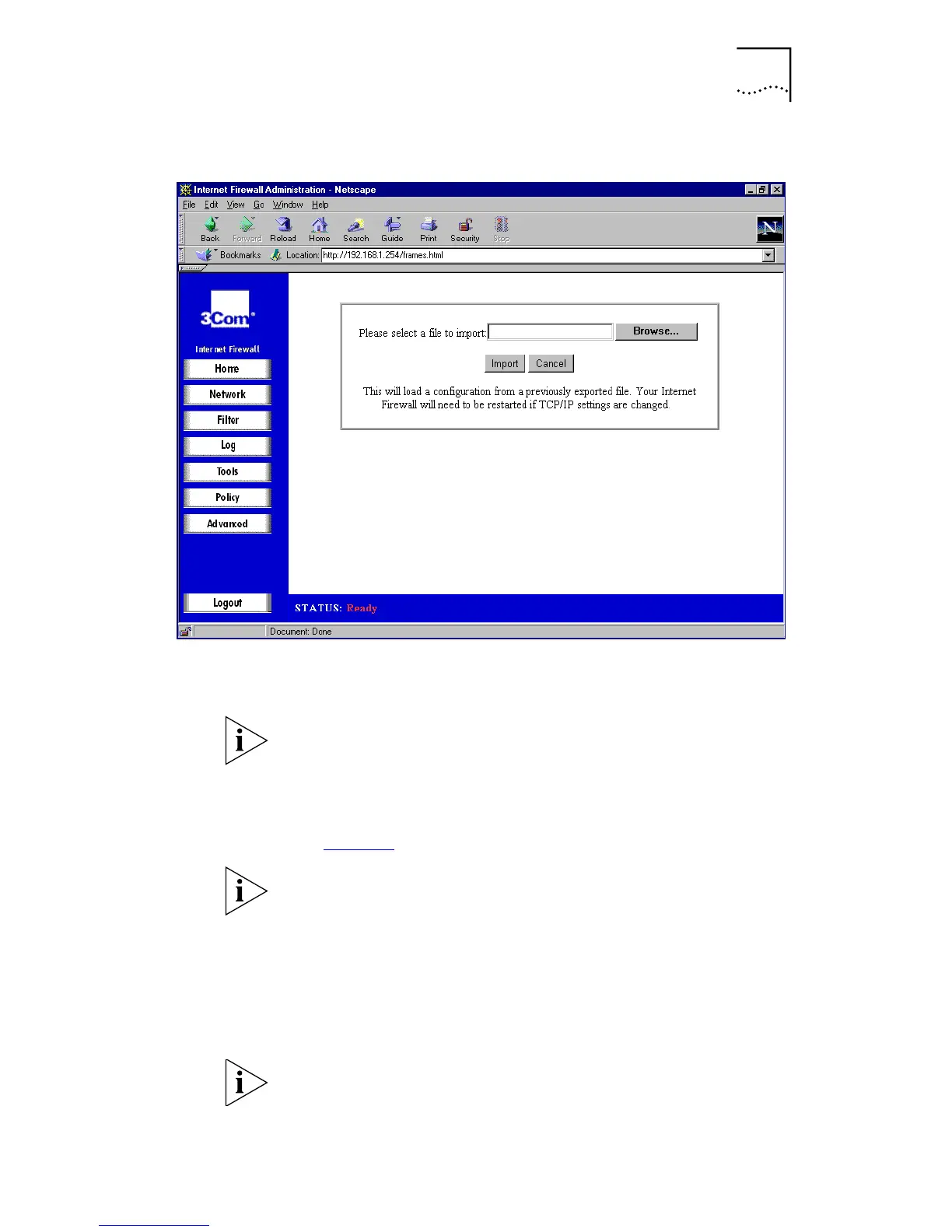
Figure 39
Import Window
Click
Browse
to find a file which was previously saved using
Export
.
You may need to set File type to *.* to be able to see the
.exp file you exported.
Once you have selected the file, click
Import
.
Restart the Internet Firewall for the settings to take effect
(see page 92
).
Make sure that the Web browser supports HTTP uploads. If
it does not, you cannot import the saved settings.
Note that this will not change the password for the unit.
Restore Factory Defaults
Click
Restore
to clear all configuration information and
restore the Internet Firewall to its factory state.
Clicking Restore does not change the Internet Firewall’s
Web Address and LAN Subnet Mask, which you can find by
clicking Network Settings in the main screen.



 To Next Page