Setting the Clock
47
Setting the Clock
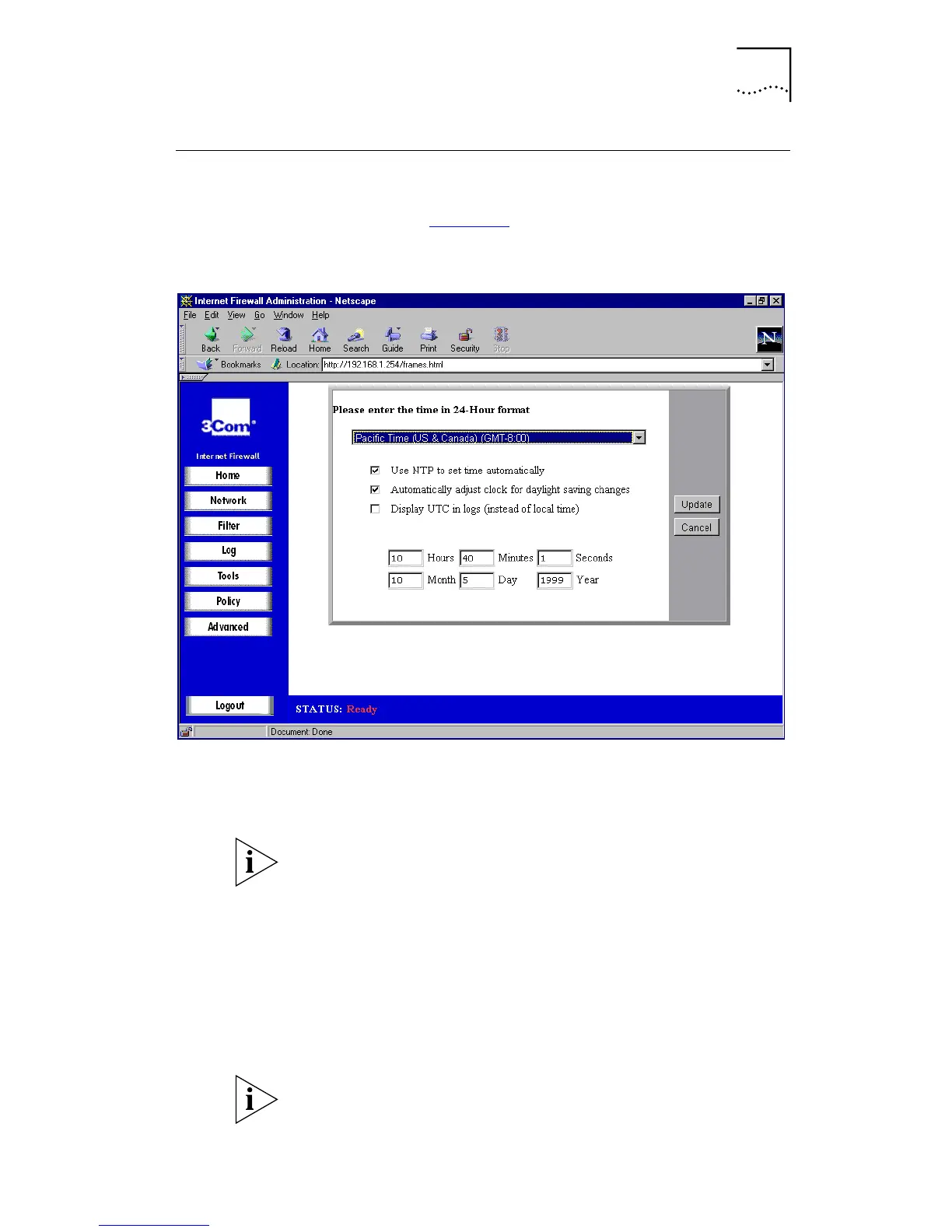
From the Home screen, select
Set Date & Tim
e. A window
similar to that in Figure 14
is displayed.
Figure 14
Set Date & Time window
Your Internet Firewall has the ability to obtain its time
settings from the Internet via NTP protocol. The time
obtained will be accurate to UTC.
UTC stands for “Universal Time Co-ordinated”, and is the
standard time common to all places in the world. It is also
commonly referred to as Greenwich Mean Time or World
Time. Many ISPs require firewall logs to be recorded to UTC
(or within a fraction of it), as tracking hackers can be very
difficult if reports of times are conflicting.
If you wish your Internet Firewall to get its date and time
settings in this way, check the
Use NTP to set time
automatically
box.
This requires a working Internet connection. You should still
set the time manually, so that the Firewall has the correct
time to work with until it can connect to the Internet.



 To Next Page