64
C
HAPTER
4: C
OMMAND
R
EFERENCE
DNS Name Lookup
The Internet has a service called the
Domain Name Service
(DNS) which allows users to enter an easily remembered
host name, such as
www.3Com.com
, instead of numerical IP
addresses to access Internet resources. The Internet Firewall
has a
DNS Lookup
tool that returns the numerical IP
address of a host name.
Select
DNS Name Lookup
from the
Choose a diagnostic
tool
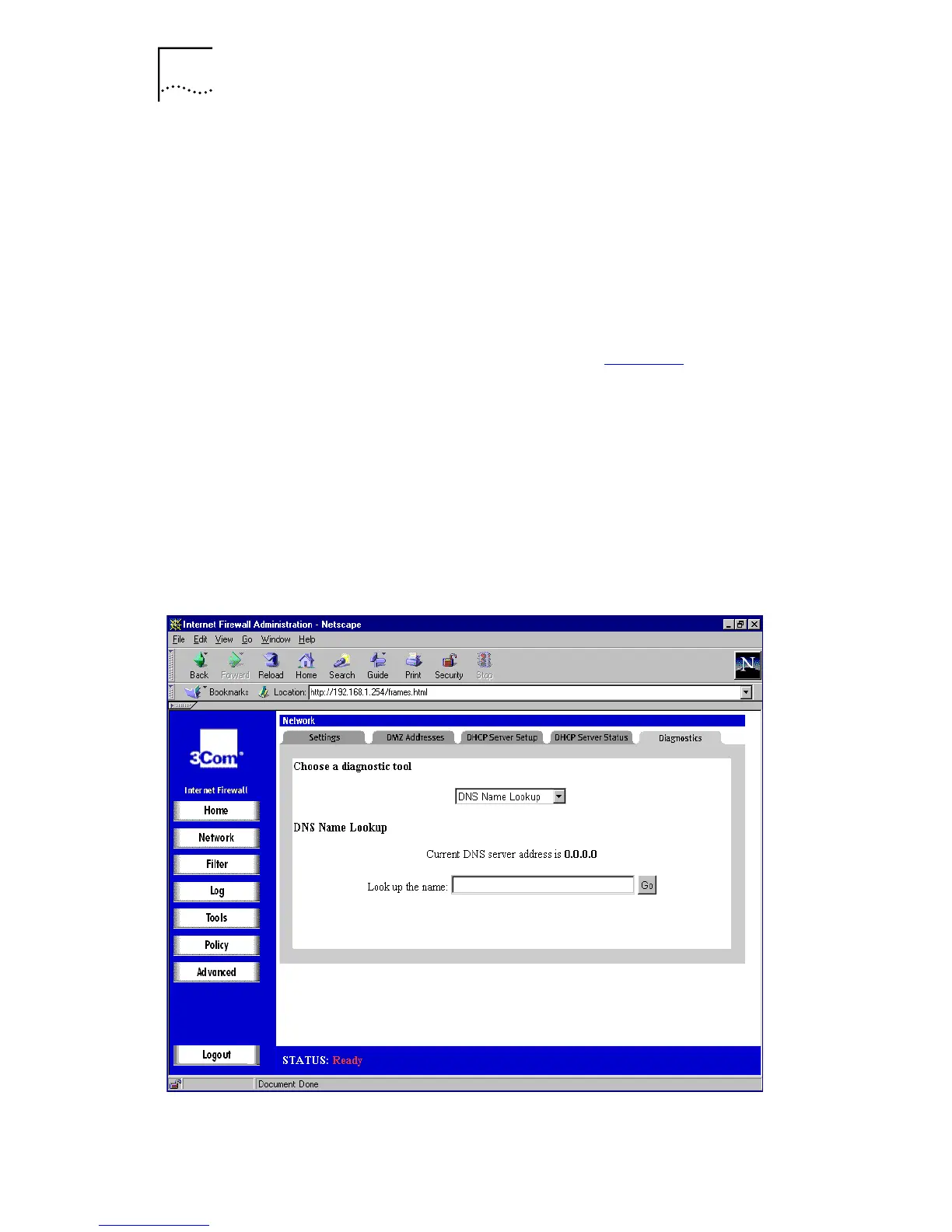
menu. A window similar to that in Figure 23
is
displayed.
Type the host name to lookup in the
Look up the name
box
and click
G
o. The Internet Firewall then queries the DNS
server and displays the result at the bottom of the screen.
The IP address of at least one DNS Server must be present
on the Network Settings tab for the DNS Name Lookup
feature to function.
Figure 23
DNS Lookup Window



 To Next Page