Logs and Alerts
85
appears in the packet are shown. In these attacks, the
source address shown is usually fake and usually cannot
be used to determine the source of the attack.
Varying conditions on the Internet can produce conditions
which may cause the appearance of an attack, even when
no-one is deliberately attacking one of the machines on the
LAN or DMZ. This is particularly true for SYN Flood attacks.
If the log message calls the attack ”possible”, or it only
happens on an irregular basis, then there is probably no
attack in progress. If the log message calls the attack
”probable”, contact the ISP to see if they can track down
the source of the attack. In either case, the LAN and DMZ
are protected and you do not need to take further steps.
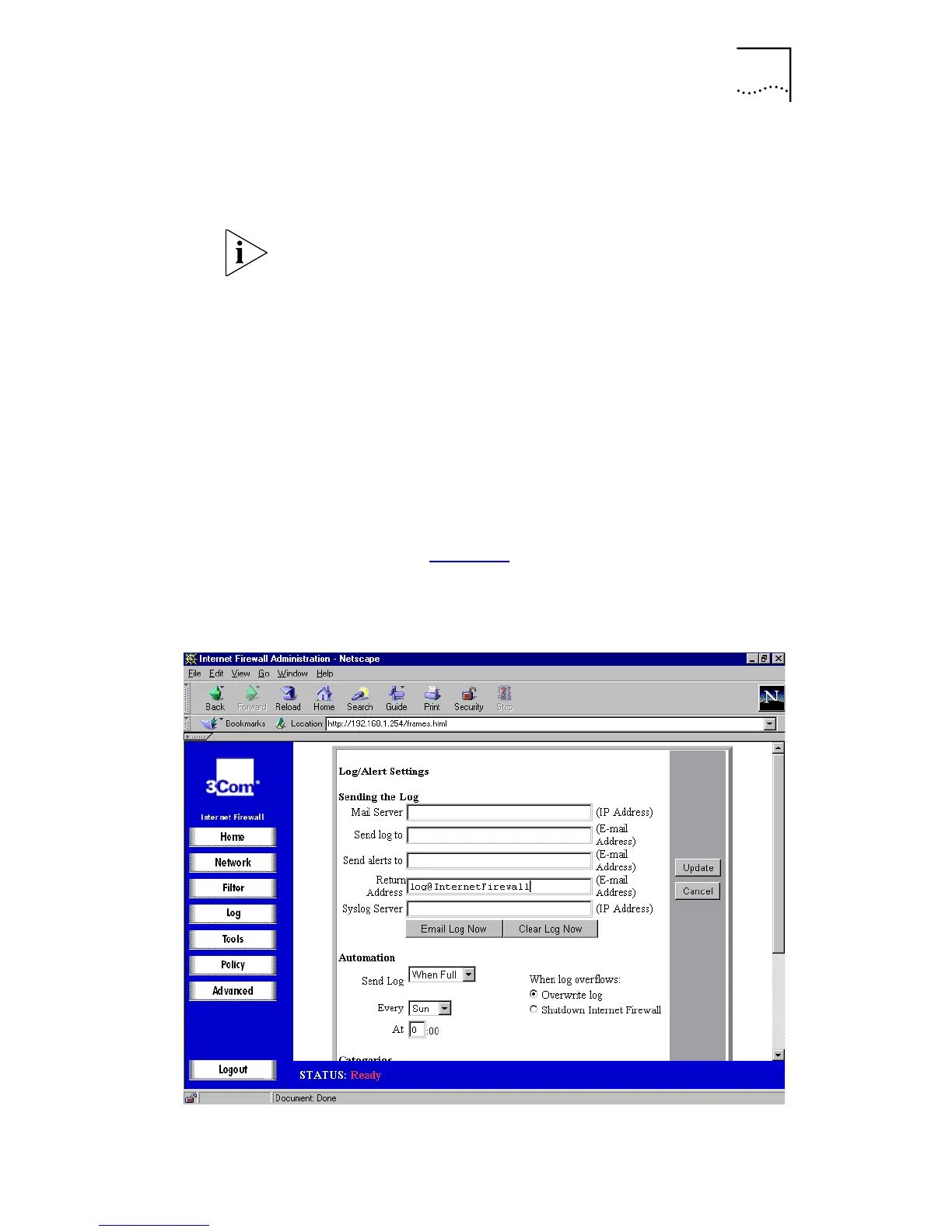
Log/Alert Settings
Click
Log
and then select the
Log Settings
tab. A window
similar to that in Figure 34
is displayed. Alternatively select
Log/Alert Settings
from the Home screen graphic
.
Figure 34
Log Settings Window



 To Next Page