76
C
HAPTER
4: C
OMMAND
R
EFERENCE
It is important to use caution when enabling this feature.
For example, blocking the word
breast
may stop access to
sites on breast cancer as well as objectionable or
pornographic sites.
To enable this function click the
Enable Keyword Blocking
check box and click
Update
.
To add a keyword, in the
Add Keyword
box, type the
keyword to block and click
Update
.
To remove a keyword, select it from the list and click
Delete
Keyword
.
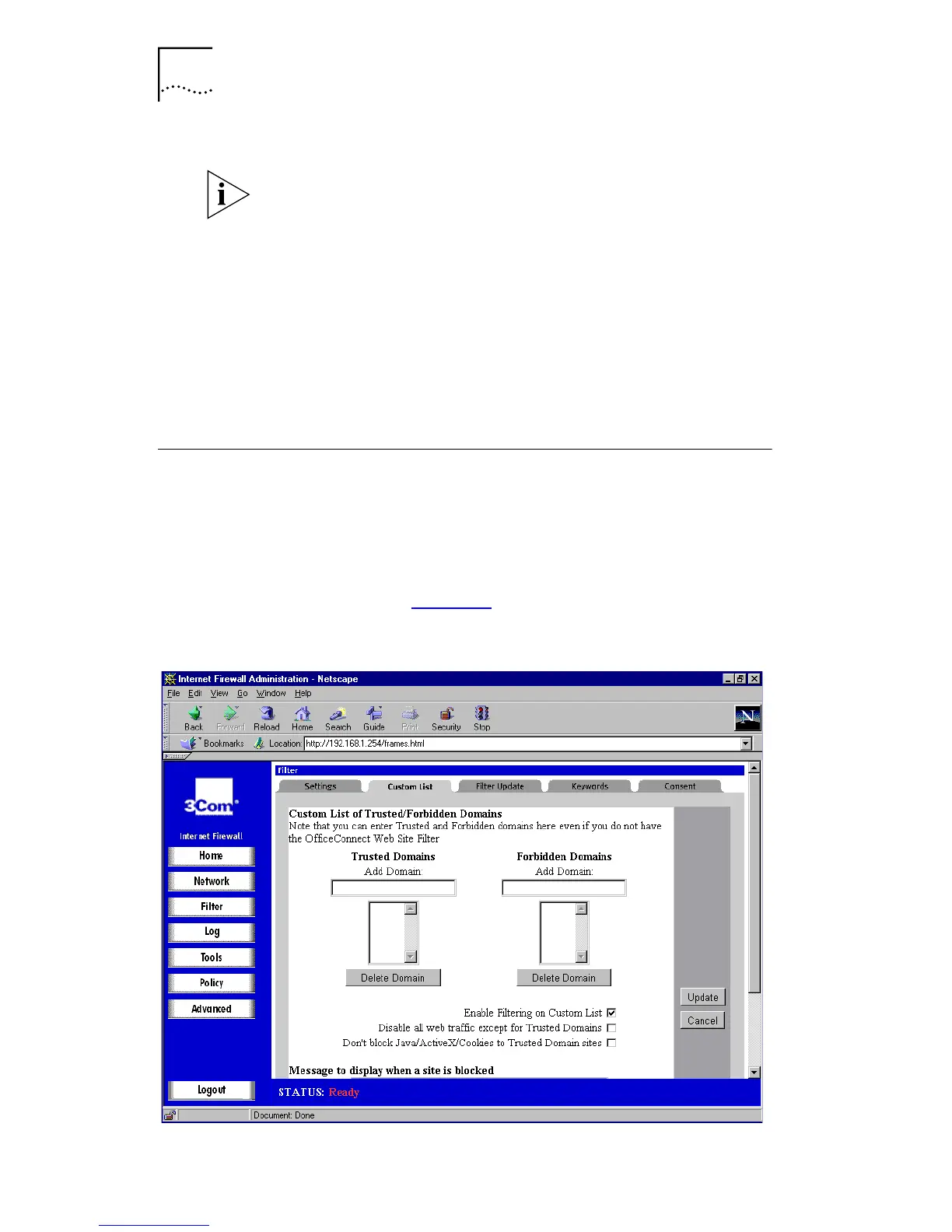
Custom List
This function allows you to block specific web sites, or
restrict access to a list of approved web sites. This is in
addition to the Web Site Filter.
Click
Filter
,
and then select the
Custom List
tab. A window
similar to that in Figure 31
is displayed.
Figure 31
Custom List Window



 To Next Page